
Updated October 2026
Most small businesses don’t need dozens of apps. They need a handful of reliable tools that cover the essentials and work together. This guide organizes the most widely used options by job, so you can build a toolkit that fits your business without paying for software you don’t use.
Start with these principles
Table of Contents
- Buy for the job you have now, not the business you might have in five years.
- Choose tools that connect. Accounting that links to your bank, payments and payroll saves hours every month.
- Check you can export your data, so you’re never locked in.
- Turn on two-factor login everywhere. The FTC’s small business cybersecurity guidance recommends it for every account.
The small business software toolkit
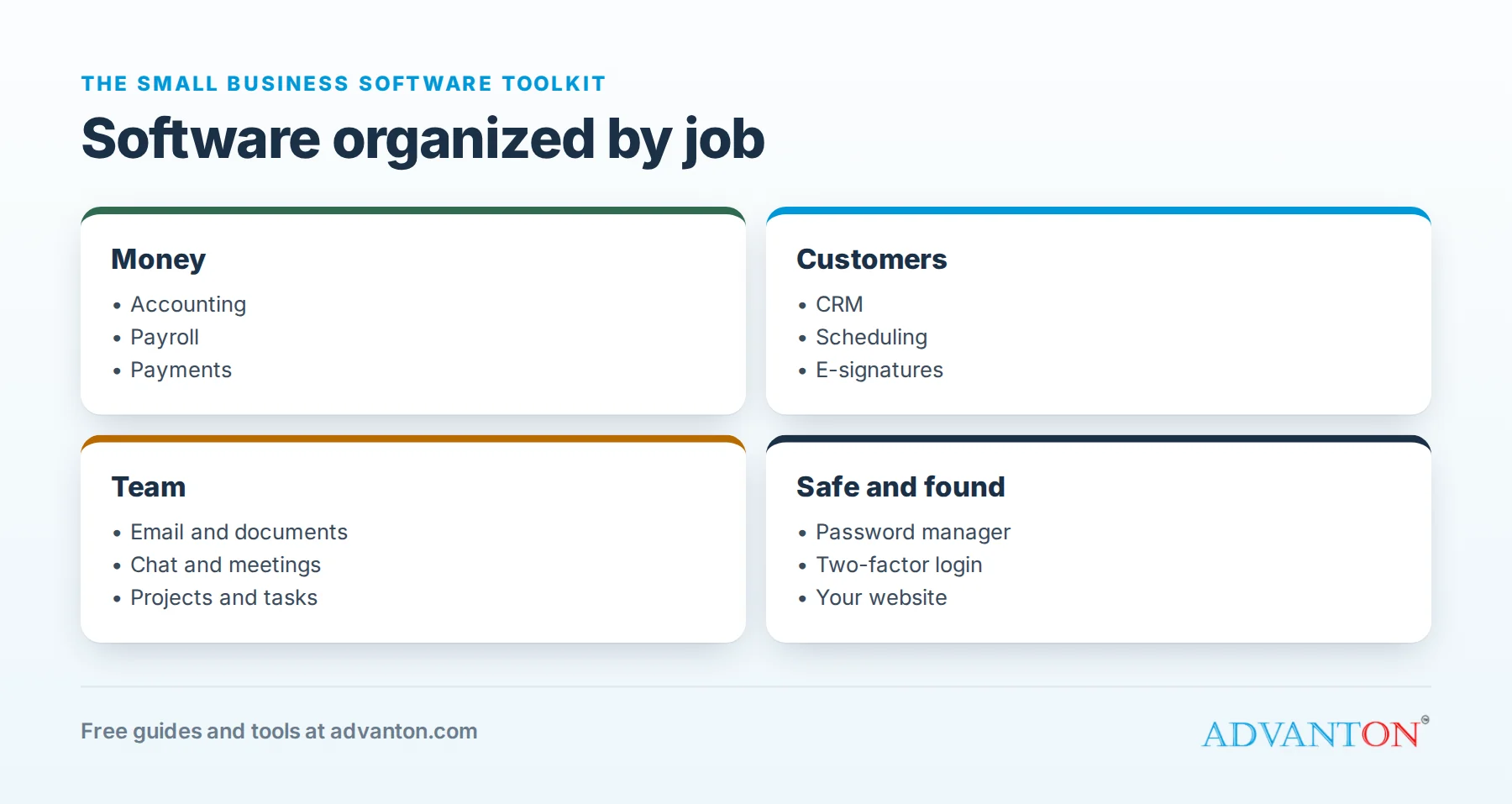
| Job | Popular options | Notes |
|---|---|---|
| Accounting | QuickBooks Online, Xero, FreshBooks, Wave | Connect your bank account so transactions import automatically |
| Payroll | Gusto, ADP RUN, QuickBooks Workforce, OnPay, Paychex | See our payroll software guide |
| Taking payments | Square, Stripe, PayPal | Compare in-person and online fees for your mix of sales |
| Customers (CRM) | HubSpot CRM (free version), Zoho CRM | Track leads, quotes and follow-ups in one place |
| Email and documents | Google Workspace, Microsoft 365 | Use email on your own domain |
| Scheduling | Calendly, Square Appointments, Acuity Scheduling | Let customers book without phone tag |
| Projects and tasks | Trello, Asana, ClickUp, Notion | Start simple; a shared to-do list is often enough |
| Team chat and meetings | Slack, Microsoft Teams, Zoom, Google Meet | See our guide to remote working tools |
| E-signatures | DocuSign, Dropbox Sign, Adobe Acrobat Sign | Faster contracts and approvals |
| Passwords | 1Password, Bitwarden | Shared vaults for team logins |
Free tools from Advanton
Several jobs need no paid software at all:
- Quote and invoice generator: professional quotes and invoices as PDFs.
- Website builder: a business website in about 10 minutes.
- Brand Kit, business cards and flyers.
- Break-even and pricing calculators.
- Word to PDF, right in your browser.
How to choose
- List your three biggest time-wasters, and pick tools that fix those first.
- Use free plans and trials with real work before you commit.
- Ask your accountant which accounting and payroll software they support.
- Review your subscriptions once a year and cancel what you don’t use.
Keep learning
- Payroll software for small business
- Remote working tools
- Free marketing tools
- Small business taxes and bookkeeping
Related guides
Sources
Last reviewed October 23, 2026. Startup costs are estimates; check local prices, licensing and tax rules before you commit money.


Leave a Reply