
Updated October 2026
Video isn’t just for big brands with big budgets. A 45-second clip filmed on a phone, showing how you solve a customer’s problem, can do more for a small business than a polished advertisement, because it shows real people, real work and real results.
The numbers back this up. In Wyzowl’s 2026 State of Video Marketing survey, 91% of businesses use video as a marketing tool, 82% of video marketers say it delivers a good return, and 84% of consumers say they want to see more video from brands. Asked how they’d most like to learn about a product or service, 63% of consumers chose a short video, more than any other format.
This guide covers which videos to make first, where to post them, how to film on a budget, how to write a simple script, and how to tell whether your videos are bringing in customers.
Why video works for small businesses
Table of Contents
- It builds trust fast. Customers see your face, your work and your premises before they ever call.
- It answers questions before they’re asked, saving you time on the phone.
- It works across channels: your website, Google Business Profile, social media, email and ads.
- It suits mobile, where most people now discover local businesses.
- It’s affordable: a modern phone, good light and clear sound are enough to start.
The first five videos to make
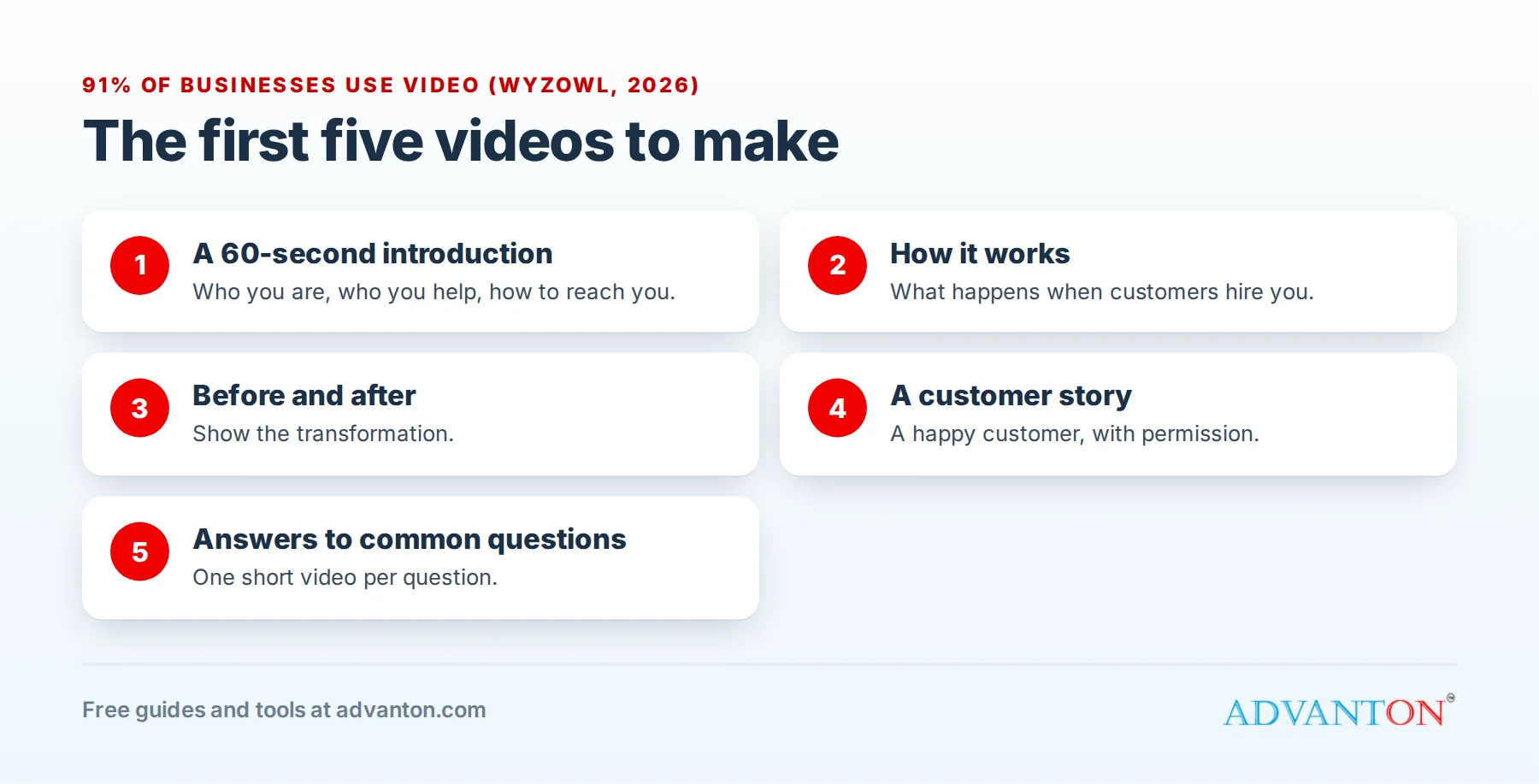
- A 60-second introduction: who you are, who you help, what makes you different, and how to get in touch. Put it on your homepage and Google Business Profile.
- "How it works": walk customers through what happens when they hire you or buy from you. It removes uncertainty, one of the biggest barriers to buying.
- Before and after: show a transformation, such as a renovated room, a cleaned car or a styled haircut. These are among the most-shared videos for service businesses.
- A customer story: a happy customer explaining their problem and how you solved it, with their permission.
- Answers to common questions: one short video per question, such as "How much does it cost?" or "How long does it take?"
Video ideas by industry
| Industry | Video ideas |
|---|---|
| Home services and contractors | Before-and-after transformations, how to spot a problem early, what happens during an estimate visit |
| Restaurants and cafés | Dish of the week, behind the scenes in the kitchen, meet the chef |
| Salons and beauty | Transformations, quick styling tips, product how-tos |
| Fitness and wellness | Short workouts, client progress (with permission), class previews |
| Retail and e-commerce | Product demonstrations, unboxing, how to choose the right size or model |
| Professional services | Answers to common questions, explainers of complex topics, client stories |
Put your best videos where customers decide
- Your homepage: your 60-second introduction, near the top.
- Service pages: a "how it works" or before-and-after video for each main service.
- Google Business Profile: add videos alongside your photos, so people who find you on Maps see your work in action.
- Quotes and follow-up emails: link a short video explaining your process or answering common concerns.
- Your email signature and social media profiles.
Where to post: platforms compared
| Platform | Best for | Tips |
|---|---|---|
| YouTube | Searchable how-to videos and longer explainers; the platform most businesses use (82% in Wyzowl’s survey) | Use clear titles that match what people search for; add Shorts for quick tips |
| Instagram Reels | Visual businesses: food, beauty, fitness, home improvement | Hook viewers in the first second or two; use on-screen text |
| TikTok | Reaching new, often younger audiences with entertaining or educational clips | Behind-the-scenes and quick tips work well |
| Local communities and older customers | Share to local groups where allowed | |
| Business-to-business services | Expertise, case studies and team stories | |
| Your website and Google Business Profile | Converting people already interested in you | Put your best videos where customers decide |
You don’t need every platform. Start with one or two where your customers already spend time, and reuse each video across them.
Short or long?
Short vertical videos (under a minute or so) are ideal for discovery on social media, and YouTube Shorts can now run up to three minutes. Longer videos (three to ten minutes) suit detailed how-tos, product demonstrations and answers people search for. A good approach is to make one longer video, then cut several short clips from it.
Equipment on a budget
| Item | Why it matters |
|---|---|
| Your phone | Modern phones record excellent video; film in good light at the highest quality setting |
| A clip-on microphone | Clear sound matters more than perfect picture; viewers forgive slightly rough video, not muffled audio |
| A small tripod or phone mount | Steady shots look professional |
| Light | Face a window, or use an inexpensive ring or panel light |
| A free editing app | Trim clips, add captions and your logo |
DIY or hire a videographer?
Film it yourself for frequent, informal videos: quick tips, behind the scenes, before and after, and answers to questions. Authenticity matters more than polish here, and you can post often.
Hire a professional for a few high-impact videos you’ll use for years: your homepage introduction, a brand story or a polished product demonstration. Ask for a short, edited main video plus several clips cut for social media, and make sure you own the rights to use the footage everywhere. Many small businesses combine the two: one professional shoot a year, and weekly phone videos in between.
Write a simple script
Most small business videos follow the same structure:
- Hook (first few seconds): a question or result. "Here’s how we fix a leaking shower without retiling."
- Problem: what the customer is dealing with.
- Solution: what you do, shown rather than told.
- Proof: the result, a review or a number.
- Call to action: "Call us", "Book online" or "Get a free quote", only if your quotes are free.
Write bullet points rather than a word-for-word script, so you sound natural.
Captions and accessibility
Many people watch with the sound off, especially on phones, and captions make your videos accessible to people who are deaf or hard of hearing. Most platforms generate captions automatically; check and correct them, because errors look careless. Add a short on-screen headline so the video makes sense without sound.
Rules to follow
- Get permission before filming customers, employees or someone’s home, and keep it in writing.
- Use music you have the rights to: most platforms offer licensed music libraries.
- Disclose paid partnerships. If you pay or gift a creator to feature your business, the FTC requires them to disclose the relationship clearly.
- Keep claims truthful. Don’t show results most customers won’t get without saying so.
Measure what matters
Views are nice, but customers pay the bills. Track:
- Watch time and completion rate: are people watching to the end?
- Clicks, calls and messages from each video.
- Website visits from video platforms, in your analytics.
- What customers say: ask new customers how they found you, and note when video comes up.
In Wyzowl’s survey, the most common ways marketers measure video return are views and engagement, but the businesses that grow track leads and sales too.
Your 30-day video plan
| Week | What to do |
|---|---|
| Week 1 | Film your 60-second introduction; post it on your website and Google Business Profile |
| Week 2 | Film two answers to common customer questions |
| Week 3 | Film a before-and-after or "how it works" video |
| Week 4 | Ask a happy customer for a short testimonial; review which video got the most response |
Then keep going: one or two short videos a week is plenty for most small businesses, and your best performers tell you what to make next.
Common mistakes
- Waiting for perfect equipment instead of starting with your phone.
- Long introductions before getting to the point.
- Poor sound, which makes viewers leave quickly.
- No call to action, so interested viewers don’t know what to do next.
- Posting once and giving up. Video works through consistency.
Frequently asked questions
Do I need to appear on camera?
It helps build trust, but it isn’t essential. Show your hands at work, your products, your premises or your team, with a voiceover or on-screen text.
How long should my videos be?
Short clips under a minute work best for social media discovery; longer explainers suit YouTube and your website. Make the video as long as it needs to be, and no longer.
How much does video marketing cost?
You can start for little more than the cost of a microphone and a tripod. Professional production makes sense later for your most important videos, such as your homepage introduction.
Can I use AI tools to make videos?
Many marketers now use AI tools to help write scripts, edit and add captions. Use them to save time, but keep real people, real work and real customers at the heart of your videos.
How often should a small business post videos?
Consistency matters more than volume. One or two short videos a week, kept up for months, usually beats a burst of daily posting that stops after a few weeks.
Keep learning
- Social media marketing tools
- Creative, low-budget advertising ideas
- How to get online reviews from customers
Related guides
Sources
- Wyzowl, State of Video Marketing 2026
- Federal Trade Commission, Disclosures 101 for social media influencers
- YouTube Help, Upload YouTube Shorts
Last reviewed October 28, 2026. Startup costs are estimates; check local prices, licensing and tax rules before you commit money.


Leave a Reply