
An email address like hello@yourbusiness.com looks far more professional than a free address, builds trust with customers, and keeps your business mail separate from personal mail. Most hosting plans include email accounts, and you can set one up in a few minutes with cPanel.
Choose your address
Table of Contents
Pick something simple and easy to say:
| Address | Good for |
|---|---|
| hello@ or info@ | General enquiries on your website and cards |
| yourname@ | Personal contact with customers |
| quotes@, orders@ or support@ | Separating types of messages as you grow |
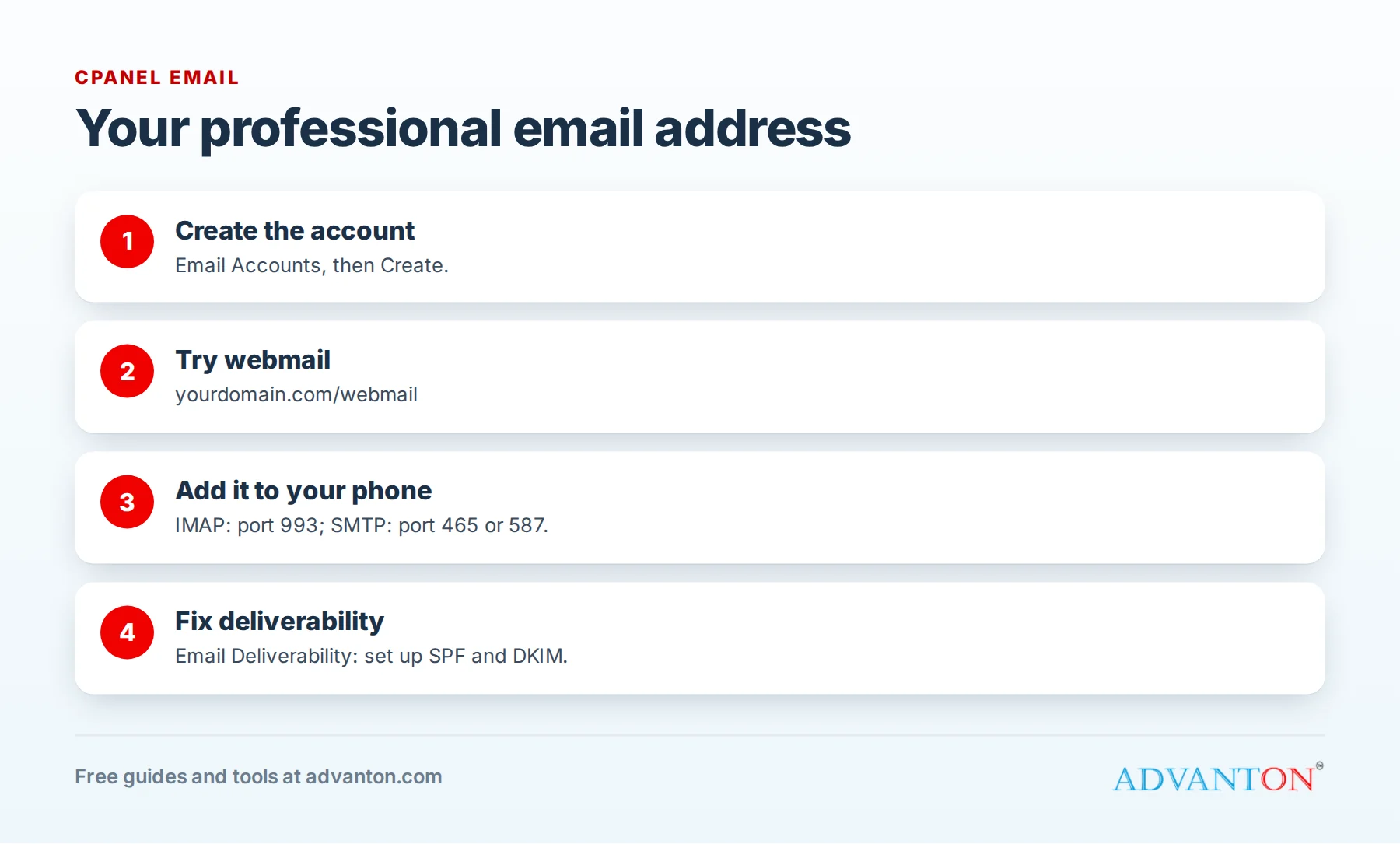
Step 1: Create your email account
- Log in to cPanel with the details in your hosting welcome email.
- Open Email › Email Accounts, then click Create.
- Choose your domain, type the first part of the address (for example hello), and set a strong password.
- Click Create.
Step 2: Read your email in a browser (webmail)
Go to yourdomain.com/webmail, log in with your full email address and password, and choose the webmail app. It’s handy for checking mail from any computer.
Step 3: Add it to your phone and computer
Most people prefer reading email in the Mail app on their phone, or in Outlook or Apple Mail. In cPanel’s Email Accounts, click Connect Devices next to your address to see the exact settings. They usually look like this:
| Setting | Typical value |
|---|---|
| Account type | IMAP (keeps mail in sync across your devices) |
| Username | Your full email address |
| Incoming server | mail.yourdomain.com, port 993, SSL/TLS |
| Outgoing (SMTP) server | mail.yourdomain.com, port 465 (SSL/TLS) or 587 (STARTTLS), with authentication turned on |
On an iPhone: Settings › Mail › Accounts › Add Account › Other › Add Mail Account.
On Android: open your email app, add an account, choose "Other" or "IMAP", and enter the settings.
Step 4: Make sure your emails reach inboxes
Major email providers check that emails really come from your domain, using records called SPF, DKIM and DMARC. In cPanel, open Email › Email Deliverability: if it shows problems for your domain, click Repair or Manage to set up the recommended records. Then send a test email to a Gmail or Outlook address to check it arrives in the inbox.
Tips for using business email well
- Add a professional signature with your name, business name, phone number and website.
- Turn on two-factor login where your host or email app offers it, and use a strong, unique password; see our guide to password managers.
- Keep an eye on storage: each account has a size limit; delete large old attachments occasionally.
- Use forwarders (in cPanel) to send copies of info@ to your personal inbox if you prefer one inbox.
Troubleshooting
| Problem | Likely cause and fix |
|---|---|
| Can’t send, but can receive | Check the outgoing server, port and that authentication is turned on |
| Password errors | Use the full email address as the username; reset the password in cPanel if needed |
| Emails go to spam | Fix Email Deliverability records (SPF, DKIM); avoid spammy subject lines |
| No email arriving at all | Your domain may not point to your hosting yet, or another service manages your MX records |
Frequently asked questions
Is email included with hosting?
Most shared hosting plans include email accounts. Check your plan’s limits on the number of accounts and storage.
Can I use Gmail or Outlook with my own domain instead?
Yes. Google Workspace and Microsoft 365 provide email on your domain for a monthly fee per user, with more storage and collaboration tools. You’d point your domain’s MX records to them instead.
What’s the difference between IMAP and POP3?
IMAP keeps your email on the server and in sync across devices; POP3 downloads it to one device. Choose IMAP for most businesses.
Next steps
- How to renew your domain and hosting
- Free business card maker
- Launch your business online, step by step
Last reviewed October 27, 2026. Startup costs are estimates; check local prices, licensing and tax rules before you commit money.


Leave a Reply