
Congratulations on your new domain. There’s one small but important task to do right away: confirm your contact email. Shortly after you register a domain (or change the owner’s contact details), you’ll receive an email asking you to verify your information. It takes a few seconds, but if you skip it, your domain can be suspended, and your website and email stop working.
Why you have to verify
Table of Contents
The organization that oversees domain names, ICANN, requires registrars to check that domain owners’ contact details are accurate. When a domain is registered to a new email address, or the owner’s details change, the registrar must send a verification request. If the owner doesn’t confirm within 15 days, the domain is suspended until they do.
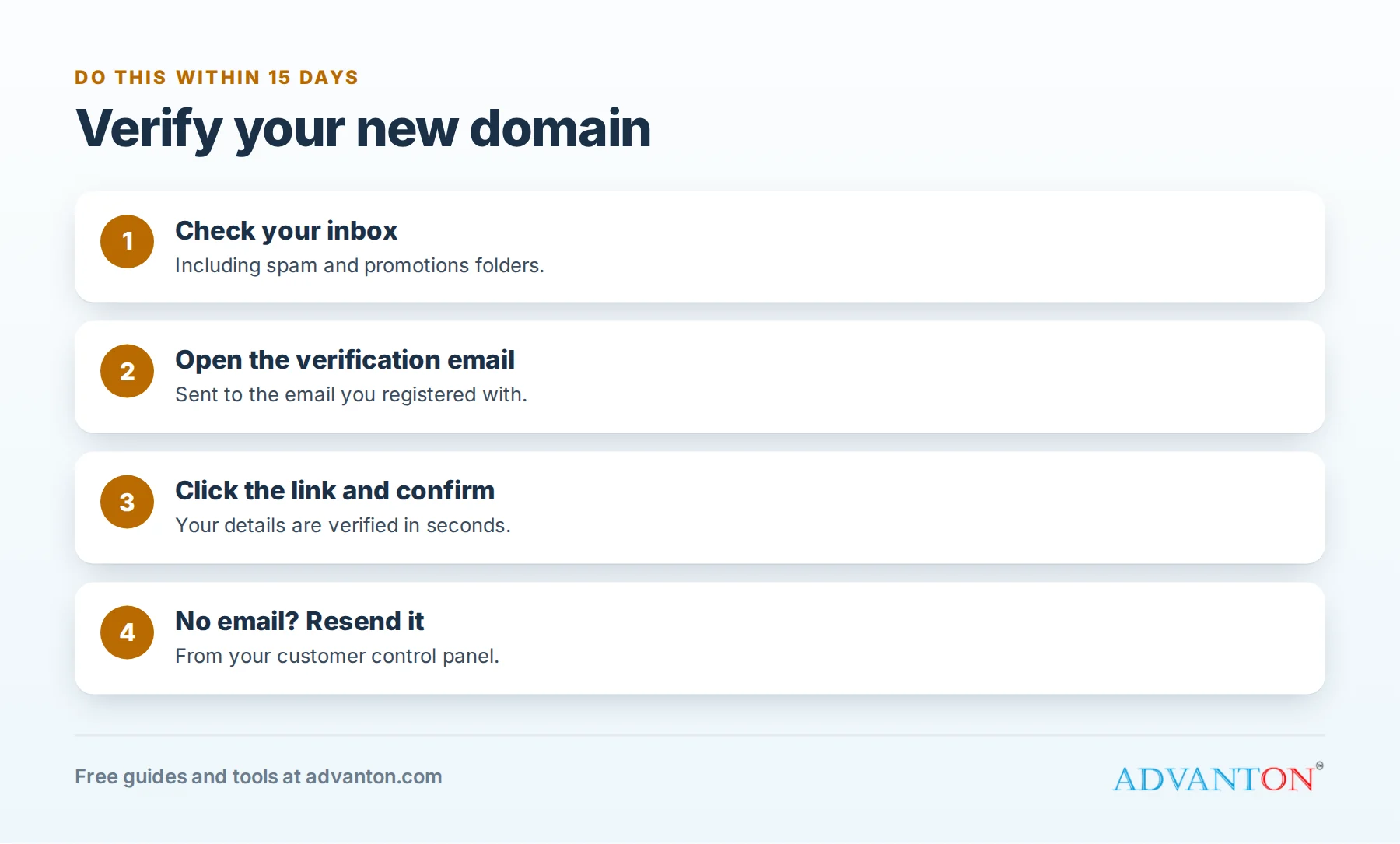
How to verify, step by step
- Check your inbox for an email about verifying your domain contact details. It’s sent to the email address you used when you registered.
- Open it and click the verification link.
- Confirm on the page that opens. You’ll usually see a message that your details are verified.
- Done. You don’t need to do this again unless you change the owner’s email address or details.
Can’t find the email?
- Check your spam, junk and promotions folders. Search your email for "verify" or "verification".
- Check you’re looking in the right inbox: the one you entered when you bought the domain.
- Resend it: log in to your customer control panel for the store where you bought the domain, open the domain, and look for an option to resend the verification email.
- Typo in your email address? Update your contact details in the control panel to the correct address, then verify from the new email.
- Still stuck? Contact the store’s support team, and give them your domain name.
What if my domain was already suspended?
If 15 days have passed, your website may show a notice page instead of your site, and email may stop working. Don’t panic: it’s easy to fix. Find the verification email (or resend it), click the link, and the suspension is usually lifted shortly afterwards. Changes can take a few hours to spread across the internet.
Keep your contact details up to date
- Use an email address you’ll always have access to, ideally not one on the domain you just registered, so you can still receive emails if something goes wrong with that domain.
- Update your details whenever your email, phone number or address changes. You’ll need to verify again after changing the email.
- Watch for renewal reminders, which go to the same address. See how to renew your domain and hosting.
Beware of fake "verification" emails
Scammers sometimes send fake domain notices. Real verification emails come from the company you bought the domain from and don’t ask for payment or your password. If in doubt, log in to your control panel directly rather than clicking links in an email.
Frequently asked questions
Do I need to verify every domain I buy?
Usually only when a domain is registered with an email address that hasn’t been verified before, or when you change the owner’s contact details.
Will verifying affect my website?
No. It only confirms your contact details. Not verifying is what causes problems.
How long does unsuspension take?
Usually a short time after you verify, though it can take a few hours for your website and email to work everywhere.
Next steps
- Upload your website to cPanel
- Connect your domain to your hosting
- Launch your business online, step by step
Sources
Last reviewed October 27, 2026. Startup costs are estimates; check local prices, licensing and tax rules before you commit money.


Leave a Reply