
Updated October 2026
Most visitors decide within seconds whether a website is worth their time. They’re asking three questions: What do you do? Is it for me? What should I do next? Good website content answers all three, clearly and quickly, in words your customers would use themselves.
You don’t need to be a professional writer. You need to know your customers, say things plainly, and give each page one clear job. This guide covers what every key page should include, how to write headlines and copy that work, how to write for local search, what Google’s guidance on "helpful content" means for you, and how to use AI tools without hurting your site.
Principles of good website writing
Table of Contents
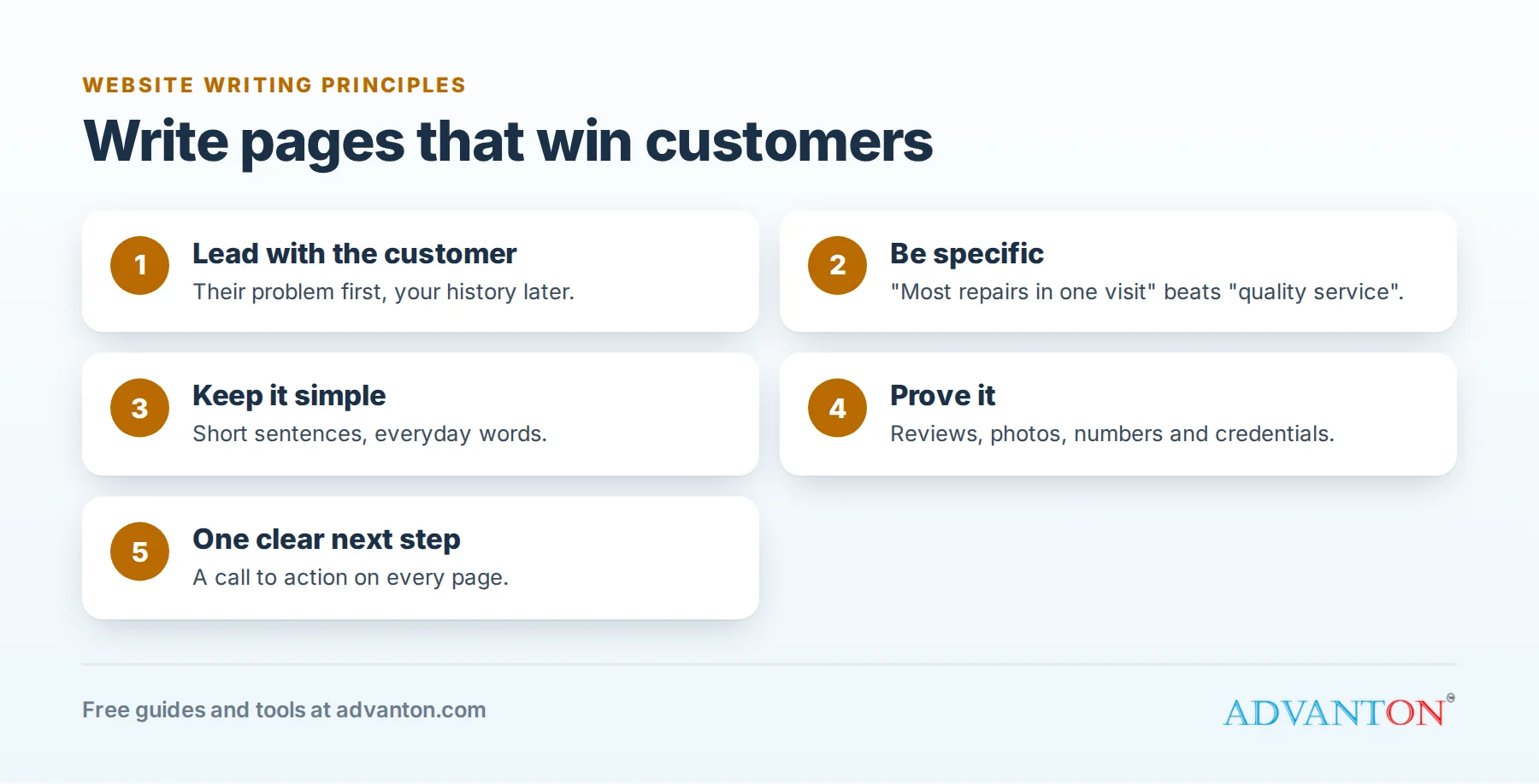
- Lead with the customer, not yourself. "Same-day plumbing repairs in Plano" beats "Welcome to Smith & Sons, established 1998".
- Be specific. "Most repairs finished in one visit" is more convincing than "quality service".
- Keep it simple. Short sentences, everyday words and short paragraphs. Visitors skim, especially on phones.
- Prove it. Reviews, photos, numbers, licenses and guarantees you’ll honor.
- Make the next step obvious: one clear call to action on every page.
What each page needs
| Page | Its job | Must include |
|---|---|---|
| Homepage | Tell visitors in seconds what you do, for whom and where | A clear headline, your main services, proof (reviews, photos), contact options |
| Service pages | Convince someone looking for one specific service | What’s included, who it’s for, how it works, pricing or price ranges, FAQs, a call to action |
| About page | Build trust | Your story, team, credentials, values and photos of real people |
| Contact page | Make getting in touch effortless | Phone, email, form, address or service area, hours, and what happens after they contact you |
| Location or area pages | Win local searches in towns you serve | Genuinely local details: neighborhoods, local projects, travel times |
| FAQ page | Answer common questions before they’re asked | Honest, specific answers to real customer questions |
Define your tone of voice
Before writing, decide how your business sounds. Choose three words, such as friendly, straightforward and reassuring, and check every page against them. A family-run café and a commercial law firm should sound different, and consistency across pages makes your business feel more trustworthy.
Write a headline that works
Your headline is the most-read text on any page. A simple formula: what you do + for whom or where + a key benefit.
| Weak | Strong |
|---|---|
| Welcome to Bright Home Services | Reliable house cleaning in Austin, with the same cleaner every visit |
| Quality accounting solutions | Bookkeeping and tax help for Denver small businesses, at a fixed monthly price |
| Your local bakery | Fresh sourdough and custom cakes, baked every morning in Portland |
Before and after: rewriting a service page intro
Before: "We are a leading provider of comprehensive landscaping solutions committed to excellence and customer satisfaction across the region."
After: "We design, plant and maintain gardens for homes in Collin County. Most new gardens are finished in two to three weeks, and every planting comes with a one-year guarantee."
The second version says what you do, where, how long it takes and what the customer gets, in fewer words.
Templates you can fill in
An About page:
- Opening: who you are and who you help. "We’re a family-owned cleaning company serving homes across Austin since 2016."
- Why you started: a short, genuine story.
- How you work: what makes your approach different, in three or four points.
- Credentials: licenses, insurance, certifications and memberships you currently hold.
- Meet the team: names, roles and real photos.
- Call to action: "Ready to get started? Call us or book online."
A service page:
- Headline: the service, for whom or where, and a key benefit.
- Opening paragraph: the problem you solve and the result customers get.
- What’s included: a bullet list.
- How it works: three to five steps.
- Pricing: a price, a range or "starting from", and what affects it.
- Proof: a review, photos or a short case study.
- FAQs: three to five real customer questions.
- Call to action: one clear next step.
Write for local search
Customers search for services and places: "roof repair in Frisco", "hair salon near me". To match those searches:
- Use your service and city naturally in page titles, headings and the first paragraph.
- Create a page for each main service, rather than listing everything on one page.
- Add genuinely local detail to location pages: neighborhoods you serve, local projects, local conditions. Google’s spam policies warn against near-identical "doorway" pages that only swap the city name.
- Keep your name, address and phone number consistent everywhere online.
Our free website builder creates service and area pages with the right titles and descriptions automatically.
Write "people-first" content
Google’s guidance on helpful content asks whether your content is made for people, not just to rank in search. Its self-assessment questions include whether content provides original information or analysis, whether it demonstrates first-hand expertise, and whether a visitor would leave feeling they learned enough to achieve their goal. For a small business, that means:
- Show first-hand experience: real photos, real projects, real numbers from your work.
- Answer the question fully rather than writing around it.
- Say who wrote it and why they’re qualified, especially for advice pages.
- Keep it up to date: review prices, policies and facts at least yearly.
Using AI writing tools responsibly
AI tools can help you brainstorm, outline and tidy up your writing. Use them as an assistant, not an author:
- Add what only you know: your process, prices, local knowledge, customer stories and opinions.
- Check every fact, because AI tools can state wrong information confidently.
- Edit for your voice, so pages sound like your business rather than like every other website.
- Don’t mass-produce pages. Google’s spam policies target "scaled content abuse": many pages generated mainly to manipulate rankings, whether by AI or people.
Calls to action that work
- Be specific: "Book a free estimate" or "Call for same-day service" beats "Contact us", as long as the offer is real.
- Repeat it: at the top, middle and bottom of long pages.
- Remove friction: short forms, tap-to-call phone numbers on mobile, and clear expectations ("We reply within two hours").
Make it easy to read
- One idea per paragraph, and paragraphs of two to four sentences.
- Descriptive headings that let skimmers find what they need.
- Bullet points for features, steps and lists.
- Plain language: the federal government’s plain language guidelines are a useful reference.
- Alt text describing images, for accessibility and search.
Write for phone readers
Most visitors to small business websites arrive on a phone, often in a hurry. Write with them in mind:
- Put the most important information first: what you do, where, and how to get in touch.
- Keep paragraphs short: a four-line paragraph on a laptop can fill a phone screen.
- Make phone numbers tappable and buttons big enough to press easily.
- Use headings and bullet points so readers can scroll to what they need.
- Check every page on your own phone before publishing, and fix anything awkward to read or tap.
A page checklist
Before publishing any page, check:
- Does the headline say what you do, for whom or where?
- Would a customer understand it in ten seconds?
- Does it answer the questions customers actually ask?
- Is there proof: reviews, photos, numbers or credentials?
- Is there one clear next step?
- Does the page title include the service and location?
- Have you read it aloud, and on a phone?
Common mistakes
- Talking about yourself instead of the customer’s problem.
- Vague claims like "best quality" and "great service".
- Jargon customers don’t use.
- Walls of text with no headings.
- Outdated information: old prices, staff who’ve left, discontinued services.
Frequently asked questions
How long should a web page be?
Long enough to answer the visitor’s questions, and no longer. Service pages often need several hundred words to explain what’s included, the process, pricing and FAQs; a contact page needs far less.
Should I hire a copywriter?
A good copywriter can help, especially for your homepage and main service pages. But you know your customers best, so start by writing what you’d say to a customer in person, then get help polishing it.
How often should I update my website content?
Review key pages at least once a year, and whenever prices, services, staff or policies change. A quick quarterly check of your homepage and contact page catches most outdated details, such as old opening hours or a changed phone number.
Does a blog help a small business website?
It can, if posts answer real customer questions. A few genuinely helpful articles are worth more than many thin ones.
Should every page have a call to action?
Yes. Even an article or FAQ page should suggest a next step, such as reading a related service page, calling or booking, so interested visitors don’t leave without knowing what to do.
Keep learning
Related guides
Sources
- Google Search Central, Creating helpful, reliable, people-first content
- Google Search Central, Spam policies (scaled content abuse)
- Plain Language Action and Information Network, Federal plain language guidelines
Last reviewed October 28, 2026. Startup costs are estimates; check local prices, licensing and tax rules before you commit money.


I am very thankful to you for sharing great tips for writing content for websites. Really helpful post!
I am sure this post has helped thousands of people looking for content writing techniques for their websites. Great article!