
Updated October 2026
A website is still the one place online that you fully control. Your Google Business Profile, social media pages and directory listings help people find you, but your website is where they check you out properly, see what you offer and decide to get in touch. This guide covers whether you need one, the ways to get one (including free options), what every small business website needs, and a step-by-step plan to get yours live.
Do you need a website?
Most small businesses benefit from one, even a simple one-page site. A website:
- Builds trust. Many customers expect a real business to have a website and check it before calling.
- Answers questions around the clock: what you offer, how quotes work, your service area, your hours and how to book.
- Is yours. Platforms change their rules and features. For example, Google shut down the free websites it used to offer through Business Profiles in 2024, and owners who relied on them had to rebuild elsewhere.
- Supports everything else. Ads, flyers, business cards and listings all work better when they point to a clear, helpful website.
Start with the free foundation
Whatever kind of website you choose, set up these free basics first:
- Google Business Profile. Free, and essential for local businesses. It shows your hours, location, photos and reviews in Google Search and Maps. Link it to your website once it’s live.
- Free directory listings. Add your business to the Advanton directory and other reputable directories, using the same name, address and phone number everywhere.
- A professional look. Set up your free Brand Kit with your logo, colors and contact details, so your website, cards and flyers all match.
Ways to get a business website
| Option | Good for | Watch out for |
|---|---|---|
| Website builders (such as Wix, Squarespace, GoDaddy and others) | Owners who want to build it themselves quickly with templates | Free plans usually use the builder’s web address and branding; check what happens if you leave |
| WordPress (self-hosted from WordPress.org) | Flexibility, ownership and growth; huge choice of themes and plugins | You (or someone you hire) handle hosting, updates and security |
| Google Sites | A free, very simple informational site | Basic design and features |
| Online store platforms | Businesses that mainly sell products online | Transaction fees and add-ons can add up |
| Hiring a designer or developer | A custom site without doing it yourself | Make sure you own the domain, site and accounts when the project ends |
Compare builders in our guide to website builder alternatives, and see how to create a website free of cost.
"Free" websites: what to check first
Free plans are a good way to test an idea, but they usually come with trade-offs: the builder’s name in your web address, their branding or ads on your site, limited pages and features, and no business email.
A domain name of your own (yourbusiness.com) and an email address on that domain (you@yourbusiness.com) make your business look established and are easy to remember. Most importantly, a domain registered in your name stays yours even if you change website platforms. Find a name with our list of the best domain name generators.
The ownership checklist
Before you accept any website offer, free or paid, confirm in writing that:
- The domain is registered in your name, with your email address on the account.
- You own your content: text, photos and logo.
- You have your own login to the website, domain, hosting and email.
- You can export or move your site, and you know what leaving involves.
- There’s no long contract or large cancellation fee you aren’t comfortable with.
What every small business website needs
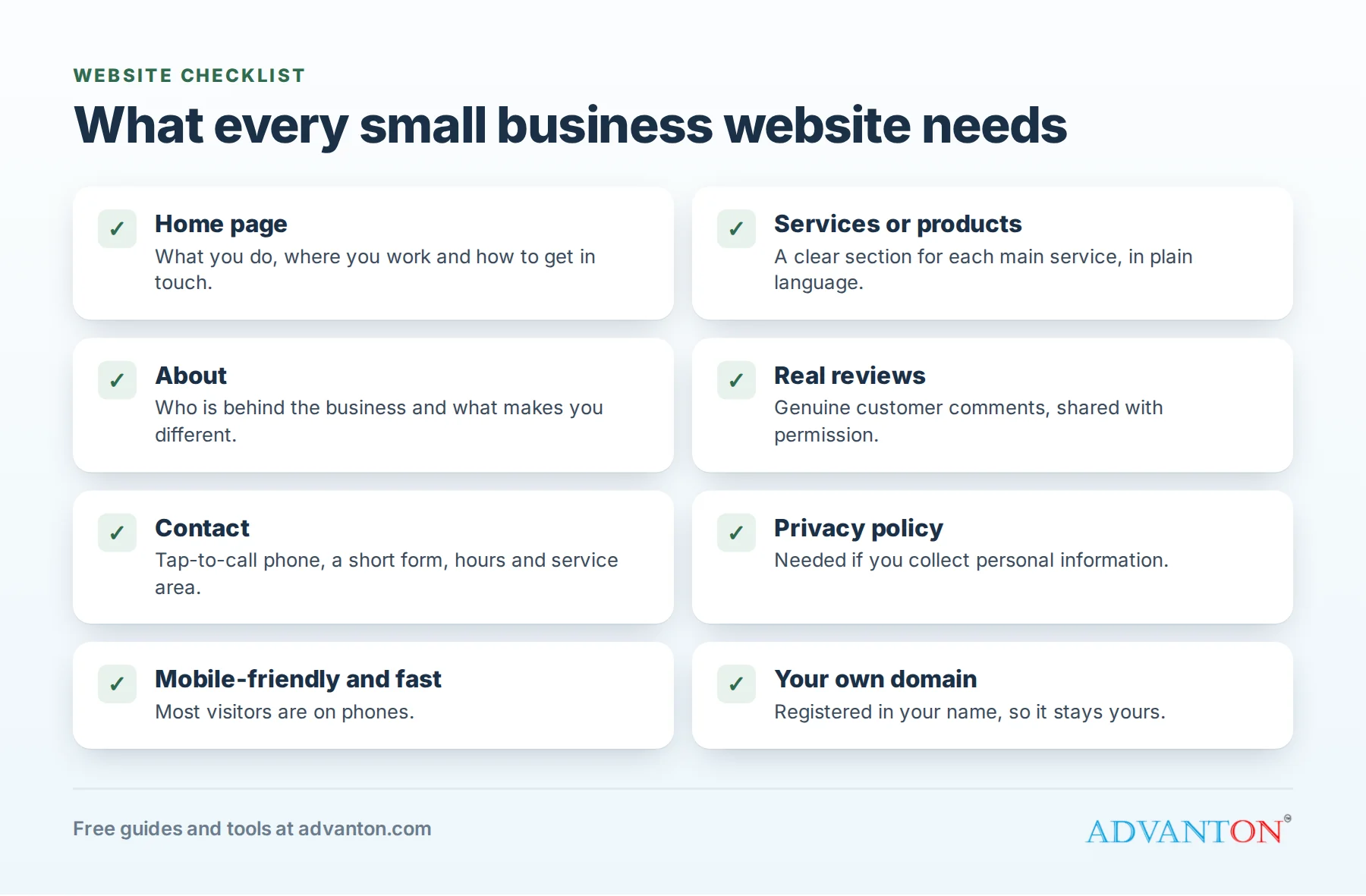
The essential pages
- Home: what you do, who you serve, where you work and how to contact you, all visible within seconds.
- Services or products: a clear section or page for each main service, in plain language.
- About: who’s behind the business, your experience and what makes you different.
- Reviews or testimonials: only real ones, with the customer’s permission.
- Contact: phone, email, a simple form, your service area or address, and your hours.
- Privacy policy: needed if you collect personal information, for example through a contact form or newsletter sign-up.
The details that win customers
- Your phone number as a tap-to-call link, near the top of every page on mobile.
- One clear next step on every page: call, book, get a quote or visit.
- Real photos of your work, team and premises.
- Mobile-friendly and fast: most visitors are on phones.
- Secure (https), which shows a padlock in the browser.
- Easy to read for everyone: good color contrast, readable text and descriptions for images.
- The same business name, address and phone number as your Google Business Profile and listings.
Step-by-step: getting your website live
- Claim and complete your Google Business Profile.
- Choose your business name and domain.
- Pick your platform from the options above.
- Set up your Brand Kit (logo, colors and contact details) in our free Brand Kit.
- Write your pages, starting with Home, Services and Contact. Write the way you’d explain your business to a customer in person.
- Set up business email on your domain.
- Add the essentials: tap-to-call, contact form, privacy policy and real photos.
- Connect everything: add your website link to your Google Business Profile, social media and directory listings.
- Cover the search basics (below).
- Promote it: put your web address on business cards, flyers, invoices, your vehicle and your email signature.
Local search basics
Search engine optimization (SEO) simply means helping search engines understand what you do and where. For a local business, the basics go a long way:
- Use the words customers use in page titles and headings, such as "Roof repair in Springfield, IL."
- Give each main service its own page or section with useful detail.
- Mention your service area naturally.
- Keep your name, address and phone consistent everywhere online.
- Earn reviews on your Google Business Profile.
- Get links from local organizations, such as suppliers, partners, chambers of commerce and community groups.
Learn more in our basics of SEO for online marketing and how to promote your website for free.
Common mistakes to avoid
- Hiding the phone number or burying contact details.
- Out-of-date information, such as old hours, prices or services.
- Too much text about you, not enough about the customer’s problem.
- Stock photos only, with no real pictures of your business.
- No clear next step on a page.
- Letting someone else own your domain or accounts.
- Never updating the site after launch.
Keep your website secure
- Use strong, unique passwords and turn on two-step verification for your website, domain, hosting and email accounts.
- Keep software updated, including themes and plugins if you use WordPress.
- Back up your site regularly, and know how to restore it.
- Remove access for former staff and contractors.
The FTC’s cybersecurity guidance for small businesses covers the basics.
Frequently asked questions
Can I really get a business website for free?
Yes. Several website builders and Google Sites offer free plans that work for a simple site. The trade-offs are usually a web address that includes the builder’s name, their branding and limited features. Many owners start free and add their own domain when they’re ready.
Do I need a website if I have a Google Business Profile and social media?
They’re important, but you don’t control them, and they can change without notice. A website gives customers a complete, reliable place to learn about you, and it supports your profile and ads.
How many pages does a small business website need?
A one-page site can be enough to start, as long as it covers what you do, where you work, proof that you’re good at it, and how to get in touch. Add pages for individual services as you grow.
Should I build it myself or hire someone?
If you’re comfortable with simple tools, a website builder makes it possible to do it yourself. If you hire help, use the ownership checklist above and agree in writing who maintains the site after launch.
More guides and tools
- Building your online presence
- How to create a website free of cost
- Best domain name generators
- Website builder alternatives
- Best advertising ideas for small businesses
- Free marketing tools for home businesses
- How to promote your website for free
- 22 basics of SEO for online marketing
- How to advertise a small business
- Free online presence checkup
- Free small business tools
Have a question about this guide? Contact us, or follow Advanton on Facebook for new guides and tools.
Sources
- Search Engine Land, Google Business Profile websites are now redirected to Google Maps (March 2024)
- Search Engine Journal, Websites created with Google Business Profiles to shut down in March
- WordPress.org
- FTC, Cybersecurity for small business
Last reviewed October 29, 2026. Startup costs are estimates; check local prices, licensing and tax rules before you commit money.

