
A homeowner with water on the floor or no heat in January won’t wait for a slow website to load. They’ll tap back and call the next contractor. Website speed is one of the least glamorous parts of contractor marketing, and one of the most important: every second a page takes to load on a phone loses visitors you’ve worked hard (and often paid) to attract.
This guide explains how to test your site’s speed, find the usual problems and fix them, even if you’re not technical.
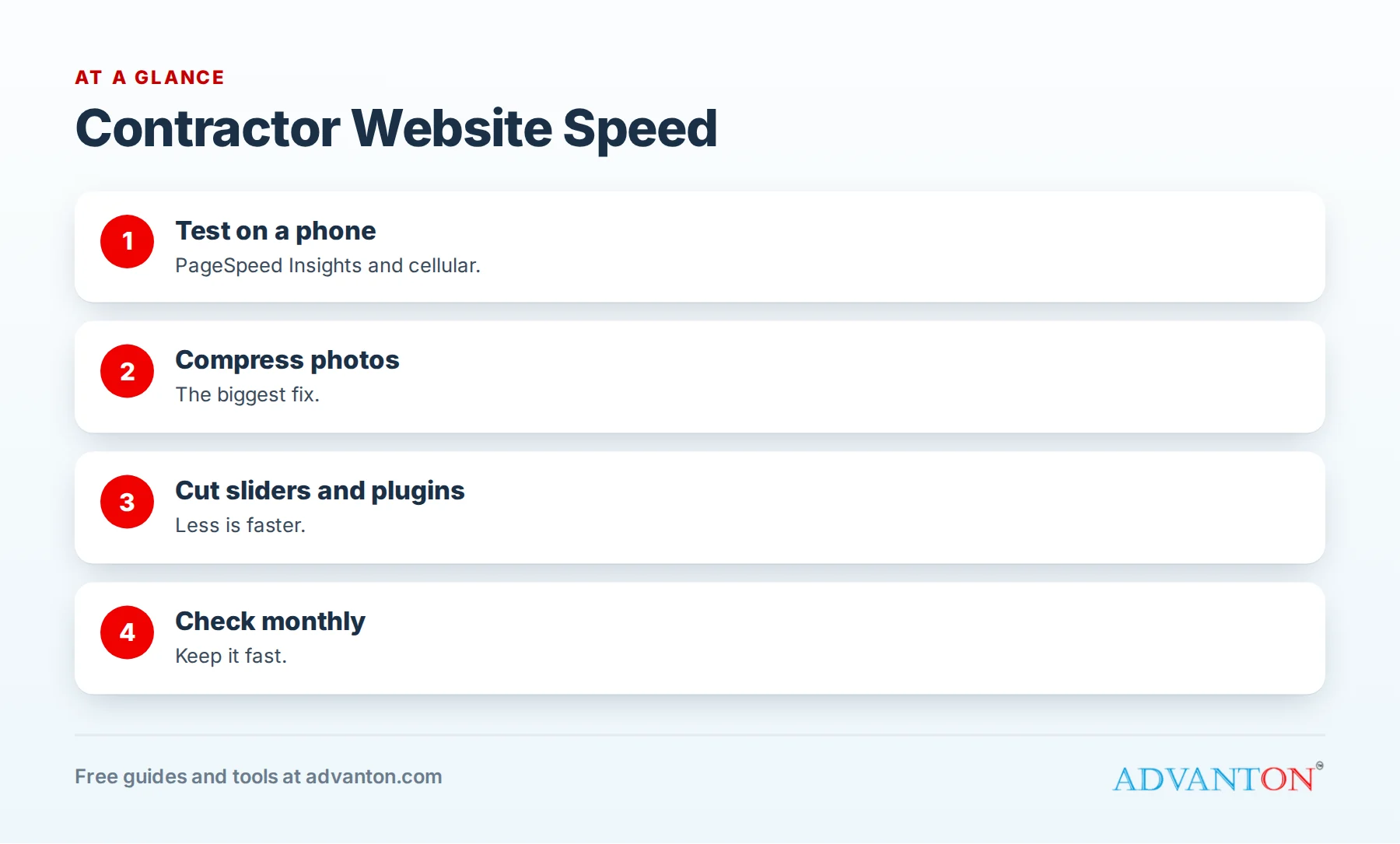
Why speed matters for contractors
Table of Contents
- Most visitors use phones, often on cellular connections.
- Urgent searchers are impatient.
- Paid clicks are wasted if the page doesn’t load.
- Google considers page experience, including Core Web Vitals, as part of how it evaluates pages.
How to test your speed
- Google PageSpeed Insights: enter your homepage and main service pages; review the mobile results first.
- Your own phone: open your site on cellular data, not Wi-Fi, and time how long until you can tap the call button.
- Google Search Console: the Core Web Vitals report shows pages that need attention.
Test your homepage, your top service pages and any landing pages you use for ads.
Core Web Vitals in plain language
| Measure | What it means | Common fix |
|---|---|---|
| Largest Contentful Paint (LCP) | How fast the main content appears | Compress the large hero photo; faster hosting |
| Interaction to Next Paint (INP) | How quickly the page responds to taps | Reduce heavy scripts and plugins |
| Cumulative Layout Shift (CLS) | Whether things jump around while loading | Set image sizes; avoid late-loading banners |
Google describes these measures in its Core Web Vitals documentation. You don’t need perfect scores; you need a site that loads quickly and feels stable on phones.
The usual culprits
| Problem | Why it slows you down | Fix |
|---|---|---|
| Huge photos | Uncompressed phone photos can be several megabytes each | Resize and compress before uploading |
| Sliders and carousels | Load many large images at once | Use one strong image instead |
| Heavy themes | Bundled features you don’t use | Choose a lightweight theme or builder |
| Too many plugins | Each adds code and requests | Remove what you don’t need |
| Slow hosting | Server responds slowly | Upgrade hosting or use caching |
| Chat widgets and trackers | Extra scripts load on every page | Keep only those you use |
| Autoplay video | Heavy downloads on phones | Use a thumbnail that plays on tap |
Quick wins you can do today
- Compress your biggest images, especially the top image on your homepage.
- Remove sliders and replace them with one photo and a clear headline.
- Delete unused plugins and apps.
- Turn on caching if your website platform offers it.
- Remove scripts and widgets you don’t actively use.
- Test again and compare.
Photo guidelines for fast pages
- Resize photos to the size they appear on the page, often 1,600 to 2,000 pixels wide for full-width images.
- Compress using your builder’s tools or a photo app.
- Use modern formats such as WebP where your platform supports them.
- Load images as visitors scroll (lazy loading) where available.
Your gallery can still look great with compressed images. See project galleries that sell.
Hosting matters
Cheap, overcrowded hosting can make even a well-built site slow. If your site is slow after fixing images and plugins, consider better hosting or a managed platform. Launch your business online explains what to look for in hosting.
Mobile-first checks
- Call button visible at the top of the page.
- Text readable without zooming.
- No pop-ups covering content on phones.
- Buttons large enough to tap.
- Forms easy to complete.
Speed and ads
Slow landing pages waste ad money. If you run Google Ads or Local Services Ads with website links, test those pages first. See landing pages for contractor ads.
A monthly speed routine
- Test your top five pages in PageSpeed Insights.
- Check new photos were compressed before upload.
- Review plugins and remove anything unused.
- Open your site on your phone using cellular data.
When to get help
If your site remains slow after these steps, a developer or your website platform’s support team can review hosting, theme and code issues. Ask for a before-and-after speed report so you can see the improvement.
Embedded maps, reviews and social feeds
Embedded Google Maps, review widgets and social media feeds load extra code from other sites. Use them sparingly: a static map image linking to directions, or a few written review quotes linking to your Google profile, often loads much faster than live widgets.
Fonts
Custom web fonts look good but add downloads. Use one or two font families at most, and let your builder or theme load them efficiently.
WordPress-specific fixes
If your site runs on WordPress:
- Use a lightweight theme.
- Add a reputable caching plugin if your host doesn’t provide caching.
- Use an image optimization plugin to compress uploads automatically.
- Keep WordPress, themes and plugins updated.
- Remove page builder add-ons you don’t use.
Page builder bloat
Drag-and-drop page builders make design easy but can add heavy code. Keep layouts simple, avoid stacking many animated effects, and reuse sections rather than building every page from scratch.
Balance design and speed
A fast site doesn’t have to be plain. Strong photos, clear headlines and clean layouts look professional and load quickly. When choosing between a flashy effect and a faster page, choose the faster page; homeowners care about finding your phone number, not animations.
Security plugins and speed
Security is important, but some security tools scan heavily and slow sites. Use reputable security measures recommended by your host or platform, keep software updated and remove duplicate tools.
Speed checklist by page type
| Page | What to check |
|---|---|
| Homepage | One compressed hero image, no slider, call button visible immediately |
| Service pages | Compressed photos, no autoplay video, short form loads quickly |
| Gallery | Lazy loading, compressed images, paginated categories |
| Landing pages | Minimal scripts, fast hero image, tap-to-call works |
| Contact page | Form loads quickly; maps don’t block the page |
Measure the effect
After each round of fixes, compare PageSpeed scores and, more importantly, watch calls, form submissions and bounce rates in your analytics over the following weeks. Faster pages should mean more visitors reaching your call button. If nothing changes, look at other parts of the page: headline clarity, trust signals and how easy it is to contact you.
Keep new content light
Speed problems usually creep back as new photos, plugins and widgets are added. Make compression part of your upload routine, review any new plugin or widget before installing it, and retest pages after adding new features. A five-minute check each month keeps your site fast for years.
Ask your website provider the right questions
If someone else built or hosts your site, ask: Are images compressed automatically? Is caching enabled? Which plugins or scripts load on every page, and are they all needed? Where is the site hosted, and how quickly does the server respond? Clear answers usually point straight to the biggest improvements.
Common mistakes
- Uploading photos straight from the phone without resizing.
- Homepage sliders with many large images.
- Keeping plugins "just in case."
- Testing only on Wi-Fi.
- Ignoring landing page speed while paying for ads.
A worked example
A roofing company’s homepage carried a five-image slider and 4 MB photos. After replacing the slider with one compressed photo, removing four unused plugins and turning on caching, the page loaded noticeably faster on phones, and the call button appeared almost immediately. This example is illustrative; test your own pages before and after changes.
Frequently asked questions
Does website speed affect Google rankings?
Google considers page experience, including Core Web Vitals, but great content and relevance matter most. Speed also strongly affects whether visitors stay and call.
How fast should my website load?
As fast as possible on phones; aim for the main content and call button to appear quickly on cellular data.
What’s the biggest cause of slow contractor websites?
Large, uncompressed photos are the most common problem.
Do I need a developer to speed up my site?
Often not. Compressing photos, removing sliders and plugins and enabling caching fix many problems.
Which pages should I test first?
Your homepage, top service pages and any ad landing pages.
Do page builders make sites slow?
They can if overloaded with effects and add-ons; simple layouts built with lightweight tools stay fast.
Is it worth paying for faster hosting?
If your site is still slow after fixing images and plugins, better hosting is often worth it, especially if you run ads.
How often should I test my site’s speed?
Monthly, and after adding new features, plugins or large galleries.
How Advanton helps
Advanton is a free resource for small businesses. Our free contractor website builder creates lightweight, mobile-friendly pages with click-to-call buttons, and the online presence checkup reviews your listings. You can also add your business to the Advanton directory for free. Advanton earns money when you buy a domain or hosting through our store, which helps keep everything else free.
Keep learning
Sources
Last reviewed October 30, 2026. Startup costs are estimates; check local prices, licensing and tax rules before you commit money.


Leave a Reply