
A project gallery is often the most-visited page on a contractor’s website, and one of the most neglected. Many galleries are a jumble of unlabeled photos, slow to load, with no way for a homeowner to find work like theirs. A well-built gallery does the opposite: it shows homeowners projects similar to theirs, in towns near them, with enough detail to build trust, and it gives them an obvious next step.
This guide explains how to organize, caption and maintain a gallery that wins jobs. For taking the photos themselves, see photos and videos that win contractor jobs.
What homeowners look for in a gallery
Table of Contents
- Projects like theirs: the same service, style and size.
- Nearby work: proof you work in their area.
- Before and after: the transformation.
- Details: finishes, materials and craftsmanship.
- Next step: how to get a quote.
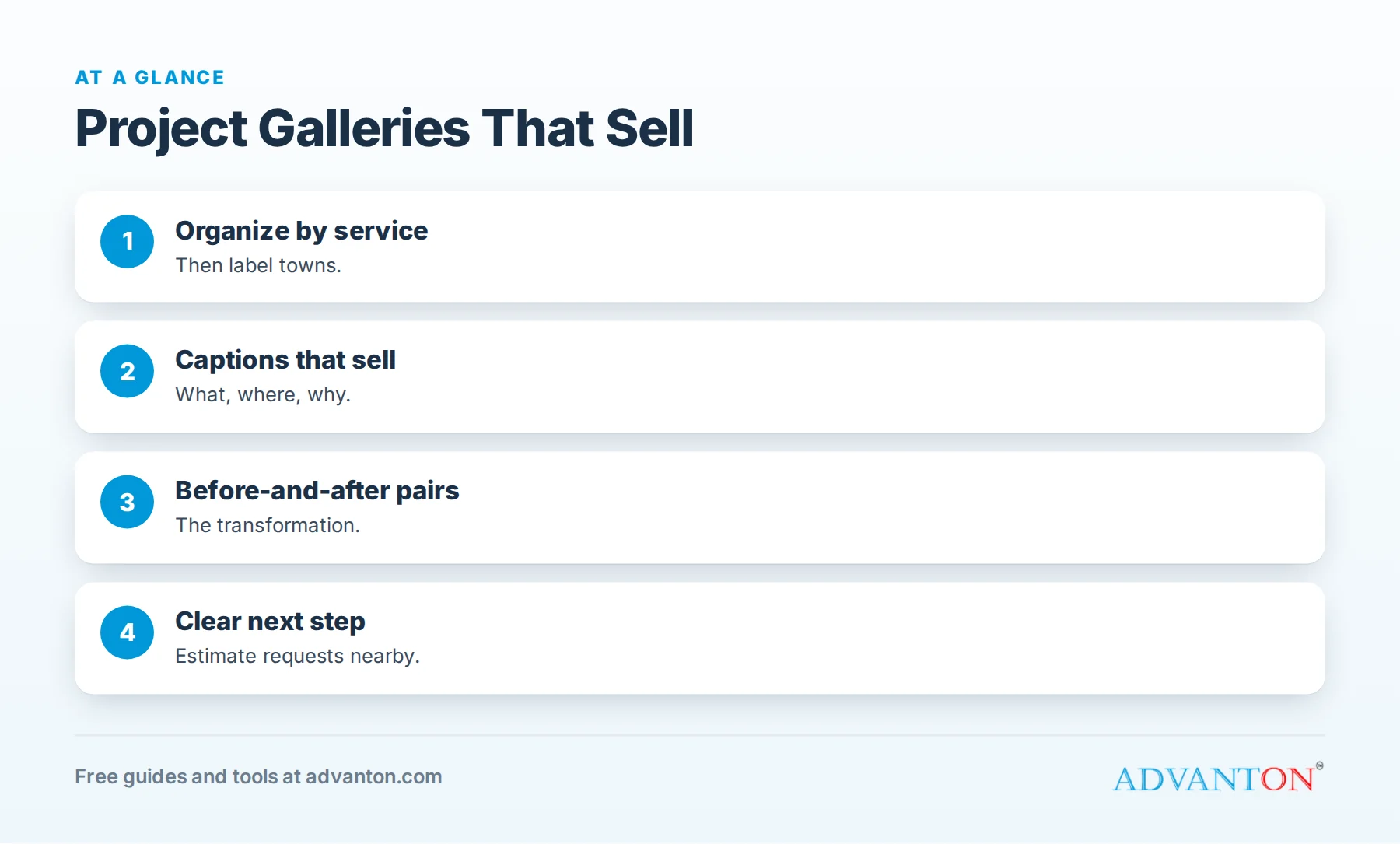
Organize by service
Group projects by service (kitchen remodels, bathroom remodels, decks, roof replacements, fences and so on), so homeowners can jump straight to what they need. For broad trades, add sub-categories such as material or style.
Add town or neighborhood labels
Label each project with its town or neighborhood (never the street address). Homeowners trust contractors who’ve worked nearby, and labels help your town pages too. See service area pages for contractors.
Captions that sell
A good caption answers what, where and why:
| Weak caption | Strong caption |
|---|---|
| "Kitchen" | "Galley kitchen opened to the dining room, Maplewood: quartz counters, shaker cabinets, new lighting" |
| "Roof" | "Architectural shingle replacement after hail damage, Oak Park: new ridge vents and gutters" |
| "Fence" | "6-foot cedar privacy fence with matching gate, Riverside" |
Captions also help search engines understand your images.
Before-and-after pairs
Show matching before-and-after photos side by side or in sequence. Where your website builder allows, use sliders or paired images. The transformation is what sells.
Turn standout projects into stories
For your best projects, create a short project story page:
- The problem: what the homeowner wanted or needed.
- The plan: design decisions and options.
- The work: key steps, materials and timeline.
- The result: photos, and the customer’s reaction or review.
- The budget range, if the customer agrees.
Project stories rank for specific searches and show how you work. See how to get more remodeling leads.
Keep galleries fast
Large photos slow pages, especially on phones. Compress images, use modern formats where your builder supports them, load images as visitors scroll, and limit each gallery page to a reasonable number of projects with clear navigation.
Make the next step obvious
Add a clear call to action near every gallery section: "Want a project like this? Request a free estimate." Include a phone button and a short quote form. See quote request forms.
Link galleries to service and town pages
- Service pages should show a few gallery highlights for that service.
- Town pages should feature projects from that town.
- Galleries should link back to the related service and town pages.
These links help homeowners explore and help search engines understand your site.
How many projects to show
Show enough to prove range and quality: several projects for each main service, more for your most important ones. Quality beats quantity; remove weak or outdated photos.
Keep it fresh
Add new projects monthly during busy seasons. A gallery that’s grown recently signals an active business. Replace older projects when you have better examples.
Permissions and privacy
Get customers’ permission before showing their projects, avoid house numbers and personal items, and remove projects if customers ask.
Use the gallery everywhere
Link gallery pages from quotes, emails, social posts and directory listings. Include gallery links in follow-up messages after estimates so homeowners can see similar work while deciding.
Gallery layouts by trade
| Trade | Best way to organize |
|---|---|
| Remodeling | By room (kitchens, baths, basements), then style |
| Roofing | By material (shingle, metal, flat), plus storm repairs |
| Landscaping | By project type (patios, plantings, walls), plus seasonal transformations |
| Fencing and decks | By material and purpose (privacy, pool, pet) |
| Painting | Interior, exterior and cabinets, with before-and-after pairs |
| Electrical and HVAC | By upgrade type (panels, EV chargers, heat pumps) |
Add short videos
A 20-second walk-through of a finished kitchen or a time-lapse of a deck build can sit alongside photos in your gallery. Keep videos short, captioned and light enough to load quickly on phones.
Put customer words beside the work
With permission, add a one-line quote from the customer’s review next to their project: "They finished on time and left the house spotless." Pairing proof of quality with proof of experience is powerful.
Describe images for accessibility
Add short, descriptive alt text to every gallery image (for example, "Finished walk-in shower with gray tile and glass door"). It helps visitors using screen readers, and it helps search engines understand your images.
Commercial work deserves its own gallery
If you serve businesses, property managers or builders, create a separate commercial gallery with project types, scale and timelines. Commercial clients want to see work like theirs, not kitchens.
Use the gallery in sales conversations
During estimates, show homeowners projects similar to theirs on a tablet or phone. After the visit, email links to two or three related projects with your quote.
A gallery audit checklist
- Organized by service, with clear categories
- Every project captioned with service, town and highlights
- Before-and-after pairs for key projects
- Fast loading on phones
- Calls to action near every section
- Linked to service and town pages
- Updated within the last month
Show the process, not just the result
Homeowners worry about what happens during a project as much as the result. A few photos of protected floors, organized job sites, dust barriers and daily cleanup reassure them that you’ll respect their home. Add a "how we work" section to key galleries with three or four process photos and short captions.
Feature range and specialties
Show the range of budgets and project sizes you take on, from small repairs to large projects, so homeowners know you’re interested in their job. If you specialize (historic homes, accessible bathrooms, outdoor living), give the specialty its own gallery section and say so clearly.
Share galleries on your listings
Link your gallery from your Google Business Profile, Houzz, Facebook and directory listings, and upload a selection of the same photos to each. Homeowners who find you anywhere can then see the full range of your work in one click.
Track what visitors look at
Your website analytics show which gallery pages get the most views. Popular categories tell you what homeowners want; expand those galleries and feature them on your homepage. Categories nobody visits may need better photos or clearer labels.
Seasonal gallery highlights
Rotate featured projects with the seasons: decks and patios in spring, exterior painting in summer, roofing and gutters in fall, interior remodels in winter. Featuring timely projects on your homepage and gallery landing page matches what homeowners are planning right now.
Collect the story while it’s fresh
At the end of each project, take two minutes to note the problem, key decisions, materials, timeline and the customer’s comments. These notes make captions and project stories easy to write later, when details would otherwise be forgotten.
Common mistakes
- One long page of unlabeled photos.
- No captions or locations.
- Slow-loading images.
- No call to action.
- Stock photos mixed with real projects.
A worked example
A deck builder reorganizes a 200-photo gallery into categories (composite decks, wood decks, railings and pergolas), adds captions with towns, creates five project stories and links each town page to local projects. Visitors start spending more time in the gallery, and quote requests often mention specific projects. This example is illustrative.
Frequently asked questions
How should contractors organize a project gallery?
By service first, with town labels, captions and before-and-after pairs.
Should I show prices in my gallery?
Budget ranges in project stories help homeowners self-qualify, if customers agree.
How many photos should a gallery include?
Enough to show your range and quality for each main service; quality matters more than quantity.
Do galleries help SEO?
Captioned, organized galleries linked to service and town pages help search engines understand your work.
How often should I update my gallery?
Monthly in busy seasons, and whenever you complete a standout project.
Should I include projects with imperfections?
Show your best, representative work; never edit photos to misrepresent results.
Should gallery photos be watermarked?
A small, subtle logo is fine; large watermarks distract from the work.
Can I use the same photos on my website and Google profile?
Yes. Reusing your best photos across channels is efficient; keep your website gallery the most complete.
How Advanton helps
Advanton is a free resource for small businesses. Build galleries and service pages with the free contractor website builder, and create graphics with the Brand & Print Studio. You can also add your business to the Advanton directory for free. Advanton earns money when you buy a domain or hosting through our store, which helps keep everything else free.
Keep learning
- Photos and videos that win contractor jobs
- Contractor website must-haves
- Service area pages for contractors
Last reviewed October 30, 2026. Startup costs are estimates; check local prices, licensing and tax rules before you commit money.


Leave a Reply