
Homeowners can’t see your skill in a phone call or a quote. They can see it in photos and videos. Clear images of finished work, careful crews and real before-and-after transformations persuade customers faster than any sales pitch, and they make every listing, website page and social post more convincing.
This guide explains how to capture photos and videos on every job with just a phone, and how to use them to win more work. For organizing them into a website gallery, see project galleries that sell.
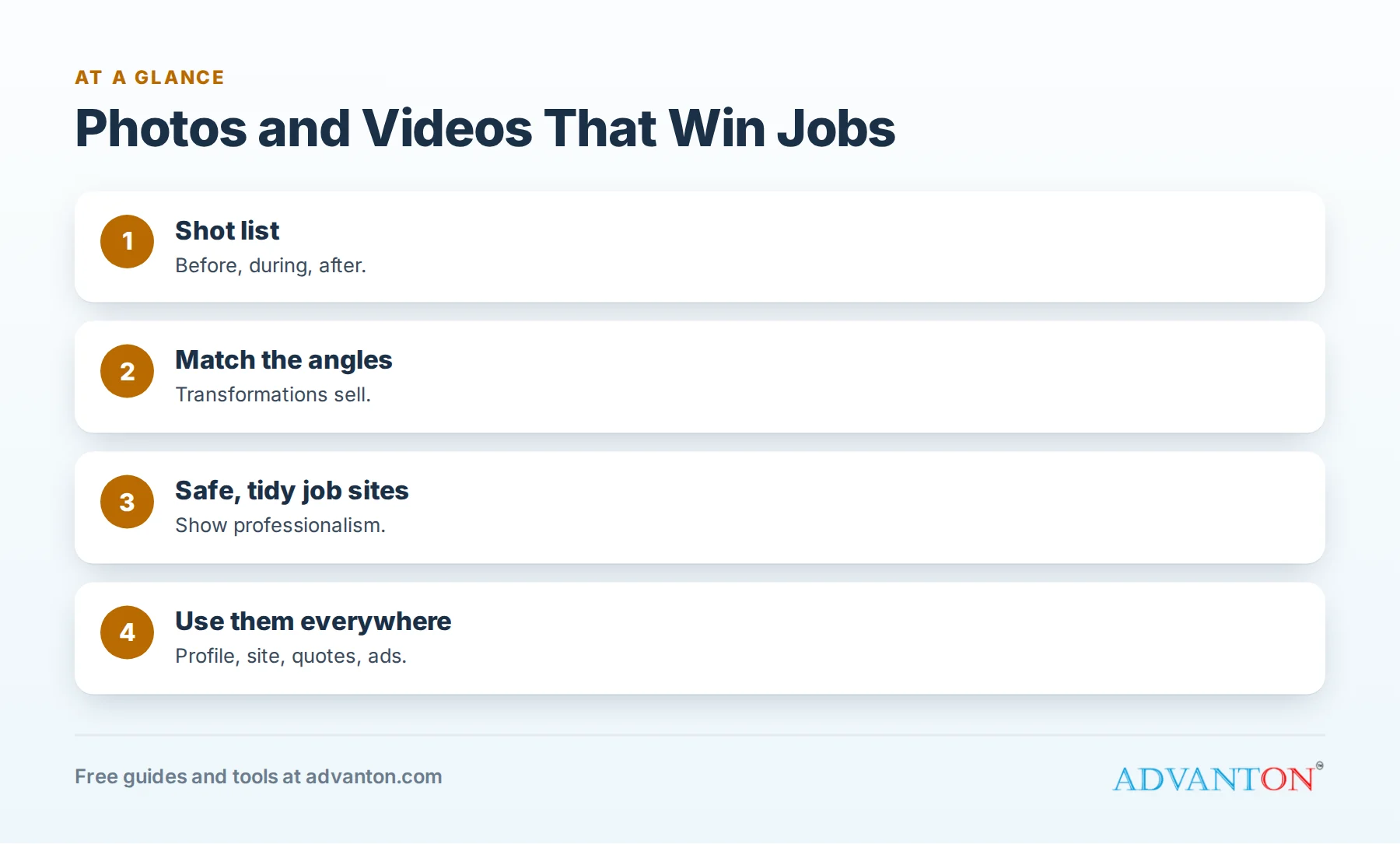
Why photos win jobs
Table of Contents
- Proof of quality: customers see the finish, the details and the cleanup.
- Local relevance: photos from nearby homes show you work in their area.
- Trust: real team photos show who will arrive at the door.
- Better listings and ads: photos make profiles, ads and posts more effective.
A shot list for every job
| Stage | Shots to take |
|---|---|
| Before | Wide shot of the area, close-ups of the problem |
| During | Key steps that show quality (preparation, materials, structure) |
| Team | Crew working safely, branded vehicle on site |
| After | Same angles as before, plus detail shots of the finish |
| Customer moment | With permission, the happy customer or their reaction |
Assign one crew member to take photos on every job, and include a photo step in your job checklist.
Before and after: match the angles
The most persuasive images show the same view before and after. Stand in the same spot, at the same height, with similar lighting. Take a wide shot first, then details. These pairs work well on your website, Business Profile, social media and ads.
Phone camera tips
- Clean the lens before shooting.
- Use daylight; open blinds and turn on lights indoors.
- Hold the phone level and keep vertical lines straight.
- Shoot horizontally for websites and listings; vertically for social stories.
- Tap to focus on the main subject.
- Take several shots and choose the best.
- Avoid heavy filters; customers want reality.
Show safe, professional work
Photos of crews should show the safety gear and practices your trade requires: fall protection on roofs, eye protection, organized job sites. Unsafe photos can worry customers and create problems for your business. Clean, organized job sites photograph well and impress homeowners.
Permissions and privacy
Ask customers before photographing their homes, and before posting photos online. Avoid house numbers, license plates, family photos and personal items. Add a photo permission line to your contract or estimate so the conversation is easy.
Short videos that work
| Video idea | Length |
|---|---|
| Before-and-after reveal | 10 to 30 seconds |
| Time-lapse of a project | 15 to 60 seconds |
| Quick tip (for example, how to find your water shut-off) | 30 to 60 seconds |
| Meet the team | 30 to 60 seconds |
| Customer testimonial (with permission) | 30 to 90 seconds |
Keep videos short, steady and well lit, and add captions, since many people watch without sound.
Drone photos
Drone images of roofs, landscaping and large projects can be striking. If you fly drones for your business, the FAA generally requires a Remote Pilot Certificate (Part 107) for commercial operations, plus following airspace and safety rules. Respect neighbors’ privacy.
Simple editing
Crop distractions, straighten lines and adjust brightness slightly. Don’t edit photos in ways that misrepresent your work. See best free photo editing apps for tools.
Organize your photo library
Create folders by year, service and town, and name files descriptively (for example, "2026-roof-replacement-oak-park-after.jpg"). A well-organized library makes it easy to find the right photo for a quote, a page or a post.
Where to use your photos
| Place | How |
|---|---|
| Google Business Profile | Add new photos weekly in season |
| Website | Galleries, service pages, town pages |
| Quotes and proposals | Similar past projects |
| Social media and Nextdoor | Before-and-after posts |
| Ads | Real project photos outperform stock images |
| Directories | The Advanton directory and others |
Photos in quotes and proposals
Including photos of similar past projects in your quotes helps homeowners picture the result and trust your work. Keep a small set of best photos by service ready to attach.
Photo ideas by trade
| Trade | Shots that sell |
|---|---|
| Roofing | Ridge lines, flashing details, clean gutters after cleanup, drone overview |
| Plumbing | Neat pipe runs, new water heaters, clean installations |
| HVAC | Organized equipment installs, clean ductwork, tidy mechanical rooms |
| Electrical | Clean panels, labeled breakers, finished lighting |
| Painting | Crisp lines, matched before-and-after rooms, exteriors in good light |
| Remodeling | Wide room shots, detail shots of tile and cabinetry |
| Landscaping | Seasonal transformations, patios at golden hour |
Gear worth buying
A recent smartphone covers most needs. Helpful extras: a small tripod or phone stand for steady shots and time-lapses, a clip-on wide-angle lens for tight rooms, and a portable light for dark spaces such as attics and basements.
Lighting tricks
Shoot exteriors in the morning or late afternoon for softer light. Indoors, combine daylight with room lights, and avoid shooting directly into windows. For dark spaces, use a portable light rather than the phone’s flash.
Photographing small jobs
Even small jobs make good content: a neatly mounted fixture, a repaired leak, a fresh coat of paint. Small-job photos show the range of your services and the care you take on every job.
People in photos
Photos with people, such as your crew at work or a smiling customer (with permission), feel more personal than empty rooms. Use them on your about page, social media and listings.
Reuse content across channels
One job can produce a before-and-after for your Business Profile, a short video for social media, a gallery entry for your website and images for quotes. Plan to use each set of photos in several places.
A weekly photo routine
Once a week, choose the best photos from recent jobs, upload three or four to your Business Profile, post one before-and-after on social media and add standout projects to your website gallery.
Before-and-after for quotes and inspections
Photos also help before a job is sold. During estimates and inspections, photograph problems clearly (damage, wear, code issues) and include them in your quote. Homeowners understand and trust recommendations they can see, and the photos become the "before" half of a future before-and-after pair.
Respect safety and the job site
Never take photos in unsafe positions, such as near roof edges without fall protection or around live electrical work. Safety comes first; the photo can wait until it’s safe to take.
Train your crew
Give crews a simple photo checklist and a few minutes of training on angles and lighting. Recognize team members who capture great photos.
Photos for your team and trucks
Customers want to know who will arrive at their home. Take updated team portraits once a year, photograph new technicians when they join, and keep photos of your branded vehicles current. Use them on your website’s about page, your Business Profile and directory listings, and in appointment confirmation messages so customers recognize the technician at the door.
Back up your photo library
Photos are valuable marketing assets that took years to collect. Back them up to cloud storage and a second device, so a lost phone or failed computer doesn’t erase your portfolio.
Common mistakes
- No photos at all, or only finished shots without "before."
- Dark, blurry or crooked images.
- Stock photos that don’t show your work.
- Posting without permission.
- Disorganized libraries that make photos hard to find.
A worked example
A fence company starts taking before-and-after photos on every install and adds three new photos to its Business Profile each week. Within a few months, customers regularly mention "the photos online" when they call, and the company uses the same images in quotes, ads and its website gallery. This example is illustrative.
Frequently asked questions
What photos should contractors take on every job?
Before, during and after shots from matching angles, plus team and vehicle photos.
Do I need a professional photographer?
A phone works well for most jobs; consider a professional for your best projects and team portraits.
Do I need permission to post photos of customers’ homes?
Yes, ask first, and avoid showing addresses or personal items.
Do I need a license to use a drone for my business?
The FAA generally requires a Part 107 Remote Pilot Certificate for commercial drone use.
How often should I post new photos?
Weekly during busy seasons on your Business Profile, and regularly on your website and social media.
What’s the best photo for a Google Business Profile cover?
A bright, wide shot of your best finished project or your team with a branded vehicle.
Can I use photos from manufacturers?
Use them only as allowed by the manufacturer, and label them clearly; your own project photos are more persuasive.
How many photos should a contractor’s website show?
Enough to show your range: several projects for each main service, with before-and-after pairs where possible.
How Advanton helps
Advanton is a free resource for small businesses. Show your photos with the free contractor website builder, create graphics with the Brand & Print Studio, and add your business to the Advanton directory with your best photo. Advanton earns money when you buy a domain or hosting through our store, which helps keep everything else free.
Keep learning
Last reviewed October 30, 2026. Startup costs are estimates; check local prices, licensing and tax rules before you commit money.


Leave a Reply