
When customers compare businesses on Google Maps, Yelp, Apple Maps or a directory, photos are often the first thing they look at, before they read a word. A listing with clear, real photos of your storefront, team and work feels trustworthy and active; a listing with a blurry logo and nothing else feels uncertain.
This guide explains which photos every business listing needs, how to take them with a phone, and how to keep them fresh, including the requirements for the free Advanton Business Directory.
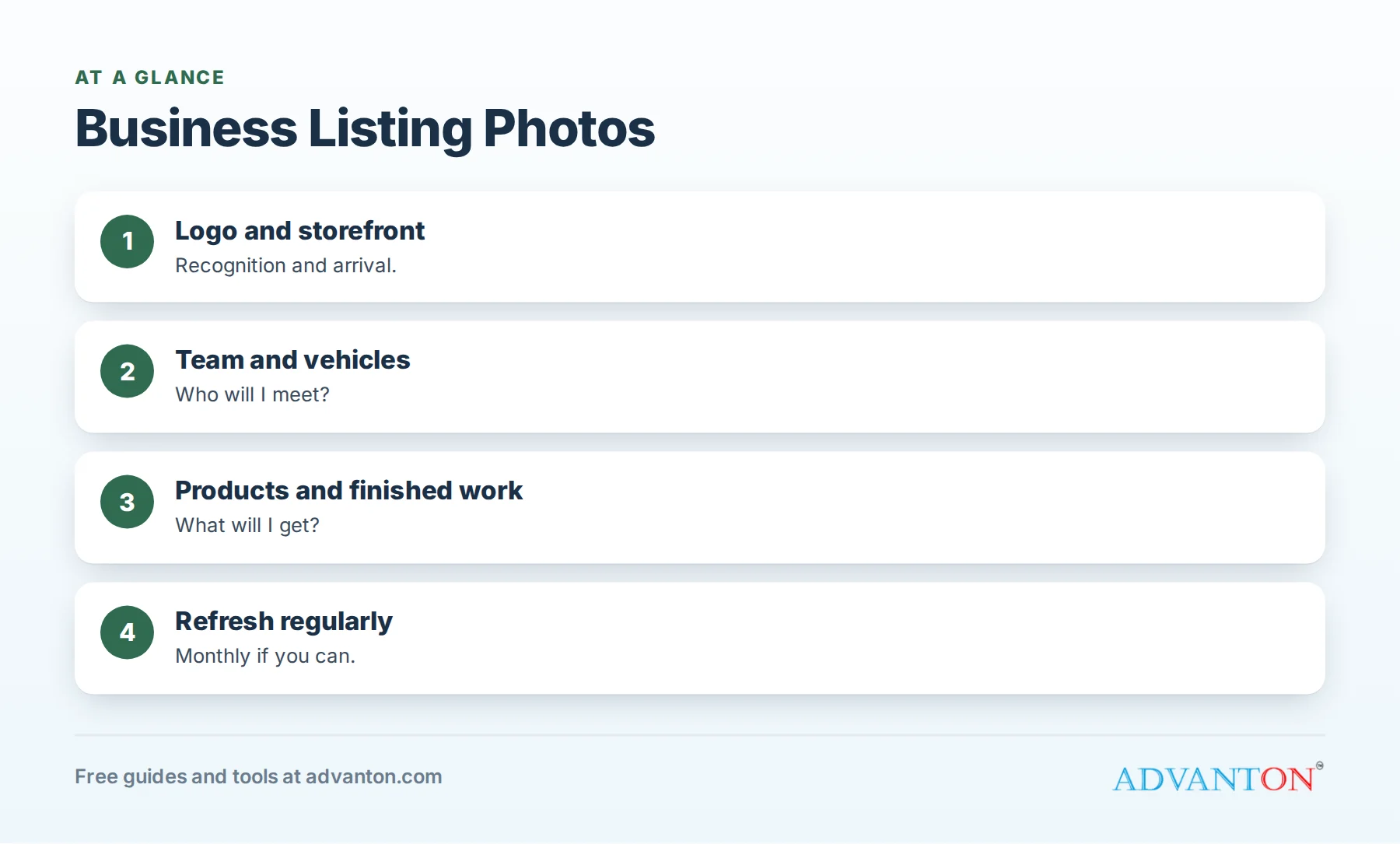
Photos every listing needs
Table of Contents
| Photo | Question it answers | Tips |
|---|---|---|
| Logo | "Is this the business I’m looking for?" | Clean version, readable at small sizes, square-friendly |
| Storefront or entrance | "Where is it, and how do I find it?" | Daylight, straight on, include signage |
| Team | "Who will I meet?" | Friendly, in uniform or branded clothing |
| Vehicle | "How will I recognize them?" | Lettered truck or van, clean, in good light |
| Products or services | "What will I get?" | Real items, dishes or services in action |
| Finished work | "How good are they?" | Before-and-after pairs for trades and services |
| Interior | "What’s it like inside?" | For shops, restaurants, salons and offices |
Service-area businesses without a storefront should focus on team, vehicles and finished work.
Photo ideas by business type
| Business | Best photos |
|---|---|
| Contractors | Before-and-after projects, crews at work (safely), branded vehicles |
| Restaurants | Signature dishes, dining room, exterior at opening time |
| Salons and spas | Styling stations, finished looks (with permission), welcoming front desk |
| Retail shops | Storefront, displays, best-selling products |
| Professional services | Team portraits, office entrance, meeting room |
| Auto repair | Clean bays, technicians, customer waiting area |
Taking great photos with a phone
- Use daylight whenever possible; turn on interior lights too.
- Clean the lens before shooting.
- Hold the phone level and keep vertical lines straight.
- Shoot wide and close: a full view, then details.
- Declutter the area first.
- Take several shots and choose the best.
- Avoid heavy filters; customers want reality.
Simple editing
Crop to remove distractions, straighten horizons, brighten slightly if needed and keep colors natural. Don’t edit work photos in ways that misrepresent results; customers notice when reality doesn’t match.
Permissions and privacy
- Ask customers before photographing their homes, cars or faces.
- Avoid house numbers, license plates and personal items.
- Use only images you own or have permission to use; never stock photos of work you didn’t do.
- Remove photos promptly if someone asks.
File names and descriptions
Where you upload photos to your own website, use descriptive file names (for example, "kitchen-remodel-oak-park.jpg") and short descriptions (alt text). On listing platforms, add captions where available.
Platform notes
| Platform | Notes |
|---|---|
| Google Business Profile | Add a logo, cover photo and regular new photos of work, products and premises |
| Apple Business Connect | Choose strong header and gallery photos for your place card |
| Yelp | Upload business photos; customers’ photos also appear |
| Profile image (logo), cover image and project albums | |
| Advanton directory | A logo (JPG, PNG or WebP, up to 2 MB) and a business photo (up to 5 MB, at least 600 pixels wide) |
Platforms change their recommended sizes; check each platform’s current guidance when uploading.
Refresh your photos
Add new photos regularly, at least monthly for active businesses, and refresh your main photos when your storefront, team, vehicles or products change. Fresh photos signal an active business and give returning customers something new to see.
Customer photos
On platforms where customers upload photos, encourage happy customers to share theirs, and respond politely to unflattering ones by improving what they show. Report photos that violate platform rules.
Before-and-after photos that persuade
- Shoot from the same spot and angle for both photos.
- Use similar lighting so the change is clear.
- Show the whole area, then a detail of the finish.
- Pair them side by side where the platform allows, or post them together.
Team photos people trust
Photograph your team in natural light, in uniforms or branded clothing, smiling and looking at the camera. Include individual photos of people customers will meet (technicians, stylists, advisors), and update them when your team changes.
Accessibility and arrival photos
Photos of your entrance, ramps, parking and signage help customers with mobility needs and anyone visiting for the first time. A simple "this is our entrance" photo prevents confusion and missed appointments.
Product photo tips
Use a clean background, soft natural light and a steady hand or simple stand. Show the product from a couple of angles and in use. For restaurants, photograph dishes as they’re served, near a window for soft light.
What not to show
Avoid photos that show unsafe work practices, customer information, messy job sites, or anything you wouldn’t want a new customer to see. Every photo on your listing is a first impression.
Short videos
Several platforms accept short videos. A 15-second walk-through of your shop, a quick time-lapse of a project or a short team introduction adds personality and keeps your listings fresh.
Organize a photo library
Keep a folder of your best photos, labeled by type (logo, storefront, team, work and products), so you can upload consistent images to every listing quickly. Remove outdated photos from the folder when your business changes.
A seasonal photo calendar
| Season | Photo ideas |
|---|---|
| Spring | Exterior refresh, new products, spring projects |
| Summer | Outdoor work, busy days, team in action |
| Fall | Seasonal menus or services, completed projects |
| Winter | Interior shots, holiday decorations, team portraits |
Show the experience, not just the place
Customers want to imagine being your customer. Photos of a stylist chatting with a client, a technician explaining a repair, or a server bringing a dish (with permission from everyone shown) tell a story that empty rooms can’t. Mix "place" photos with a few "experience" photos for a complete picture.
Use consistent branding
Use the same logo, colors and style across all your listings, website and social pages. Consistent visuals help customers recognize you instantly, whether they find you on Google, Yelp, Facebook or a directory. Our free Brand & Print Studio helps you create a consistent logo and graphics.
Check how photos look on phones
Most customers view listings on phones. After uploading, check your listing on a phone: are important details visible in the thumbnail crop? Is your logo readable? Replace photos that don’t work at small sizes.
Photos for service-area businesses
If customers never visit you, your photos must do the work a storefront would. Show your team, branded vehicles, tools and equipment, and plenty of finished work, ideally from neighborhoods you serve (without showing addresses). These photos answer the same trust questions a storefront photo answers for shops and restaurants.
Let customers see your best work first
Many platforms let you choose a cover or featured photo. Pick the single image that best represents your business, such as your best project, signature dish or welcoming storefront, and review it every few months. It’s often the only photo a scrolling customer sees.
Review your photos twice a year
Twice a year, look at every listing as a customer would. Remove outdated or weak photos, add recent ones, and make sure your logo and cover photos are still the best choices.
Common mistakes
- Only a logo, with no real photos.
- Stock images that don’t show your business.
- Dark, blurry or crooked photos.
- Outdated photos of an old location, team or vehicle.
- Photos without permission.
A 30-minute photo session
| Minutes | Shots |
|---|---|
| 0 to 5 | Storefront or vehicle, straight on in daylight |
| 5 to 15 | Team photos: group and individuals |
| 15 to 25 | Products, services or finished work |
| 25 to 30 | Interior or details; choose the best and upload |
Frequently asked questions
What photos should I add to my business listing?
Your logo, storefront or vehicle, team, products or services, and finished work.
Can I use stock photos?
Avoid them. Customers trust real photos of your business, team and work.
How often should I add photos?
Monthly if you can, and whenever your premises, team or offerings change.
What size photos does the Advanton directory accept?
A logo up to 2 MB and a business photo up to 5 MB and at least 600 pixels wide, in JPG, PNG or WebP format.
Do photos help my listing?
Real, recent photos help customers choose you and make your listing look active and trustworthy.
Should I hire a photographer?
For your main storefront, team and signature work, a professional can help; a phone works well for regular updates.
What’s the most important photo for a listing?
For most businesses, a clear photo of your storefront, vehicle or best work, plus a clean logo.
Do I need different photos for each platform?
You can use the same core set everywhere, adjusted to each platform’s sizes and formats.
How Advanton helps
Advanton is a free resource that helps small businesses start, get online, find customers and grow. Create a clean logo with the free Brand & Print Studio, then add your business to the Advanton directory with your logo and best photo, for free. Advanton earns money when you buy a domain or hosting through our store, which helps keep everything else free.
Keep learning
- How to write a listing that gets calls
- Business listing checklist
- How to add your business to the Advanton directory
Last reviewed October 30, 2026. Startup costs are estimates; check local prices, licensing and tax rules before you commit money.


Leave a Reply