
Most contractors serve more than one town, but their websites often mention only their home base. Service area pages (sometimes called town or location pages) help homeowners in each town find you and confirm that you really work in their area. Done well, they can bring steady calls from towns beyond your office. Done badly, as copies with only the town name changed, they can drag your whole site down.
This guide explains how to build service area pages that genuinely help homeowners and rank, within Google’s guidelines.
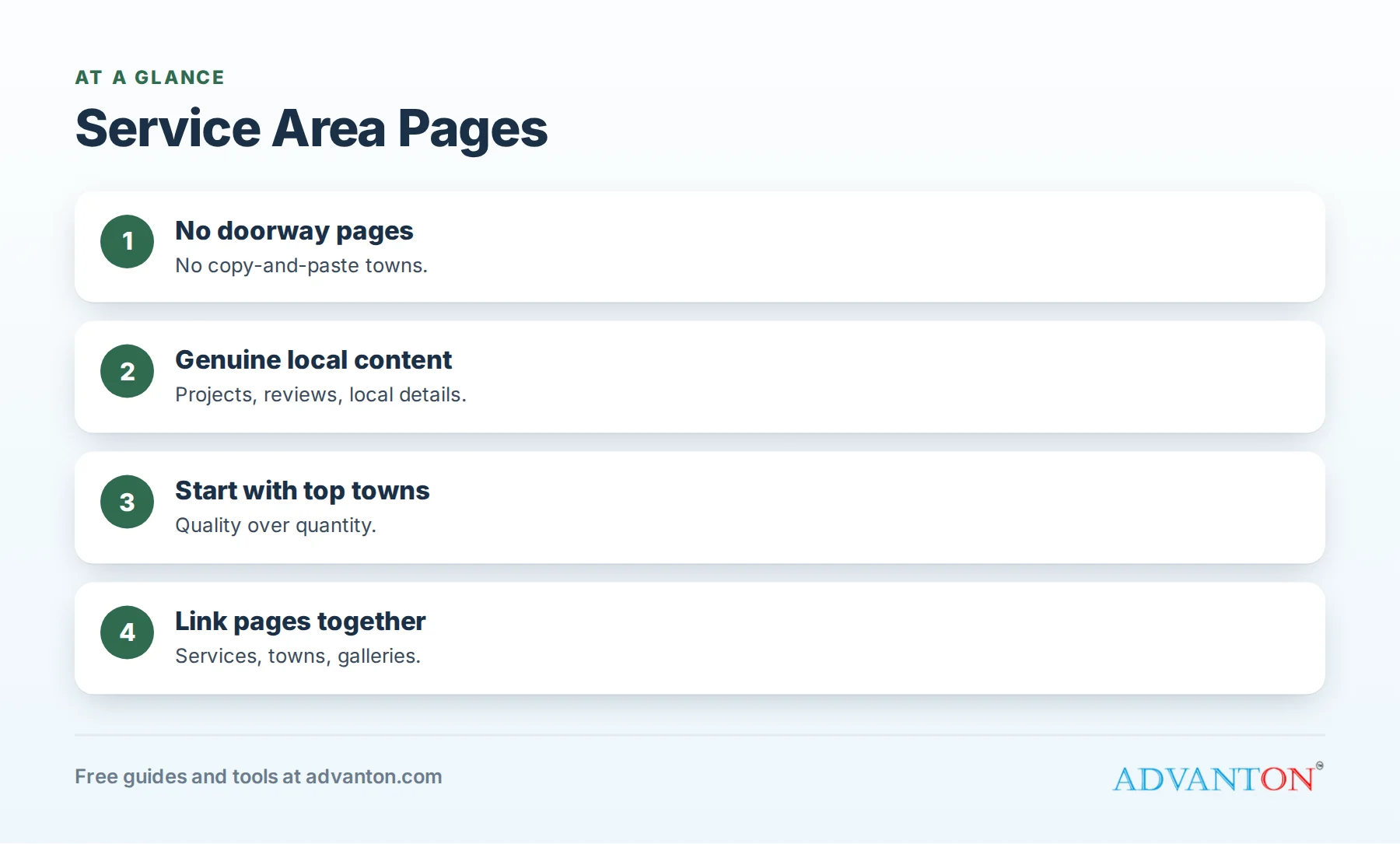
Why service area pages matter
Table of Contents
Google says local results depend mainly on relevance, distance and prominence. Distance limits how far your Business Profile appears, but your website can still rank organically for searches like "roof repair [town]" when it has genuinely useful pages about your work there. Homeowners in those towns also want reassurance that you know their area.
Avoid doorway pages
Google’s spam policies prohibit "doorway" pages, meaning pages created to rank for specific searches that funnel visitors elsewhere, including multiple near-identical pages for different locations. Copy-and-paste town pages with only the city name swapped are a classic example. They rarely rank, and they can hurt how search engines view your whole website.
What genuine local content looks like
| Element | Example |
|---|---|
| Local projects | "New roof on a 1960s ranch home in Maplewood," with photos |
| Local reviews | Reviews from customers in that town, with permission |
| Local conditions | Housing ages, weather, soil, common problems |
| Local rules | Permit notes for that city or county |
| Neighborhoods served | Specific neighborhoods and nearby areas |
| Service details | Which of your services are most requested there |
| Response times | Typical arrival or scheduling times for that area |
Each page should be useful to a homeowner in that town even if search engines didn’t exist.
Which towns to cover
Start with towns where you:
- Already have customers and completed projects.
- Want more work and can serve efficiently.
- Have local proof: photos, reviews and job stories.
It’s better to have five excellent town pages than fifty thin ones. Add towns as you complete projects there.
Set your Business Profile service areas
On your Google Business Profile, list the areas you serve (Google allows up to 20 service areas). If customers don’t visit your location, hide your address and use service areas instead. Keep the list realistic and consistent with your website.
A service area page structure
- Headline: "[Service] in [Town]" or "[Business] in [Town]."
- Introduction: your experience in that town, in a few sentences.
- Services offered there, linking to your main service pages.
- Local projects with photos and short stories.
- Local reviews.
- Local details: housing, weather, permit notes.
- Neighborhoods served.
- FAQs specific to that area.
- Call to action: phone, form and response times.
Service plus town pages
For your most important combinations, such as "roof replacement in Maplewood," a page combining service and town can work well, as long as it has real local projects and details. Don’t create every possible combination; focus on the services and towns that matter most.
Link your pages together
- Service pages link to town pages where you do that work.
- Town pages link back to service pages.
- A "Service areas" hub page lists all town pages.
- Project stories link to the town page where they happened.
Clear links help homeowners navigate and help search engines understand your site.
Keep pages fresh
Add new projects, photos and reviews to town pages regularly. A page that grows with real work signals an active local business.
Track results
Use Google Search Console to see which town pages appear in search and get clicks, and ask callers which town they’re in and how they found you. Expand pages that perform well; improve or remove pages that never get traffic.
A sample page outline
Roof Replacement in Maplewood
- Introduction: "We’ve replaced more than 40 roofs in Maplewood since 2018, from 1950s ranch homes near Central Park to newer homes off Route 9."
- Common issues: "Many Maplewood homes have original 1990s roofs reaching the end of their life, and spring hail regularly damages older shingles."
- Recent project: photos and a short story of a nearby replacement.
- Reviews: two short reviews from Maplewood customers.
- Permits: "Maplewood requires a building permit for roof replacements; we handle the application."
- Neighborhoods: "We regularly work in Oak Hill, Lakeside and Maplewood Heights."
- Call to action: "Free photo inspections in Maplewood, usually within three days."
(These details are illustrative; use your real projects, numbers and local facts.)
When you’re new to a town
If you haven’t done many jobs in a town yet, don’t invent details. Start with what you genuinely know: travel time, common housing types, permit requirements from the city’s website, and the services you offer. Add projects and reviews as you complete work there, and wait to publish a page until you can make it genuinely useful.
Gathering local proof
Make local proof part of your job process: photograph every job, note the town and neighborhood, ask customers from each town for reviews, and keep a simple log by town. After a few months, you’ll have material for strong pages.
Keep business details consistent
Service area pages shouldn’t list addresses you don’t operate from. Keep your business name, phone and main address (or hidden address with service areas) consistent across your website, Business Profile and listings. See NAP consistency.
When to delete weak pages
If a town page has no real local content and gets no traffic after several months, improve it with genuine projects and reviews, or remove it and redirect it to your service areas hub. A smaller set of strong pages is better than many weak ones.
Multiple locations vs service areas
If you have genuine offices or shops in several towns, each can have its own location page and Business Profile, with its own address and phone. If you serve towns from one base, use service area pages without claiming local addresses.
Use town pages in your marketing
Link to the relevant town page from postcards, door hangers and ads aimed at that town, using a QR code or short link. Homeowners who scan see local projects and reviews from their own area, which builds trust faster than a generic homepage.
Write for people first
Read each town page as a homeowner in that town would. Does it answer their questions? Does it show you know the area and have done good work there? If the answer is yes, it’s likely to serve both people and search engines well.
Combine town pages with your Business Profile
Your Business Profile shows in the map pack for nearby searches; your town pages help in organic results and give homeowners detailed proof. Link your Business Profile website field to your homepage or main service page, and make sure your town pages are easy to reach from there.
Common mistakes
- Copy-and-paste pages with only the town name changed.
- Listing dozens of towns you rarely serve.
- Fake addresses or virtual offices in each town.
- No local proof: photos, projects or reviews.
- Orphan pages that nothing links to.
A 90-day plan
| Month | Actions |
|---|---|
| 1 | Choose your top five towns; collect photos, reviews and project notes for each |
| 2 | Publish five genuine town pages and a service areas hub |
| 3 | Add internal links, update Business Profile service areas and review Search Console data |
Frequently asked questions
Do service area pages help contractors rank?
Genuine pages with local projects, reviews and details can help you appear for searches in towns you serve.
Can I create a page for every town?
Only for towns you genuinely serve with useful local content; thin copies can hurt your site.
What’s a doorway page?
A page created mainly to rank for specific searches, such as near-identical pages for many locations; Google’s spam policies prohibit them.
How many service areas can I list on Google?
Google Business Profile allows up to 20 service areas.
Should I use fake addresses to appear in more towns?
No. Fake addresses violate Google’s guidelines and can get your profile suspended.
How long should a service area page be?
Long enough to be genuinely useful, typically several hundred words plus photos, projects and reviews; quality matters more than length.
Should every service have its own page for every town?
No. Focus on the combinations that matter most and have genuine local proof.
Do town pages help with Google Maps rankings?
Map rankings depend mainly on your Business Profile, distance and prominence; town pages mainly help organic search results and customer trust in each area you serve.
How Advanton helps
Advanton is a free resource for small businesses. Build service and town pages with the free contractor website builder, and check your listings with the online presence checkup. You can also add your business to the Advanton directory for free. Advanton earns money when you buy a domain or hosting through our store, which helps keep everything else free.
Keep learning
Sources
- Google Business Profile Help, Tips to improve your local ranking on Google
- Google Search Central, Spam policies for Google web search (doorway abuse)
Last reviewed October 30, 2026. Startup costs are estimates; check local prices, licensing and tax rules before you commit money.


Leave a Reply