
When a homeowner searches “roof repair near me” or “electrician in [town],” Google usually shows a map with three businesses before anything else. Those three spots, often called the map pack, get a large share of the calls. Earning one doesn’t require paying Google; it requires doing the basics of local SEO better and more consistently than your competitors.
This guide explains how Google decides who appears, then walks through every step a contractor can take, in order of impact, with a 30-day checklist at the end.
How Google ranks local results
Table of Contents
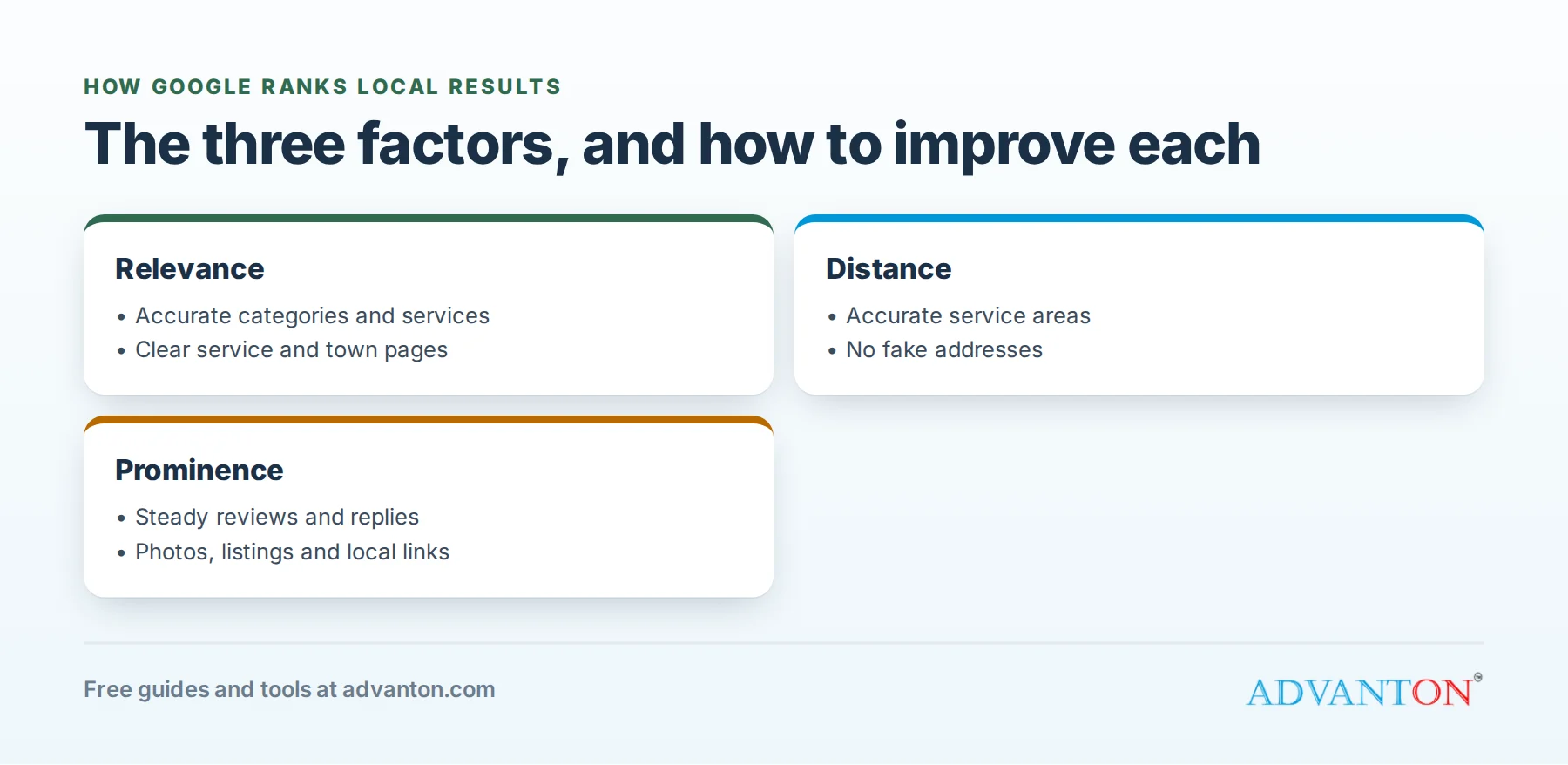
Google says local results are based mainly on three factors:
| Factor | What it means | What you can do |
|---|---|---|
| Relevance | How well your profile matches the search | Choose accurate categories, list services, write clear descriptions |
| Distance | How far the searcher is from your business or service area | Set accurate service areas; you can’t change where customers are |
| Prominence | How well-known and trusted your business is | Earn reviews, photos, mentions and links; build a strong website |
Google also notes that review count and rating are factored into local ranking, and that your position in regular web results can help too. Everything below improves one of these three factors.
Step 1: Set up your Business Profile correctly
Use your real business name. Don’t add keywords or towns to your name (“Smith Plumbing Best Emergency Plumber Dallas”). It breaks Google’s guidelines and can get your listing suspended.
Choose the right primary category. Pick the category that best describes your main service, such as “Plumber,” “Roofing contractor” or “HVAC contractor,” then add secondary categories only for services you truly offer.
Set it up as a service-area business if customers don’t visit you. Most contractors travel to customers. Google’s guidelines say you should hide your address if you don’t serve customers there, and list the areas you serve instead.
Add your services. List each service with a short description, such as water heater replacement, drain cleaning or panel upgrades.
Complete everything else: hours, phone, website, business description, opening date and attributes.
Verify your profile through Google’s process; unverified listings don’t perform well.
Category examples by trade
| Trade | Typical primary category | Possible secondary categories (only if offered) |
|---|---|---|
| Plumbing | Plumber | Water heater installation service, drainage service |
| HVAC | HVAC contractor | Air conditioning repair service, furnace repair service |
| Electrical | Electrician | Lighting contractor, EV charging station contractor |
| Roofing | Roofing contractor | Gutter service, skylight contractor |
| Painting | Painter | House painter, deck staining service |
| Remodeling | Remodeler | Kitchen remodeler, bathroom remodeler |
Category names vary over time, so choose from Google’s current list the ones that match your real services.
Step 2: Earn reviews continuously
Reviews influence both ranking and whether customers call. What matters:
- Quantity: more reviews than competitors in your area.
- Recency: a steady flow, not a burst years ago.
- Rating: consistently strong ratings.
- Detail: reviews that mention the service and town naturally help relevance.
Ask every satisfied customer right after the job, with a direct link. Never pay for reviews or post fake ones, which violates Google’s policies and consumer protection rules. Our free review request kit creates your link, messages and a QR code.
Get reviews that mention your services
Reviews that naturally mention the job and town (“replaced our water heater in Oak Park, fast and clean”) help customers and relevance. You can’t tell customers what to write, but you can make it easy to be specific: “If you have a moment, a review about your water heater replacement would really help us.” Never offer incentives for reviews, which Google’s policies prohibit.
Step 3: Reply to every review
Replies show you’re active and care about customers. Thank happy customers by name and mention the job. For complaints, stay calm, apologize for the experience, and offer to resolve it offline. Future customers read your replies more closely than you might expect.
How to check your competitors
Search for your main service and town in an incognito browser window from a location in your service area, and study the businesses in the map pack:
- How many reviews do they have, and how recent?
- Which categories do they use?
- How many photos and posts?
- Do they have pages for that service and town on their websites?
You don’t need to copy them, just outwork them on the basics. If the top three average 80 reviews, set a goal to get there with steady requests over the coming months.
Step 4: Add photos and posts regularly
Upload photos of real jobs, your team, your trucks and before-and-after results. Post updates about seasonal services, offers and recent projects. Activity signals that your business is real and operating, and photos help customers choose you.
Photo tips that help
- Take photos on every job: before, during and after.
- Use good light and keep the scene tidy.
- Show your team and branded trucks, which build trust.
- Upload regularly rather than all at once.
- Get permission before showing customers’ homes, and avoid house numbers and personal details.
Seasonal post ideas
| Month | Post idea |
|---|---|
| January | Frozen pipe prevention tips |
| April | Spring roof and gutter inspections |
| June | AC tune-up reminder |
| September | Furnace safety check |
| November | Holiday plumbing tips and hours |
Step 5: Build a website that supports local ranking
Your website strengthens prominence and relevance. Make sure it has:
- Your business name, phone and service areas clearly shown, matching your profile exactly.
- A page for each main service, with real details, prices or ranges, photos and FAQs.
- Service area pages for your main towns, each with genuinely local content: projects completed there, local codes or weather issues, and reviews from customers in that town.
- Fast, mobile-friendly design with click-to-call.
- Clear calls to action on every page.
Our free contractor website builder creates these pages, with trade versions for plumbers, HVAC, electricians, roofers, painters and remodelers.
A service area page outline
A strong town page is genuinely useful, not a copy with the town name swapped:
- Headline: “Water Heater Replacement in [Town].”
- Intro: how long you’ve served the town, response times and what customers can expect.
- Local details: common issues in local homes (older plumbing, hard water, weather), relevant permits.
- Recent projects in that town with photos.
- Reviews from local customers.
- Prices or ranges and what affects them.
- FAQs customers in that town ask.
- A clear call to action: click-to-call and a quote form.
Write pages only for towns you genuinely serve, and add them over time.
Step 6: Keep your business information consistent everywhere
Your name, address (if shown) and phone should match exactly across your profile, website, directories, social media and review sites. Claim your listings on major directories and industry sites, and fix old listings with outdated phone numbers or addresses.
Where to list your business
Beyond Google, claim and complete listings on the sites customers and search engines use:
| Listing | Why it matters |
|---|---|
| Apple Business Connect | Controls how you appear in Apple Maps on iPhones |
| Bing Places | Powers Bing search and some AI answers |
| Yelp | Popular with homeowners in many cities |
| Facebook business page | Local recommendations and reviews |
| Nextdoor business page | Neighborhood recommendations |
| Better Business Bureau | Trust signal for some customers |
| Trade and manufacturer directories | Certified installer listings often include a link |
Use the exact same name, phone and website everywhere.
Step 7: Earn local links and mentions
Links from other local websites build prominence:
- Suppliers and manufacturers with “find an installer” pages.
- Local business associations and chambers of commerce.
- Community sponsorships: youth sports, charities and events.
- Local news coverage of interesting projects or community work.
- Partners such as realtors and builders who recommend you.
Step 8: Track your progress
Use your Business Profile’s performance data to see searches, calls and direction requests. Use Google Search Console to see which searches bring visitors to your website. And ask every caller how they found you; our free lead source tracker helps. See best free SEO tools for more.
Be realistic about distance
Google weighs how close a business is to the searcher, and you can’t change where customers are searching from. Your profile will usually rank best near your location and in nearby towns, and harder in distant parts of your service area. You can still win those areas with strong reviews, local pages and links, plus paid options like Local Services Ads to fill gaps. Don’t create fake locations to rank in other towns; it breaks Google’s guidelines.
Turn on messaging and answer questions
If your profile offers messaging or booking features, respond quickly, since slow replies frustrate customers. Check the questions section on your listing and answer common questions yourself, such as service areas, emergency availability and payment options.
Add structured data to your website
Structured data (schema markup) tells search engines your business name, services, areas and contact details in a standard format. Many website builders add it automatically. Check your pages with Google’s free Rich Results Test.
Moving or changing your name or phone?
Update your Business Profile first, then your website and every directory listing. Changes in one place but not others create inconsistent information that can confuse customers and search engines.
Local search and AI answers
Search engines increasingly show AI-generated summaries that mention local businesses. The fundamentals here (accurate profile, strong reviews, consistent information and helpful pages) help you appear in those answers as well as the map pack.
High-value searches by trade
| Trade | Searches worth targeting with pages |
|---|---|
| Plumbing | emergency plumber, water heater replacement, drain cleaning, sewer line repair |
| HVAC | AC repair, furnace replacement, heat pump installation, HVAC maintenance |
| Electrical | panel upgrade, EV charger installation, electrician near me, lighting installation |
| Roofing | roof repair, roof replacement, roof inspection, gutter installation |
| Painting | interior painting, exterior painting, cabinet painting |
| Remodeling | kitchen remodel, bathroom remodel, basement finishing |
Build one useful page per service, then add town pages for your most important areas.
Check how you rank around town
Your ranking changes depending on where the searcher is. Search from different neighborhoods (or ask friends in different areas to check), or use a local rank grid tool, to see where you appear in the map pack across your service area. Focus extra effort, such as town pages and local partnerships, on areas where you’re weaker.
A 30-minute monthly routine
- Review performance: calls, direction requests and website visits from your profile.
- Request reviews from every finished job, and reply to all new reviews.
- Upload new photos and publish two posts.
- Improve one page on your website, or add a new service or town page.
- Check listings for accuracy on Google, Apple, Bing and Yelp.
- Note one new link opportunity, such as a supplier, sponsor or partner.
What not to do
| Mistake | Why it hurts |
|---|---|
| Keywords in your business name | Breaks guidelines; risks suspension |
| Fake addresses or virtual offices to appear in more towns | Breaks guidelines; risks suspension |
| Buying or faking reviews | Breaks policies; can trigger removals and penalties |
| Copy-and-paste town pages | Thin content rarely ranks and can drag your site down |
| Several listings for the same business | Confuses Google and customers |
| Ignoring negative reviews | Customers notice; it hurts trust |
Why your listing isn’t showing
| Problem | Likely cause | Fix |
|---|---|---|
| Not appearing at all | Unverified or suspended profile | Complete verification; check for policy issues |
| Appearing only near your base | Distance and weak prominence | More reviews, local pages and links for outer areas |
| Showing for the wrong services | Categories or services don’t match | Correct primary category; list real services |
| Dropped suddenly | Profile edits, duplicate listings or a competitor surge | Review recent changes; remove duplicates; keep building reviews |
| Few calls despite views | Weak photos, reviews or calls to action | Add photos, request reviews, check phone number and hours |
Avoiding and recovering from suspensions
Listings are most often suspended for guideline problems: keywords in the business name, ineligible or shared addresses, or duplicate listings. Keep your profile accurate and simple, and make changes carefully. If your profile is suspended, fix the cause first, then request reinstatement through Google’s official process with evidence of your business, such as a license, utility bill or photos of branded vehicles and equipment. Avoid anyone offering shortcuts: there are no legitimate ways to buy ranking in the free local results.
Multiple trades or locations
If you offer several trades, such as plumbing and HVAC, use one Business Profile with a primary category for your main service and secondary categories for the rest, and build separate website pages for each service. Only create additional profiles for genuine additional locations, staffed during business hours and eligible under Google’s guidelines; each should have its own address, phone number and local page. Contractors expanding into new areas often grow faster with strong town pages, reviews from those areas and Local Services Ads than with extra listings.
How long does local SEO take?
Some changes, like correcting categories and adding services, can help within weeks. Building reviews, content and links typically takes several months to show strong results. Competitive trades in large cities take longer than niche services in smaller towns. Consistency beats bursts of effort: a few reviews and photos every week will outperform a big push followed by months of complete silence.
Your 30-day map pack checklist
| Week | Tasks |
|---|---|
| 1 | Correct name, categories, service areas, hours and services; verify your profile |
| 2 | Request reviews from your last 20 customers; reply to all existing reviews |
| 3 | Upload 20 job photos; publish service pages for your top three services |
| 4 | Fix directory listings; publish your first town page; set up lead tracking |
Run our free online presence checkup before and after the 30 days to see what improved.
Frequently asked questions
How do I get into Google’s map pack?
Complete and verify your Business Profile, choose accurate categories, earn steady reviews, keep information consistent, and build a strong local website.
Should I show my home address?
If customers don’t visit you there, Google’s guidelines say to hide it and set service areas instead.
Can I rank in towns where I don’t have an office?
Distance matters, but strong relevance and prominence, plus genuinely useful pages for each town you serve, help you appear in nearby areas.
Do Local Services Ads help my map ranking?
They’re separate from the free local results. See our Local Services Ads guide.
How many reviews do I need to rank?
There’s no fixed number. Compare yourself with the businesses already in the map pack for your main searches, and aim to match or exceed their review count and recency over time.
Do Google posts help ranking?
Posts keep your profile active and can help customers choose you. Treat them as part of a consistent routine rather than a ranking shortcut.
Is local SEO worth it for a small contractor?
Yes. It’s one of the few channels where results keep building over time without paying for every lead, and many of the most valuable steps are free. A few hours a month, done consistently, often outperforms expensive campaigns that stop when the budget runs out.
Keep learning
Sources
Last reviewed October 29, 2026. Startup costs are estimates; check local prices, licensing and tax rules before you commit money.
This article is general information, not financial, legal or tax advice. Check the rules that apply to you or talk to a qualified professional before making decisions. See our disclaimer.
Leave a Reply