
Many homeowners would rather fill out a form than call, especially when they’re researching at night or at work. A good quote request form captures those leads; a bad one loses them with too many questions, confusing layouts or forms that break on phones. Every abandoned form is a customer who was interested enough to start.
This guide explains how to design quote request forms that homeowners complete, and what to do after they hit "submit."
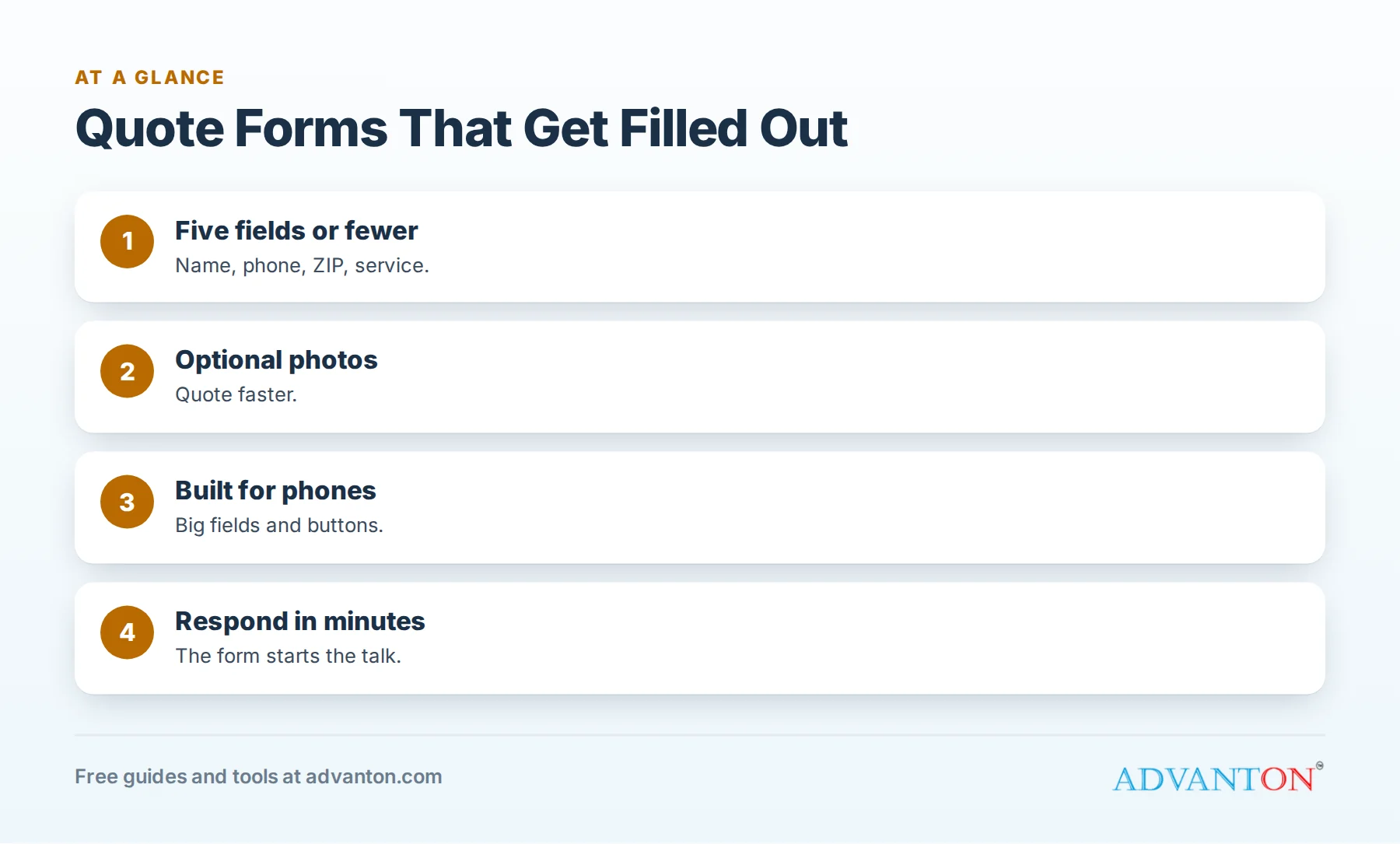
Ask only what you need
Table of Contents
Every extra field reduces completions. Start with the essentials:
| Field | Required? | Why |
|---|---|---|
| Name | Yes | To address them personally |
| Phone | Yes | Most contractors close jobs by phone |
| Optional or yes | For written quotes and follow-up | |
| Address or ZIP code | Yes | To confirm your service area |
| Service needed | Yes (dropdown) | To route the request |
| Short description | Optional | Helps you prepare |
| Photos | Optional | Lets you quote faster |
| Preferred contact time | Optional | Improves connection rates |
Skip questions you can ask later: budget details, how they heard about you (unless optional), and long project questionnaires.
Use dropdowns and buttons
Dropdowns for service type and buttons for timing ("ASAP," "This month," "Planning ahead") are faster than typing. Keep text fields short.
Photo uploads
Optional photo uploads let homeowners show the problem, and help you quote faster or prepare for the visit. Keep upload limits reasonable and tell people photos are optional.
Design for phones
Most visitors use phones. Make sure:
- Fields are large and easy to tap.
- The keyboard matches the field (numbers for phone and ZIP).
- The form fits the screen without sideways scrolling.
- The submit button is big and clearly labeled ("Get my free estimate").
Place forms where people decide
Put a short form or a clear button to the form on your homepage, every service page, town pages, gallery pages and landing pages. Repeat the phone number nearby for people who prefer to call.
Protect against spam
Use spam protection that doesn’t annoy real people, such as hidden fields or invisible checks, rather than difficult puzzles. Monitor submissions and adjust if spam increases.
Privacy and consent
Add a short line explaining how you’ll use the information ("We’ll use your details only to respond to your request"), and link to your privacy policy. If you plan to send texts, follow consent rules for text messaging and make it clear customers can opt out.
What happens after submission
- Show a confirmation message: "Thanks! We’ll contact you within [time]."
- Send a confirmation text or email with your phone number.
- Alert your team instantly by text or app notification.
- Respond within minutes during business hours with specific appointment times.
The form only starts the conversation; speed wins the job. See speed to lead.
Track where forms come from
Record which page each form came from and, when possible, which marketing channel brought the visitor. Our free lead source tracker helps you compare channels by booked jobs.
Test your forms
Submit a test form every month on your phone and computer. Check that notifications arrive, confirmation messages work and the details reach the right person. Broken forms are surprisingly common and silently cost jobs.
Form copy that works
- Headline: "Get your free estimate" or "Request a quote."
- Reassurance: "No obligation. We respond within one business hour."
- Trust signals: license, insurance and review rating near the form.
- Button: action-focused text such as "Get my free estimate."
Multi-step forms
For complex services, a short multi-step form (service, then details, then contact information) can feel easier than one long page. Show progress ("Step 2 of 3") and keep the contact step last so people invest before giving details.
Field examples by trade
| Trade | Useful optional field |
|---|---|
| Roofing | "Is there an active leak?" (yes/no) |
| HVAC | "Is your system not working right now?" (yes/no) |
| Plumbing | "Is water leaking now?" (yes/no) |
| Remodeling | "Which room?" (dropdown) and "Planned start" (dropdown) |
| Painting | "Interior, exterior or cabinets?" (buttons) |
| Fencing | "Approximate length" (optional) and "Purpose" (privacy, pets, pool) |
Urgency questions help you prioritize emergencies immediately.
Offer a booking calendar
For simple services, let homeowners pick an estimate time directly in the form, from times you control. Instant booking converts better than "we’ll call you," as long as you keep the calendar accurate.
After-hours submissions
Many forms arrive in the evening. Send an automatic confirmation that sets expectations ("We’ll call you by 9 a.m. tomorrow"), and call first thing. For emergency trades, route urgent submissions to whoever is on call.
When people don’t answer
If a homeowner doesn’t pick up, follow up by text immediately, then call again later the same day and the next morning:
"Hi [Name], it’s [Name] from [Business] about your [service] request. I have openings [two times]. Reply with what works, or call me at [number]."
Measure form performance
Track how many visitors start and finish your forms where your tools allow, and compare pages. If one page’s form performs poorly, simplify it or move it higher on the page.
Make forms accessible
Label every field clearly, make error messages specific ("Please enter a valid phone number"), and ensure forms work with keyboard navigation and screen readers.
A form audit checklist
- Five or fewer required fields
- Works smoothly on phones
- Clear confirmation message and email or text
- Instant team notification
- Spam protection that doesn’t block real people
- Privacy note and consent language for texts
- Tested this month
Keep the form short, then ask more later
The form’s job is to start a conversation, not finish it. Collect the essentials, then ask detailed questions by phone, text or a follow-up questionnaire after the homeowner has engaged. People who have already spoken with you are far more willing to share details.
Use forms on your listings too
Where platforms allow, link your Business Profile, Facebook page and directory listings to a quote page rather than just your homepage. Every extra click between interest and the form loses some homeowners.
Respect the information people share
Store form submissions securely, limit who can access them and delete data you no longer need according to your privacy policy. Homeowners trust contractors with their addresses, phone numbers and photos of their homes; protecting that trust protects your reputation.
Different forms for different services
If you offer very different services (emergency repairs and large remodels, for example), consider separate forms: a short, urgent form for repairs with an "Is this an emergency?" question, and a slightly longer planning form for projects. Each asks only what matters for that type of job, and each routes to the right person.
Show what happens next
Below the form, list the next steps in three short lines: "1. We’ll call or text within one business hour. 2. We’ll schedule a free visit at a time that suits you. 3. You’ll receive a written quote, usually the same day." Clear expectations reduce hesitation and make people more likely to submit.
Thank-you page
After submission, send people to a thank-you page with your phone number, a few reviews and links to galleries. It reassures them they’ve made a good choice and gives them something useful to look at while they wait.
Common mistakes
- Too many required fields.
- Forms that break on phones.
- No confirmation message.
- Slow responses to submissions.
- Notifications going to an unchecked inbox.
A worked example
A painting contractor cuts its quote form from 12 required fields to 5, adds optional photo uploads and a "This month or later" timing button, and sets up instant text alerts. Form completions rise noticeably, and the owner can quote many small jobs from photos without a visit. This example is illustrative; test your own changes.
Frequently asked questions
How many fields should a contractor quote form have?
As few as possible: name, phone, address or ZIP, service and an optional description and photos.
Should I require an email address?
Optional is often better; phone is usually more important for contractors.
Do photo uploads help?
Yes, optionally. They help you quote faster and prepare for visits.
How fast should I respond to form submissions?
Within minutes during business hours, with specific appointment times.
How do I stop spam submissions?
Use invisible spam protection, monitor submissions and adjust as needed.
Should my form ask for a budget?
Usually not at first; a budget dropdown can be optional for larger projects, but required budget fields reduce completions.
Is a form better than a phone number?
Offer both. Some homeowners prefer to call; many prefer forms, especially after hours.
Where should the form go on a page?
Near the top on landing pages, and after key content on service pages, with a button linking to it from the top.
How Advanton helps
Advanton is a free resource for small businesses. The free contractor website builder includes quote request forms and click-to-call buttons, and the lead source tracker helps you measure results. You can also add your business to the Advanton directory for free. Advanton earns money when you buy a domain or hosting through our store, which helps keep everything else free.
Keep learning
Last reviewed October 30, 2026. Startup costs are estimates; check local prices, licensing and tax rules before you commit money.


Leave a Reply