
When visitors see "Not secure" next to your web address, many leave, and browsers warn people before they type anything into forms. An SSL certificate fixes this: it encrypts the connection between your website and visitors, adds the padlock, and lets your site load on https://. Search engines also prefer secure websites.
Most cPanel hosting includes free SSL certificates through a feature called AutoSSL, so there’s nothing to buy.
Before you start
Table of Contents
- Your domain must point to your hosting. SSL certificates can only be issued once your domain reaches your hosting. If you’ve just connected it, wait until your website or your host’s default page appears. See connecting your domain.
- Your cPanel login from your hosting welcome email.
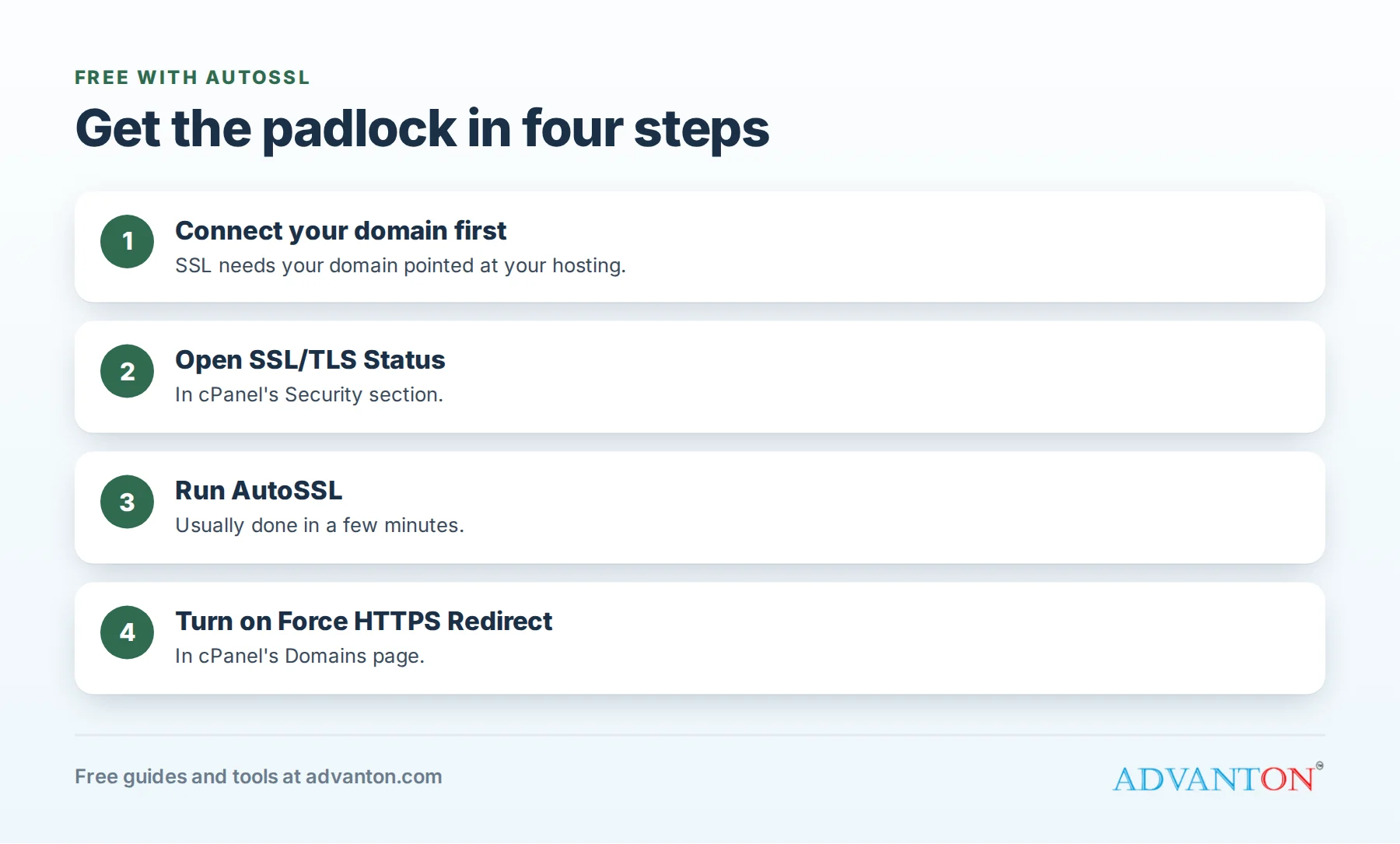
Step 1: Check or run AutoSSL
- Log in to cPanel.
- Go to Security › SSL/TLS Status.
- You’ll see your domains (such as yourdomain.com and www.yourdomain.com) with their certificate status.
- If any show as not secured, click Run AutoSSL. It usually takes a few minutes.
- Refresh the page. Your domains should now show a valid certificate.
Many hosts run AutoSSL automatically within a day of setup, so your site may already be secure.
Step 2: Make every visitor use the secure version
Visitors who type your address without "https" may still reach the insecure version. To redirect everyone automatically:
- In cPanel, open Domains.
- Find your domain and turn on Force HTTPS Redirect.
Now visit http://yourdomain.com: it should switch to https:// with a padlock.
Step 3: Check your website
Open your website and click the padlock icon in the address bar. It should say the connection is secure. Check a few pages, and your contact or estimate form.
Troubleshooting
| Problem | Likely cause and fix |
|---|---|
| AutoSSL fails | Your domain isn’t pointing to this hosting yet, or the change is still spreading. Wait a few hours and run it again. |
| Padlock on yourdomain.com but not www | Run AutoSSL again once www points to your hosting too. |
| "Not fully secure" or a broken padlock | "Mixed content": some images or files load over http://. Update those links to https:// or to relative paths. Sites from the Advanton builder use relative links, so this is rare. |
| Redirect loop or "too many redirects" | Often caused by redirects set in two places (for example, a CDN and cPanel). Turn off one of them. |
| Certificate expired | AutoSSL renews certificates automatically; if one expires, run AutoSSL again or contact support. |
Frequently asked questions
Is free SSL as secure as a paid certificate?
For encrypting your website’s connection, yes. Paid certificates can add extra verification of your organization or warranties, which most small business websites don’t need.
Do I need to renew my SSL certificate?
Not with AutoSSL; it renews automatically while your domain points to your hosting.
Does SSL protect my email too?
Your mail server uses its own secure connection settings; follow the secure settings in our business email guide.
Next steps
Last reviewed October 27, 2026. Startup costs are estimates; check local prices, licensing and tax rules before you commit money.


Leave a Reply