
It’s easier to build a great contractor website when you can picture one. This guide walks through example layouts by trade (homepage structure, headlines, sections and calls to action) based on what homeowners in each trade need to see before they call. The examples use fictional businesses so you can adapt the ideas to your own company.
For the checklist every contractor site needs, see contractor website must-haves.
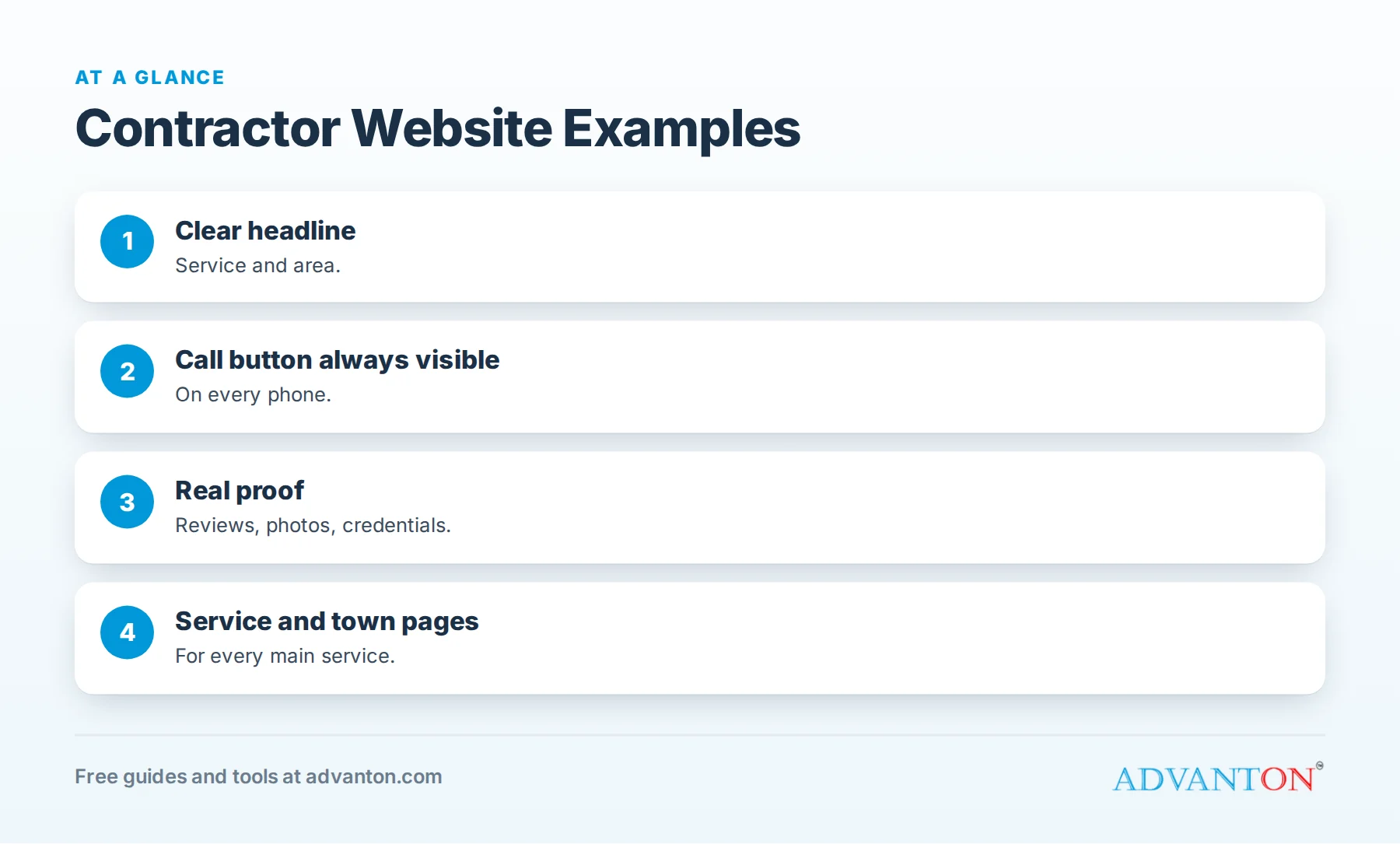
The structure every contractor homepage shares
Table of Contents
| Section | Purpose |
|---|---|
| Header | Logo, phone number, call button, quote button |
| Hero | Headline with service and area, real photo, trust signals |
| Services | Main services with links to service pages |
| Proof | Reviews, photos, credentials |
| Process | How working with you works |
| Service areas | Towns you serve, linked to town pages |
| FAQ | Common questions |
| Final call to action | Phone and quote form |
Example: plumbing company
Hero headline: "Licensed Plumbers in Springfield: Same-Day Service, Upfront Pricing."
Sections:
- Emergency banner: "Leak or no water? Call now: we answer 24/7" (only if true).
- Services: water heaters, drain cleaning, leak repair, repiping, fixtures.
- Trust: license number, review rating, "satisfaction guaranteed."
- What to do in an emergency: shut-off valve tips.
- Call to action: big call button plus "Book online."
Example: HVAC company
Hero headline: "Heating and Cooling Repair in Oak Park: Fast, Honest, Guaranteed."
Sections:
- Seasonal banner: AC tune-ups in spring, furnace checks in fall.
- Services: repair, replacement, heat pumps, ductless, maintenance plans.
- Maintenance plan section with benefits and pricing.
- Repair or replace guide linking to options.
- Call to action: call button, booking form, financing information.
Example: electrical contractor
Hero headline: "Licensed Electricians in Riverside: Panels, EV Chargers and Repairs."
Sections:
- Safety-first messaging: licensed, insured, permits pulled.
- Services: troubleshooting, panel upgrades, EV chargers, generators, lighting.
- EV charger section with photos and typical timelines.
- Call to action: call button and quote form with optional photos.
Example: roofing company
Hero headline: "Roof Repair and Replacement in Maplewood: Free Photo Inspections."
Sections:
- Inspection offer with a sample photo report.
- Services: replacement, repair, storm damage, gutters.
- Materials with options and warranties.
- Project gallery by material and town.
- Call to action: "Book a free inspection."
Example: remodeling company
Hero headline: "Kitchen and Bathroom Remodeling in Westfield: Design to Done."
Sections:
- Project stories with photos and budget ranges.
- Process: consultation, design, selections, construction, walkthrough.
- Cost guide links for kitchens and bathrooms.
- Reviews that mention communication and cleanliness.
- Call to action: "Schedule a design consultation."
Example: painting company
Hero headline: "Interior and Exterior Painting in Lakeside: Clean, On Time, Guaranteed."
Sections:
- Before-and-after gallery.
- Prep and protection process with photos.
- Color consultation offer.
- Lead-safe certification for older homes, if applicable.
- Call to action: "Get a free estimate."
Example: landscaping company
Hero headline: "Lawn Care and Landscaping in Brookfield: Weekly Plans and Seasonal Cleanups."
Sections:
- Maintenance plans with what’s included.
- Seasonal services: cleanups, aeration, leaf removal, snow removal.
- Portfolio of design and hardscape projects.
- Neighborhoods served.
- Call to action: "Get a quote for your yard."
Example: handyman business
Hero headline: "Reliable Handyman Services in Centerville: Small Jobs Done Right."
Sections:
- Task list with prices: TV mounting, drywall repair, fixtures, assembly.
- "Honey-do list" visit option.
- Licensing note on what you do and when you refer licensed trades.
- Call to action: "Book a visit" and "Text us photos for a quote."
Example: concrete contractor
Hero headline: "Concrete Driveways, Patios and Walkways in Fairview: Built to Last."
Sections: finish gallery (broom, stamped, exposed aggregate), "how we pour" process photos, honest notes about cracking and control joints, and a "Request a free estimate" form with optional photos.
Example: fence company
Hero headline: "Wood, Vinyl and Aluminum Fences in Greenville: Free Estimates."
Sections: fences by material and by purpose (privacy, pets, pools), a permit and HOA help section, a cost-per-foot guide and a gallery of local installs.
Example: pest control company
Hero headline: "Pest Control in Hillcrest: Safe, Effective, Guaranteed."
Sections: common pests by season, a recurring plan with what’s included, safety information for children and pets, and a "Get a free inspection" button.
Example: pressure washing business
Hero headline: "House Washing and Driveway Cleaning in Lakewood: See the Difference."
Sections: before-and-after sliders by surface, a soft washing explanation, recurring plans and a quote form that accepts photos.
Example: flooring company
Hero headline: "Hardwood, Luxury Vinyl and Tile Installation in Ridgeview."
Sections: material pages, an in-home estimate explanation, a cost guide and galleries by room.
Example about section
"We’re a family-owned [trade] company founded in [year] by [Name], serving [area]. Our licensed team treats every home like our own: on time, clean and clear about pricing. We’re proud of our [rating] rating from more than [number] local customers."
Include a team photo and credentials.
Example contact section
- Phone and text numbers, both clickable.
- Short quote form.
- Hours and emergency availability.
- Service area map or list.
- Response promise: "We reply within one business hour."
Example mobile header
On phones, a slim header with your logo, a "Call" button and a "Get quote" button stays visible as visitors scroll, so contacting you is always one tap away.
Example footer
Business name, phone, email, service area, hours, license number, links to services and town pages, and links to your Google profile and social pages.
Example reviews section
Show three to six short review quotes with the customer’s first name, town and service ("Maria, Springfield: water heater replacement"), a star rating and a link to your Google profile. Rotate in recent reviews every few months so the section stays current.
Example trust bar
A slim strip below the hero with four items: "Licensed and insured," "[Rating] stars from [number] reviews," "[Years] years serving [area]" and "Satisfaction guaranteed." It answers trust questions at a glance before visitors scroll.
Example service areas section
List your main towns with links to town pages, and add a sentence such as "Not sure if we serve your area? Call us; we cover most of [county]." See service area pages for contractors.
Example process section
A simple four-step strip helps homeowners picture working with you:
- Call or request a quote.
- We visit and give you a written estimate, usually the same day.
- We complete the work, keeping you updated and the site clean.
- Final walkthrough and warranty.
Example FAQ section
Answer the five questions you hear most often: pricing, timelines, warranties, service areas and payment options. Short, honest answers reduce hesitation and save phone time.
Example photo strip
A row of four recent project photos with captions and towns, linking to your full gallery, shows activity and quality without slowing the homepage. Update it every month or two.
Elements that appear in every strong example
- Phone number and call button visible at all times on phones.
- Real photos, never stock images of other people’s work.
- Reviews from local customers.
- Credentials: license, insurance, certifications.
- Clear service areas.
- A short quote form. See quote request forms.
Service page example
Each main service should have its own page:
- Headline: service and area.
- Signs you need the service.
- Options and price ranges.
- Your process.
- Photos and reviews for that service.
- FAQ.
- Call to action.
Common mistakes in contractor websites
- Vague headlines like "Quality You Can Trust."
- Hidden phone numbers.
- Stock photos.
- One page for all services.
- Slow loading on phones. See contractor website speed.
Frequently asked questions
What should a contractor’s homepage include?
A clear headline with service and area, call button, real photos, services, reviews, credentials, service areas and a quote form.
Should every service have its own page?
Yes. Separate pages help homeowners find what they need and help you appear for specific searches.
Can I copy another contractor’s website?
No. Use examples for ideas, but write your own content and use your own photos.
How much text should a homepage have?
Enough to explain your services, area and trust signals clearly, with details on service pages.
What’s the most important element?
A visible phone number and call button, followed by real proof of your work.
Should my website show prices?
Typical ranges for common jobs help homeowners decide and pre-qualify leads; final prices depend on the job.
How many pages should a contractor website have?
At minimum a homepage, a page for each main service, an about page, a contact page and town pages for your main areas.
Do I need a different website for each trade I offer?
Usually not; one site with clear service pages for each trade works well.
What’s the biggest difference between good and weak contractor websites?
Good sites make it obvious what you do, where, why to trust you and how to call, within seconds.
How Advanton helps
Advanton is a free resource for small businesses. Build a site from these layouts with our free trade website builders: plumbing, HVAC, electrical, roofing, remodeling, painting, handyman and the general contractor website builder. You can also add your business to the Advanton directory for free. Advanton earns money when you buy a domain or hosting through our store, which helps keep everything else free.
Keep learning
Last reviewed October 30, 2026. Startup costs are estimates; check local prices, licensing and tax rules before you commit money.


Leave a Reply