
Many contractor jobs are lost not because the price was wrong, but because nobody followed up. Homeowners get busy, compare quotes, wait for a spouse or simply forget. A polite, consistent follow-up sequence wins jobs that would otherwise disappear, without being pushy.
This guide gives you a day-by-day sequence and ready-to-use scripts for every common situation. For writing the estimate itself, see how to write estimates that win.
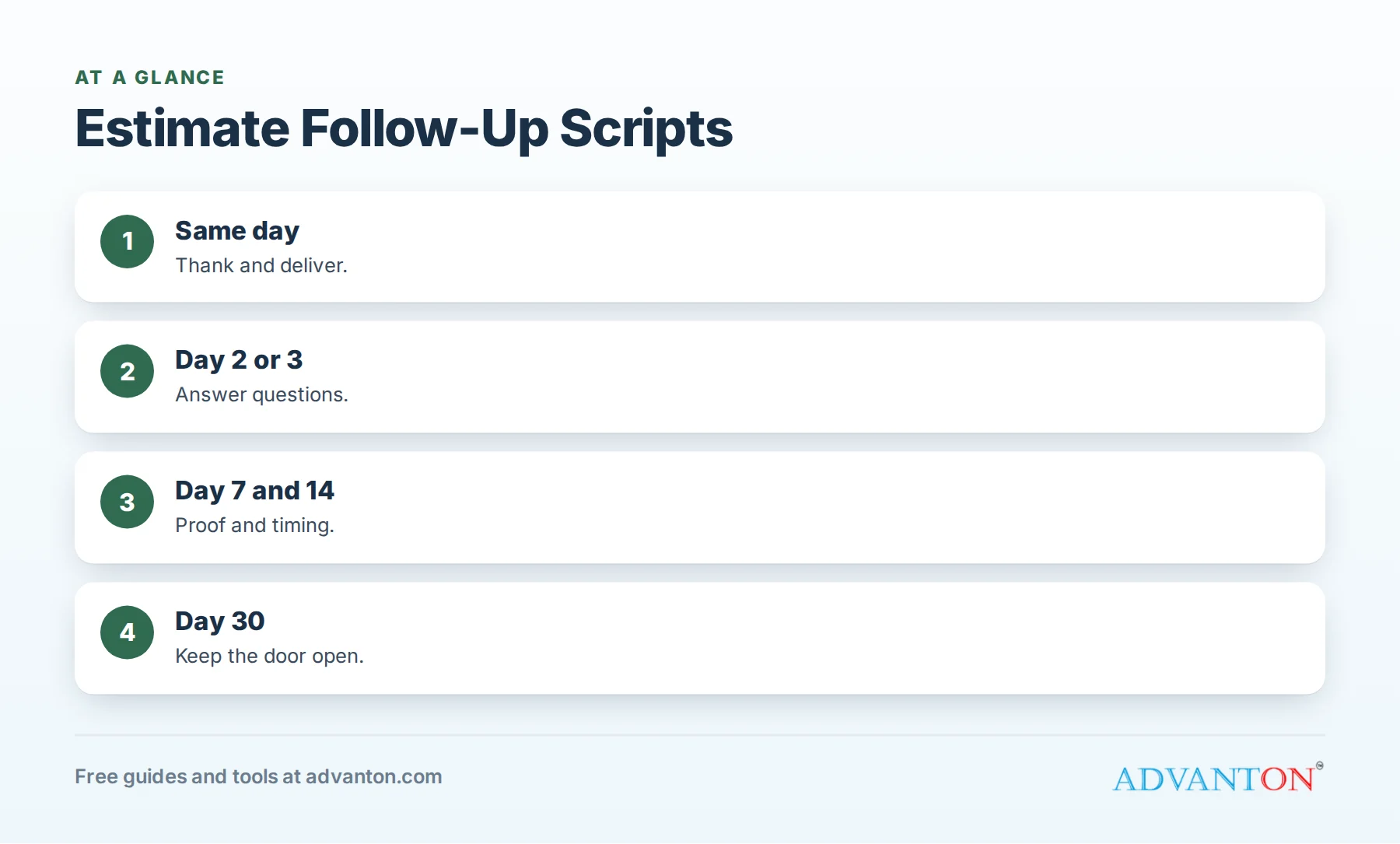
A follow-up sequence
Table of Contents
| When | Channel | Purpose |
|---|---|---|
| Same day | Text or email with the estimate | Thank them; deliver the quote |
| Day 2 or 3 | Call, then text if no answer | Answer questions |
| Day 7 | Text or email | Gentle check-in; share a related project |
| Day 14 | Call or text | Offer scheduling; ask about timing |
| Day 30 | Helpful information; door stays open | |
| Season change | Email or postcard | Reminder for planned projects |
Adjust for urgency: emergency repairs need faster follow-up; remodels can follow a slower rhythm.
Same-day message
"Hi [Name], thanks for meeting with me today. Here’s your estimate for the [project]: [link]. I included [options]. Happy to answer any questions. [Your name], [Business]"
Day 2 or 3: the check-in call
"Hi [Name], it’s [Your name] from [Business]. I wanted to check whether you had a chance to look over the estimate and if any questions came up. … Great. Our schedule for [month] is filling up; would you like me to hold a start date for you?"
If they don’t answer, send a text:
"Hi [Name], just checking in on your [project] estimate. Any questions I can answer? Happy to chat whenever is convenient."
Day 7: share proof
"Hi [Name], I thought you might like to see a [similar project] we finished recently in [town]: [link]. Let me know if you’d like to move forward or have any questions about your estimate."
Day 14: timing
"Hi [Name], I’m planning our schedule for the next few weeks. Are you still thinking about your [project]? If the timing isn’t right yet, no problem. Just let me know when would be better."
Day 30: keep the door open
Subject: Your [project] estimate
Hi [Name], I wanted to follow up one more time on your [project]. If you’ve decided to wait or go another direction, I completely understand. Your estimate is valid until [date], and I’d be glad to update it whenever you’re ready. Here’s a short guide that might help as you plan: [link]. Thanks again for considering us.
Scripts for common situations
"Your price is higher than another quote."
"Thanks for telling me. Would you mind sharing what the other estimate includes? Sometimes quotes cover different scope, materials or warranties. I’m happy to walk through ours line by line, and if there’s a way to adjust the scope to fit your budget, I’ll show you."
"We’re getting other bids."
"That makes sense; it’s a big decision. When you compare, I’d suggest checking materials, warranty, licensing and what’s included for cleanup and permits. If any questions come up, call me anytime."
"I need to talk to my spouse."
"Of course. Would it help if I set up a quick call or visit when you’re both available? I’m happy to walk through the options together."
"We’re not ready yet."
"No problem at all. When are you thinking of starting? I’ll check in then, and if anything changes in the meantime, just let me know."
"We decided to go with someone else."
"Thanks for letting me know, and I hope the project goes great. If you ever need anything in the future, we’d be glad to help."
When to stop
Stop after your planned sequence or when the homeowner asks you to. Respect "no" graciously; a polite exit leaves the door open for future work and referrals.
Make it easy with templates
Save these scripts in your phone, CRM or estimating software, and set reminders for each step. Many tools send automatic follow-ups; personalize the first line so messages feel human. See best free CRMs for contractors.
Track your close rate
Record each estimate’s date, value, source and outcome. Calculate your close rate (estimates won divided by estimates sent) monthly, and note why jobs are lost. Improvements in follow-up often show up quickly in close rates. Our free lead source tracker helps.
Voicemail scripts
"Hi [Name], it’s [Your name] from [Business], calling about your [project] estimate. I’ll send you a quick text too. If you have any questions, call or text me at [number]. Thanks!"
Keep voicemails under 20 seconds, and always follow with a text.
Follow-up by trade
| Trade | Helpful follow-up angle |
|---|---|
| Roofing | Weather timing and photos from the inspection |
| HVAC | Comfort, efficiency and seasonal scheduling |
| Remodeling | Design ideas and similar project stories |
| Painting | Color samples and exterior season timing |
| Fencing | Permit and HOA help, spring scheduling |
| Plumbing | Warranty details and same-week availability |
Reviving old estimates
Estimates that went quiet months ago can still become jobs:
"Hi [Name], it’s [Your name] from [Business]. Last spring we quoted your [project]. If it’s still on your list, I’d be glad to update the estimate; prices and options may have changed. Would you like a quick refresh?"
Send these a few times a year, especially before your busy season.
After a lost job
When a homeowner chooses someone else, ask one short question:
"Thanks for letting me know. Would you mind sharing what made the difference? It helps us improve."
The answers (price, timing, communication, scope) show where to improve your estimates and follow-up.
Team handoffs
If an estimator writes the quote and an office manager follows up, share notes: what the homeowner cares about, their timeline and any objections. Follow-up messages that mention specifics feel personal and convert better.
Follow-up for urgent repairs
For urgent repairs, the sequence is compressed into hours, not days. Call back within the hour if the homeowner hasn’t decided, explain availability and any risks of waiting (such as water damage), and offer the earliest slot.
Make follow-up part of your schedule
Block 20 minutes each morning for follow-ups. Review new estimates, today’s scheduled check-ins and any replies. Consistency matters more than perfect wording; a simple daily habit keeps estimates from slipping through the cracks.
Use your estimate to make follow-up easy
Estimates with clear options, photos and an expiration date give you natural reasons to follow up: "Did you have a chance to look at the three options?" or "Your estimate is valid until the 30th." See good-better-best pricing.
Stay helpful, not salesy
The best follow-ups help the homeowner decide: answering questions, sharing project photos, explaining timelines or offering a quick call. Homeowners remember contractors who made the decision easier, and they choose them.
Follow up after the job too
Follow-up doesn’t end when the job is sold. A thank-you message after completion, a review request and a check-in a few months later keep you top of mind for referrals and future work. See review request templates.
Common mistakes
- No follow-up at all.
- Following up only once.
- Pushy or guilt-based messages.
- Generic messages without the customer’s name or project.
- Not asking why a job was lost.
A worked example
A painting contractor sends 40 estimates a month and used to follow up rarely. After adopting a five-step sequence with saved templates and reminders, more homeowners respond, and several "not ready yet" estimates turn into jobs a few weeks later. This example is illustrative; track your own close rate before and after.
Frequently asked questions
How soon should I follow up on an estimate?
Send the estimate the same day, then follow up within two to three days.
How many times should I follow up?
Four or five touches over about a month, then a seasonal reminder for planned projects, unless the homeowner asks you to stop.
Is it better to call or text?
Both work. Many contractors call first and text if there’s no answer.
What should I say when my price is higher?
Ask what the other quote includes, explain your scope and offer options rather than simply cutting your price.
Should I offer a discount to close?
Use discounts sparingly; options and clear value usually work better.
Should I follow up by email or text?
Text for quick check-ins, email for detailed estimates and helpful resources.
What’s a good close rate for contractors?
It varies by trade, price point and lead source; track your own and aim to improve it over time.
Can I automate estimate follow-ups?
Yes, many CRMs and estimating tools send scheduled messages; personalize them and stop when the homeowner responds.
What if a homeowner never replies?
Finish your sequence, then add them to a seasonal reminder list; many return when timing is right.
How Advanton helps
Advanton is a free resource for small businesses. Create professional estimates with our free quote and invoice generator and track results with the lead source tracker. You can also add your business to the Advanton directory for free. Advanton earns money when you buy a domain or hosting through our store, which helps keep everything else free.
Keep learning
Last reviewed October 30, 2026. Startup costs are estimates; check local prices, licensing and tax rules before you commit money.


Leave a Reply