
A CRM (customer relationship management system) is simply an organized way to track leads, customers, estimates and follow-ups. For contractors, that means knowing who called, what they need, what you quoted, when to follow up and which marketing brought them. Many contractors start with sticky notes and memory, then lose jobs because follow-ups slip. A free CRM, or even a well-organized spreadsheet, fixes that.
This guide covers free options, their limits and when a paid field service tool makes sense. Software plans change often, so check each provider’s current pricing and limits before you choose.
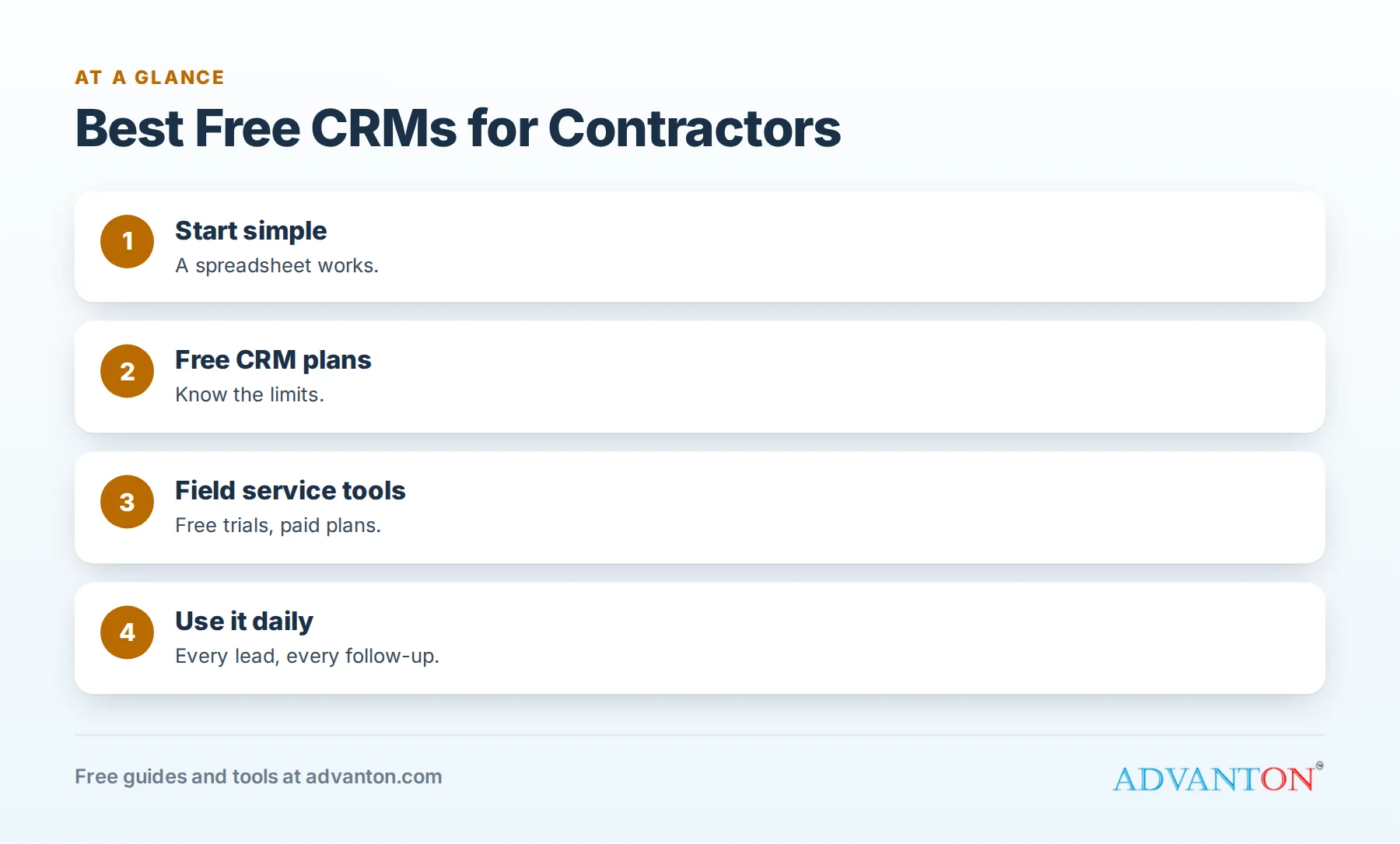
What contractors need from a CRM
Table of Contents
| Need | Why it matters |
|---|---|
| Lead capture | Every call, form and message in one place |
| Lead source tracking | Know which marketing works |
| Estimate tracking | Status, value and follow-up dates |
| Follow-up reminders | Stop losing jobs to silence |
| Customer history | Past jobs, equipment and notes |
| Mobile access | Use it from trucks and job sites |
| Simple reporting | Leads, booking rate, close rate |
Scheduling, dispatch, invoicing and payments are usually found in field service software rather than general CRMs.
Option 1: a spreadsheet
A shared spreadsheet with columns for date, name, phone, address, service, source, estimate amount, status and next follow-up date is a perfectly good starting CRM for a small contractor. It’s free, flexible and easy. Our free lead source tracker gives you a ready-made structure.
Best for: solo contractors and small teams starting to track leads.
Limits: no automatic reminders or texts; harder to share as you grow.
Option 2: free CRM plans
Several CRM companies offer free plans. As of 2026, reviews report:
| CRM | Free plan (as reported in 2026) | Notes |
|---|---|---|
| Zoho CRM | Free for up to 3 users | Leads, contacts, deals and basic reports; paid plans add automation |
| HubSpot CRM | Free-forever plan | Contacts, deals and email tools; reviews report different user and contact limits, so check current terms |
| Other free CRMs | Various | Some offer free tiers with user or storage limits |
General CRMs are designed for sales pipelines, which suits tracking estimates and follow-ups well, but they don’t include contractor scheduling or dispatch.
Option 3: field service software (paid, with free trials)
Field service tools such as Jobber and Housecall Pro combine CRM features with scheduling, dispatch, quotes, invoices, payments and customer texts. They’re paid, with free trials. Reviews in 2026 report starting prices for single-user plans in roughly the $29 to $59 a month range, depending on plan and billing, with higher tiers for teams. Check current pricing on each provider’s website.
Best for: contractors with crews, recurring jobs or a need for scheduling and invoicing in one place.
How to choose
| Your situation | Good starting point |
|---|---|
| Solo, few leads a week | Spreadsheet or lead tracker |
| Solo or small team, many estimates | Free CRM plan |
| Crews, dispatch, recurring maintenance | Field service software trial |
| Growing company with multiple teams | Field service software with reporting |
Set up any CRM in five steps
- Define your stages: new lead, contacted, estimate scheduled, estimate sent, won, lost.
- Add lead sources: Google, referrals, yard signs, ads, directories.
- Import recent leads and customers.
- Set follow-up reminders for every estimate. See estimate follow-up scripts.
- Review weekly: new leads, booking rate, close rate and overdue follow-ups.
Use it every day
A CRM only helps if everyone uses it. Make entering every lead a rule, keep fields simple, and review it in a short weekly meeting. The best system is the one your team actually uses.
When to upgrade
Consider upgrading when:
- You need scheduling, dispatch and invoicing in one system.
- Your team outgrows free user limits.
- You want automatic texts, reminders and online booking.
- Reporting needs grow beyond basic lists.
Compare the cost with the jobs a better system helps you win and the time it saves.
Data and privacy
Customer data is valuable and sensitive. Use strong passwords and two-factor authentication, limit access to people who need it, and export backups periodically. Check where each provider stores data and how you can export it if you switch.
A spreadsheet CRM template
| Column | Example |
|---|---|
| Date | 2026-03-14 |
| Name | Maria Lopez |
| Phone / email | (555) 012-3456 |
| Address / town | Oak Park |
| Service | Water heater replacement |
| Lead source | Google Business Profile |
| Status | Estimate sent |
| Estimate value | $2,400 |
| Next follow-up | 2026-03-17 |
| Outcome / reason | Won / chose tankless option |
Sort by "Next follow-up" every morning to see who to call.
Connect your phone and forms
Whichever system you choose, connect your lead sources: website forms that create new records automatically, call logs from your phone system and messages from your Business Profile. The fewer leads typed in by hand, the fewer get lost.
Use your CRM for reviews and referrals
Add review requests and referral thank-yous to your process: when a job is marked "won and completed," schedule a review request and a follow-up a few months later. See review request templates.
A weekly CRM routine
- Monday: review new leads and overdue follow-ups.
- Wednesday: follow up on open estimates.
- Friday: update outcomes and lost reasons; check booking and close rates.
Questions to ask during trials
- Can my team use it easily on phones?
- Does it import my existing customers?
- Can it track lead sources and estimate status?
- Does it send reminders and texts?
- Can I export my data if I leave?
- What will it cost as my team grows?
Switching tools later
You don’t have to choose forever. Start simple, keep your data clean and export it regularly. When you outgrow a tool, clean data makes switching much easier.
What a CRM tells you after a few months
After three or four months of consistent use, your CRM can answer questions that used to be guesses: Which marketing brings the most booked jobs? What share of estimates do you win? How long do customers take to decide? Which services are most profitable? These answers guide where you spend money and time, which is often worth far more than the software itself.
Keep it simple at first
Resist the urge to use every feature. Start with lead entry, estimate tracking, follow-up reminders and lead sources. Once those become habits, add scheduling, automation or reporting. Complicated setups often get abandoned within weeks.
Assign ownership
Make one person responsible for keeping the CRM tidy: checking that leads are entered, outcomes recorded and duplicates merged. Clean data is what makes reports trustworthy.
Free vs paid: count your time
Free tools save money, but if your team spends hours each week copying information between a CRM, a calendar and an invoicing app, a paid field service tool may save more than it costs. Estimate the hours honestly when deciding.
Integrations worth checking
Before committing to any CRM, check whether it connects with the tools you already use: your phone system, website forms, email, calendar, accounting software and payment processor. Integrations reduce double entry. If a tool doesn’t integrate, ask how others in your trade handle it, or whether simple exports and imports will do.
Train new team members
Include CRM use in onboarding: how to enter a lead, update a status, set a follow-up and record an outcome. A one-page guide with screenshots helps new hires get it right from day one.
Common mistakes
- Buying complex software before mastering basics.
- Not entering every lead.
- Too many custom fields nobody fills in.
- No follow-up reminders.
- Not tracking lead sources.
Frequently asked questions
Do contractors need a CRM?
Most benefit from one, even a spreadsheet, to track leads, estimates and follow-ups.
What’s the best free CRM for contractors?
It depends on your needs. A spreadsheet works for small operations; free plans like Zoho CRM suit small teams tracking estimates; field service tools help crews with scheduling.
Is HubSpot’s CRM really free?
HubSpot offers a free-forever CRM plan, with limits that vary; check current terms.
Are Jobber and Housecall Pro free?
They’re paid tools with free trials; check current pricing.
When should I upgrade from a free CRM?
When you need scheduling, dispatch, invoicing, automation or more users than a free plan allows.
Can I use a CRM on my phone?
Most CRMs and field service tools offer mobile apps; test them during free trials or free plans.
What’s the simplest way to start?
A spreadsheet or our free lead tracker, used every day, is better than sophisticated software used occasionally.
Do I need a CRM if I use a lead platform’s app?
Lead platforms track their own leads; a CRM brings every source together so you can compare them.
Is a CRM worth it for a one-person business?
Yes, if it helps you follow up consistently; even a simple tracker can win back jobs you’d otherwise forget.
How Advanton helps
Advanton is a free resource for small businesses. Start tracking leads with our free lead source tracker, send estimates with the quote and invoice generator and plan cash flow with the Cash & Payroll Planner. You can also add your business to the Advanton directory for free. Advanton earns money when you buy a domain or hosting through our store, which helps keep everything else free.
Keep learning
Sources
- Featurebase, Best free CRM software in 2026 (free-plan limits)
- Dupple, Best CRM for service businesses 2026 (Jobber and Housecall Pro pricing)
Last reviewed October 30, 2026. Startup costs are estimates; check local prices, licensing and tax rules before you commit money.


Leave a Reply