
Landscaping searches rise and fall with the seasons: "spring cleanup near me" in March, "lawn mowing service" in May, "aeration and overseeding" in September, "leaf removal" in October and "snow removal" when the first storm hits. Landscapers who prepare pages before each season, and who show their work beautifully, capture those searches while competitors scramble.
Google says local results depend mainly on relevance, distance and prominence. This guide applies that to landscaping and lawn care. For the general foundations, see local SEO for contractors.
The searches that bring landscaping work
Table of Contents
| Search type | Examples | What wins |
|---|---|---|
| Maintenance | lawn mowing service, lawn care near me | Maintenance pages with plans and service areas |
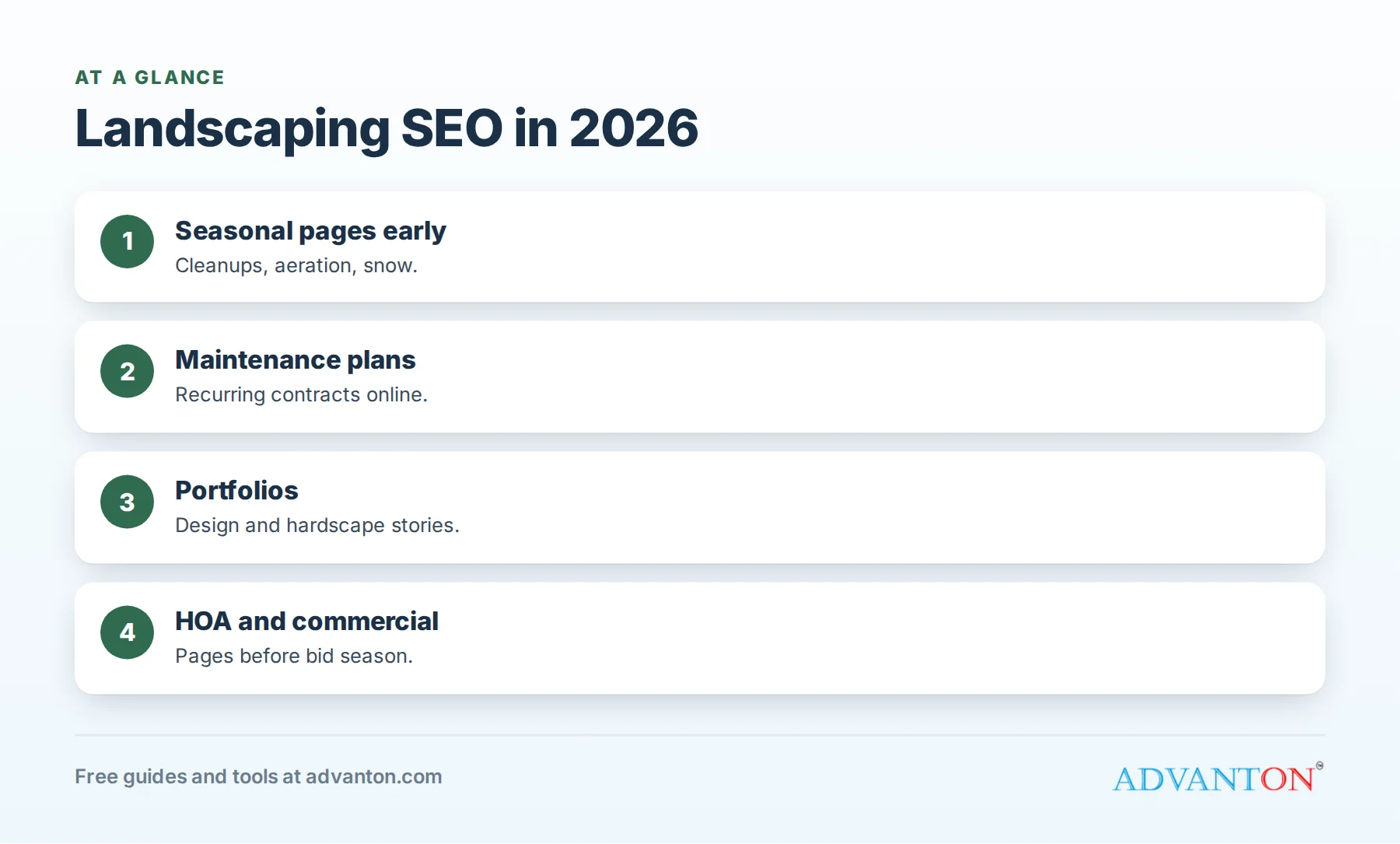
| Seasonal | spring cleanup, aeration and overseeding, leaf removal | Seasonal pages published early |
| Design and install | landscape design [town], patio installation | Portfolios with project stories |
| Hardscaping | pavers, retaining walls, outdoor kitchens | Hardscape galleries and price ranges |
| Irrigation and water-wise | sprinkler repair, drip irrigation, drought tolerant landscaping | Irrigation and water-wise pages |
| Commercial | commercial landscaping, HOA landscaping | Commercial and HOA pages |
| Winter | snow removal near me | Snow service pages before winter |
Plan pages around the seasons
| Months | Pages to update or publish |
|---|---|
| January to February | Spring cleanup, season contracts, design consultations |
| March to May | Mowing plans, mulching, planting, irrigation start-ups |
| June to August | Hardscaping, outdoor living, irrigation checks, water-wise tips |
| September to November | Aeration, overseeding, leaf removal, fall cleanup |
| November to December | Snow removal, holiday lighting, next season’s contracts |
Publishing a month or two ahead gives pages time to be found when searches rise.
Step 1: Set up your Business Profile
- Primary category: "Landscaper" or "Lawn care service," whichever describes most of your work; add secondary categories only for services you offer.
- Services: mowing, cleanups, mulching, planting, design, hardscaping, irrigation, aeration, snow removal.
- Service area: the neighborhoods and towns on your routes.
- Photos: before-and-after yards, hardscapes, crews and trucks, added weekly in season.
See Google Business Profile for contractors.
Step 2: Build pages for each service
Separate pages for lawn care, cleanups, landscape design, hardscaping, irrigation and snow removal let each rank for its own searches. Each page should explain what’s included, how often, price ranges or starting prices, photos, reviews and FAQs.
Step 3: Publish a maintenance plan page
Recurring contracts are the backbone of a landscaping business. A page explaining your plans (weekly or biweekly mowing, fertilization programs, seasonal cleanups and how billing works) helps homeowners searching for "lawn care plans" sign up without a long sales process.
Step 4: Build a design and hardscape portfolio
Design and hardscape projects are bought on visuals. A portfolio organized by project type (patios, walkways, retaining walls, plantings, outdoor kitchens), each with a short story, location, materials and budget range, ranks for specific searches and inspires homeowners.
Step 5: Water-wise and irrigation content
Many homeowners want lower water bills and less maintenance. Pages on drip irrigation, smart controllers, drought-tolerant plantings and irrigation checks attract those searches. If you mention utility rebates for efficient irrigation or turf replacement, link to the official program and note when you last checked it.
Step 6: HOA and commercial pages
HOAs, apartment complexes and businesses search for reliable commercial landscapers. A page explaining your commercial services, insurance, crew size, reporting and references gives property managers a reason to request a proposal.
Step 7: Neighborhood visibility
Landscaping profits come from dense routes. Lettered trucks, yard signs after installs and door hangers on nearby homes lead neighbors to search your business name, reinforcing your visibility. Design signs and hangers free with our yard sign maker.
Step 8: Earn photo reviews
Ask for reviews after cleanups and installs, when the transformation is fresh, and encourage photos. Reviews mentioning the service and neighborhood help similar homeowners choose you. Use our free review request kit.
Step 9: Genuine town and neighborhood pages
For your main areas, publish pages with local substance: soil and climate notes, common lawn problems, HOA considerations and recent projects nearby.
Step 10: Technical basics
Fast mobile pages, compressed photos, click-to-call, a quote form asking for address and services, clear titles with service and town, consistent business details and HTTPS. Our free website builder covers these.
Page titles that earn clicks
| Page | Title example | ||
|---|---|---|---|
| Lawn care | Lawn Care and Mowing in Maplewood | Weekly Plans | [Business] |
| Spring cleanup | Spring Cleanup Services in Maplewood | ||
| Hardscaping | Paver Patios and Retaining Walls in Maplewood |
Helpful landscaping content
- When should you aerate and overseed in our area?
- How much does a paver patio cost?
- How to choose drought-tolerant plants for your yard.
- What a spring cleanup includes.
Link each article to the matching service page.
Partners for links and referrals
Nurseries, garden centers, stone and paver suppliers, irrigation suppliers, real estate agents and pool builders are natural partners. Supplier "find a contractor" pages and local associations provide valuable links.
Reviews beyond Google
Claim Nextdoor, Yelp, Facebook and Angi profiles, keep details consistent and reply to reviews everywhere, while focusing your requests on Google.
Use short videos
Time-lapses of cleanups and installs, and walkthroughs of finished patios, give your profile fresh content and show quality.
Keep your site fresh
Add new project photos and stories every month in season. Recent local work signals an active landscaper.
Track what brings customers
Use Business Profile insights, Google Search Console and "How did you hear about us?" on every inquiry. Our free lead source tracker compares channels by signed contracts.
Turn your lawn care program into content
Fertilization and weed control programs follow a calendar: pre-emergent in early spring, feeding in late spring, grub control in summer and fall fertilization. Publishing your program as a clear, month-by-month page, with what each visit does and why, attracts searches like "lawn fertilization schedule" and turns researchers into plan customers.
Snow removal pages before winter
In snowy regions, homeowners and businesses search for snow removal contracts in fall. A page explaining residential and commercial options (per-push or seasonal pricing, trigger depths, salting and response times) published by October brings contracts that keep crews earning through winter.
Time your commercial pages for bid season
HOAs and property managers often bid landscaping contracts for the coming year in late fall and winter. Update your commercial page, references and insurance details before then, and reach out directly to managers you’d like to work for.
Pricing pages answer the first question
Starting prices for weekly mowing by lot size, typical cleanup ranges and patio cost guides help homeowners decide quickly. Explain what changes the price, such as lot size, obstacles, slope and debris.
Keep phones covered in spring
Spring brings a rush of quote requests, and the first landscaper to respond often wins the season. Reply the same day, use missed-call text-back and offer quotes from photos for simple jobs. See speed to lead.
Show your crews and equipment
Homeowners trust landscapers they recognize. Photos of uniformed crews, lettered trucks and well-maintained equipment on your profile and website signal a professional operation. Mention insurance and safety practices on your about page, and link it from your service pages.
Link your pages together
Link seasonal articles to service pages, service pages to your maintenance plan and portfolio, and every page to your quote form. Internal links help visitors find related services and help search engines understand your site.
Landscaping SEO mistakes
- Publishing seasonal pages after the season starts.
- One generic services page.
- Portfolios without captions or stories.
- Keywords in your business name.
- Slow quotes in spring.
A 90-day landscaping SEO plan
| Month | Focus |
|---|---|
| 1 | Business Profile services and photos; review requests; next season’s pages |
| 2 | Service pages, maintenance plan page and portfolio with five projects |
| 3 | Town pages, HOA and commercial page, water-wise content and partner outreach |
Frequently asked questions
When should landscapers work on SEO?
Year-round, with seasonal pages updated a month or two before each season.
What pages should a landscaping website have?
Pages for each service, a maintenance plan page, a portfolio, town pages and a commercial page if you serve businesses.
Do photos help landscaping SEO?
Yes. Before-and-after photos and project galleries help customers choose you and keep your profile active.
How do landscapers rank in more neighborhoods?
Build route density, genuine neighborhood pages, local reviews and partnerships.
Should landscapers publish prices?
Starting prices and ranges build trust and pre-qualify leads; final prices depend on the property.
How do landscapers get commercial contracts online?
A commercial page with references, insurance and services, updated before bid season, plus direct outreach to property managers.
Do landscapers need separate pages for each service?
Yes. Mowing, cleanups, design, hardscaping and irrigation are searched separately, so each deserves its own page.
How Advanton helps
Advanton is a free resource for small businesses. Free tools that help landscapers: the website builder, yard signs and door hangers, the EDDM postcard maker and the review request kit. You can also add your business to the Advanton directory for free. Advanton earns money when you buy a domain or hosting through our store, which helps keep everything else free.
Keep learning
Sources
Last reviewed October 30, 2026. Startup costs are estimates; check local prices, licensing and tax rules before you commit money.


Leave a Reply