
Thumbtack is a marketplace where customers describe a project and get matched with local pros, from handymen and cleaners to painters, electricians and remodelers. For contractors, its appeal is simple: there’s no membership fee, you set a weekly budget, and you can start and stop as your schedule changes. The catch is the same as every lead marketplace: you pay for chances at jobs, not jobs, so profit depends on how fast you respond and how well you convert.
This guide explains how Thumbtack works for pros in 2026, how to set it up, and how to judge whether it’s worth it for your business. For a comparison with Angi, see Angi vs Thumbtack vs HomeAdvisor.
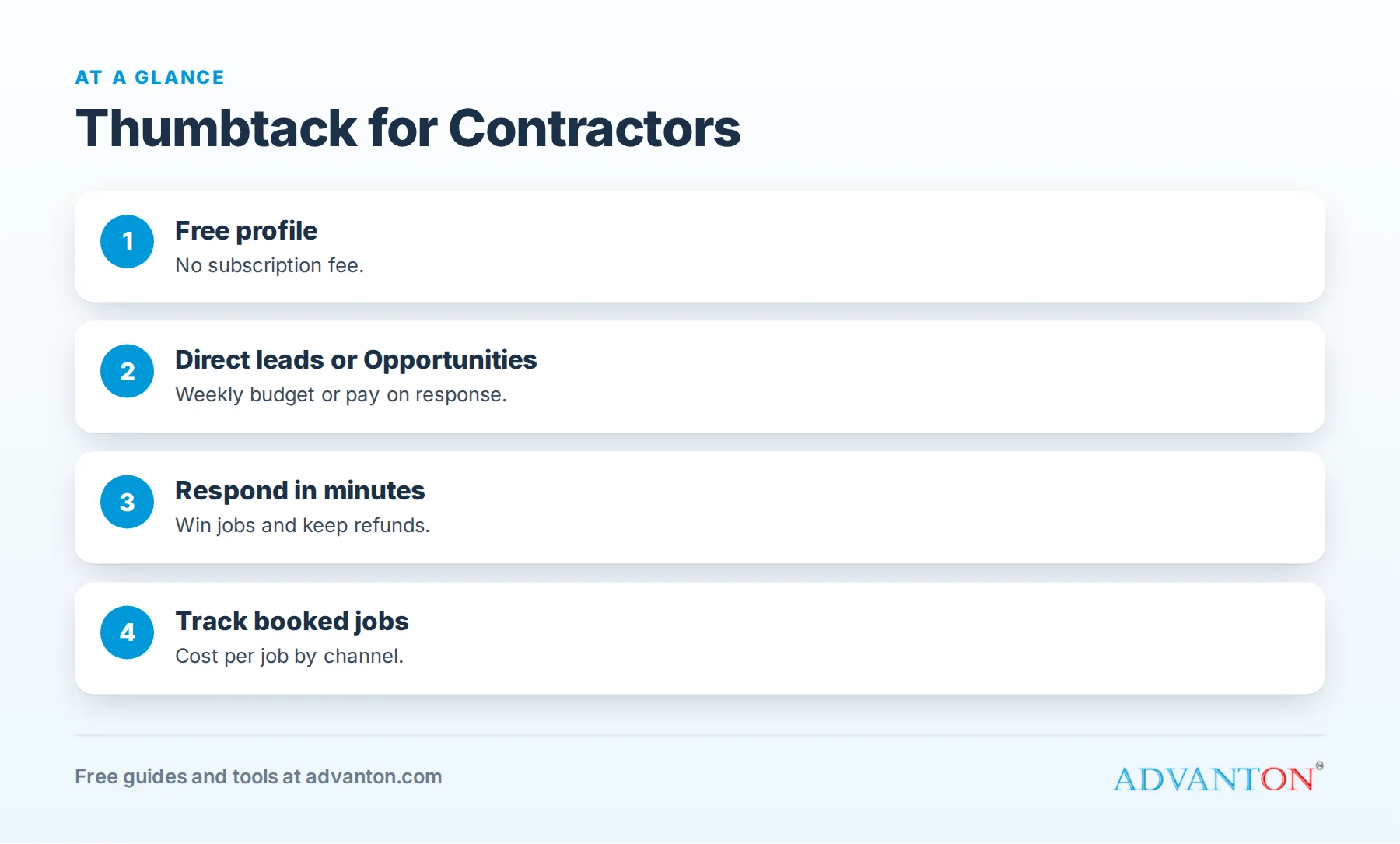
How Thumbtack works for pros
Table of Contents
| Feature | How it works |
|---|---|
| Profile | Free to create; no subscription fee |
| Direct leads | Customers who choose you or match your preferences; charged automatically within your weekly budget |
| Opportunities | Requests you can see with the price upfront; you reach out and pay only if the customer responds |
| Lead prices | Vary by job type, location and competition; your account shows the range for your services |
| Fair Shot Refund | Automatic refunds when a customer doesn’t reply to any pro within 72 hours, if you responded within four business hours and kept the conversation on Thumbtack |
Policies and features change, so check Thumbtack’s help center for the current terms in your account.
Setting up your profile
Your profile is your storefront on Thumbtack. Customers compare several pros side by side, so:
- Use a real photo of you or your team, plus photos of your work.
- Write a clear introduction: what you do, your experience, your service area and why customers choose you.
- List services precisely, and turn off jobs you don’t want.
- Add credentials: licenses, insurance and certifications.
- Show prices or starting prices where Thumbtack allows; customers like knowing what to expect.
- Collect reviews, including from past customers outside Thumbtack where the platform allows.
Choosing job preferences and areas
Be selective. Choose the job types, sizes and travel distances where you win most often and earn the best margins. Broad preferences bring more leads, but often lower-quality ones that eat your budget.
Setting your weekly budget
Start with a budget you’re comfortable spending for a few weeks while you learn which leads convert. Increase it only when your cost per booked job is clearly profitable. Lower or pause your budget when you’re fully booked; there’s no membership fee to lose.
Respond fast, every time
Customers often contact several pros at once. The first clear, friendly response frequently wins. Fast responses also keep you eligible for Thumbtack’s Fair Shot refunds, which require responding within four business hours.
A message that books:
"Hi [Name], thanks for reaching out about your [project]. I’m [Name] from [Business], licensed and insured, with [X] years doing this work. Based on what you described, most jobs like this run [range]. I can come take a look [two specific times]. Which works for you?"
See speed to lead.
Quote clearly
Customers compare quotes side by side. Give a range when you can, explain what’s included and what could change the price, and offer a specific next step. Vague quotes ("Call me for pricing") lose to clear ones.
Track cost per booked job
An illustrative month: a handyman spends $600 on 30 leads ($20 each), responds within minutes and books 12 jobs. Cost per booked job: $50. With an average job of $350, that’s a strong channel. A remodeler spending $1,500 on 25 leads ($60 each) who books 2 projects pays $750 per project, which may still be fine if projects average $25,000, but only if the math is tracked. Use our free lead source tracker.
Who tends to do well on Thumbtack
- Handyman, cleaning, moving, assembly and repair services with frequent, smaller jobs.
- Fast responders who reply within minutes.
- New businesses building early reviews and customers.
- Pros with clear, competitive pricing.
Who may struggle
- High-ticket specialists whose ideal jobs are rare.
- Busy owners who can’t reply quickly.
- Very competitive categories in large cities, where lead prices rise.
Run a 60-day test
- Complete your profile with photos, credentials and prices.
- Choose narrow job preferences and a reachable service area.
- Set a modest weekly budget.
- Respond to every lead within minutes.
- Track leads, quotes, bookings and revenue.
- Review at day 30 and day 60, then expand, adjust or stop.
Keep customers after the first job
Thumbtack brings the first job; your service brings the next one. Ask for a review, leave your card and follow up with seasonal reminders. Repeat customers who call you directly cost nothing to win again.
Price your services on Thumbtack
Customers often compare starting prices before they contact anyone. Set honest starting prices or ranges that reflect your real minimums, and explain what’s included. Very low prices attract price shoppers and lead to awkward conversations later; realistic prices attract customers who are ready to hire.
Adjust budgets by season
Demand changes through the year: moving and cleaning peak at certain times, exterior work in spring and summer, holiday projects in late fall. Raise your weekly budget when demand and your capacity are both high, and lower it when either drops.
Build reviews deliberately
Reviews strongly influence which pros customers choose. Ask every Thumbtack customer for a review when the job is done, reply to reviews professionally, and keep your profile photos current.
Handle price shoppers politely
Some customers contact many pros just to compare prices. Give a clear range, explain what affects the price and offer a quick visit. Customers who value quality will respond; those looking only for the cheapest price usually won’t, and that’s fine.
Use the pro app
Turn on notifications in the Thumbtack pro app so you can reply within minutes, even from a job site. Save message templates for your common services.
Team accounts
If several people handle leads, decide who responds to which requests and how quickly, so no lead waits while everyone assumes someone else has it.
A sample week of Thumbtack leads
| Day | Leads | Responded within 5 minutes | Booked |
|---|---|---|---|
| Monday | 3 | 3 | 2 |
| Tuesday | 2 | 1 | 0 |
| Wednesday | 4 | 4 | 2 |
| Thursday | 1 | 0 | 0 |
| Friday | 3 | 3 | 1 |
This illustrative week shows a pattern many pros see in their own records: fast responses book far more often than slow ones. Review your own week the same way.
Build channels you own
Use Thumbtack to fill gaps while you build your Google Business Profile, website, reviews and referrals. Customers who find you directly cost nothing per lead. See contractor referral programs.
Know when Thumbtack isn’t the right channel
If your best jobs are large, custom projects that take weeks to sell, or if you can’t answer messages quickly during the workday, Thumbtack may not suit your business right now. That’s not a failure; it’s useful information. Put the budget toward channels that fit how you work, such as referrals, a strong Google Business Profile or Local Services Ads.
Common mistakes
- Broad preferences that attract unprofitable leads.
- Slow responses, which lose jobs and refunds.
- Vague quotes.
- Ignoring the math on cost per booked job.
- Relying on one platform instead of building your own channels.
Thumbtack and your other channels
Use Thumbtack alongside channels you own: your Google Business Profile, website, reviews and referrals. See how to get more contractor leads and Google Local Services Ads for contractors.
Frequently asked questions
Is Thumbtack free for contractors?
Creating a profile is free, with no subscription; you pay for leads.
How much do Thumbtack leads cost?
Prices vary by job type, location and competition; your account shows the price ranges for your services.
Does Thumbtack refund bad leads?
Its Fair Shot Refund policy automatically refunds leads when customers don’t reply to any pro within 72 hours, if you responded within four business hours and stayed on Thumbtack. Check current terms.
What’s the difference between direct leads and Opportunities?
Direct leads are charged automatically within your weekly budget; Opportunities show the price upfront and charge you only if the customer responds.
Is Thumbtack better than Angi?
It depends on your trade and market. Thumbtack has no membership fee and gives you budget control; compare cost per booked job on both.
Do I have to stay on Thumbtack to get refunds?
Thumbtack’s Fair Shot Refund policy requires keeping the conversation on Thumbtack; check current terms.
Can I pause Thumbtack?
Yes. You can lower or pause your budget when you’re busy, since there’s no membership fee.
Should I mention my website in Thumbtack messages?
Follow Thumbtack’s rules on sharing contact details; keeping conversations on Thumbtack can matter for refunds.
How Advanton helps
Advanton is a free resource for small businesses. Free tools that help: the lead source tracker, the quote and invoice generator, the review request kit and the contractor website builder. You can also add your business to the Advanton directory for free. Advanton earns money when you buy a domain or hosting through our store, which helps keep everything else free.
Keep learning
Sources
- Lilach Bullock, Thumbtack for pros, summarizing Thumbtack's help center (direct leads, Opportunities, Fair Shot Refund)
- Housecall Pro, What is Thumbtack and how it works
- FinanceBuzz, Thumbtack review (free profile, no subscription)
Last reviewed October 30, 2026. Startup costs are estimates; check local prices, licensing and tax rules before you commit money.


Leave a Reply