
Google Business Profile is the most important local listing for most businesses, but it’s not the only place customers look. iPhone users find businesses through Apple Maps and Siri, Windows and Microsoft users through Bing, neighbors through Nextdoor and Facebook, diners through Yelp, and customers in every industry through specialized directories. Listing beyond Google reaches those customers, and keeps your business details consistent across the web.
This guide covers the most valuable listings after Google and how to manage them efficiently.
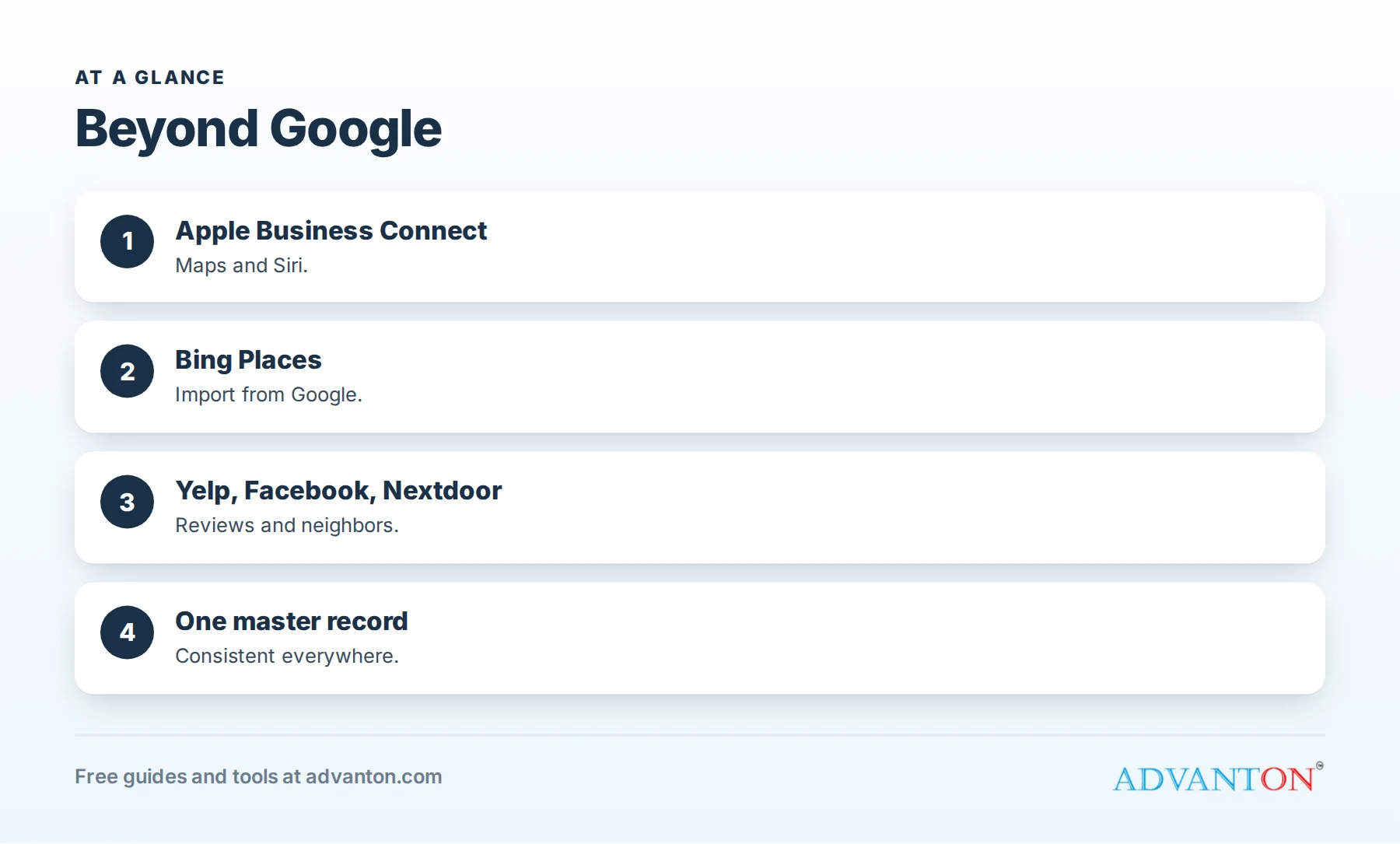
The listings that matter after Google
Table of Contents
| Listing | Who it reaches | Cost |
|---|---|---|
| Apple Business Connect | Apple Maps, Siri and Apple apps on iPhones, iPads and Macs | Free |
| Bing Places | Bing search, Microsoft products | Free |
| Yelp | Diners and many local service shoppers | Free listing; ads paid |
| Recommendations and local groups | Free page; ads paid | |
| Nextdoor | Neighbors asking for recommendations | Free page; ads paid |
| Advanton Business Directory | U.S. small business directory visitors | Free |
| Industry directories | Customers searching your field | Free or paid |
Apple Business Connect
Apple Business Connect lets you claim and manage your place card on Apple Maps, which also powers business results for Siri on Apple devices. Add accurate details, photos, hours and action links such as calling, ordering or booking. Many local customers use iPhones, so an incomplete or inaccurate Apple Maps card can quietly cost you business. See Apple Business Connect.
Bing Places
Bing Places manages your listing on Bing search and Microsoft products. You can import details from your Google Business Profile to save time, then review everything for accuracy. Bing also verifies listings, so complete verification promptly.
Yelp, Facebook and Nextdoor
These platforms combine listings with reviews and recommendations. Claim each one, keep details identical and reply to reviews. Remember that Yelp discourages businesses from asking customers for reviews. See Yelp for business and Nextdoor for contractors, which applies to many local businesses.
Map and navigation apps
Customers use many apps to navigate and search nearby. These apps often draw business information from major platforms and business data providers. Keeping your Google, Apple and Bing listings accurate is the best way to keep information correct across them. If you spot errors in a specific app, use its feedback or edit tools.
Voice assistants
Voice assistants answer questions like "Find a plumber near me" or "What time does [business] close?" using information from map platforms and directories. Siri, for example, uses Apple Maps. Accurate, complete listings help assistants give the right answers.
The Advanton directory
The Advanton Business Directory is a free directory of U.S. small businesses. Your listing gets its own page with your logo, photo, description, address or area, hours, phone, website and social links, reviewed before publishing. Owners see listing views, website clicks and phone taps in a free dashboard. Add your business.
Industry and local directories
Trade associations, professional bodies, manufacturer locators, booking platforms, chambers of commerce and community sites reach customers searching in your field or area. See industry and niche directories.
Manage everything with one master record
- Write your master record: name, address or area, phone, website, hours, categories, description and photos.
- Claim each listing using the same details.
- Record each listing in a tracker with links and logins.
- Update all listings when anything changes.
- Review twice a year.
See our business listing checklist and NAP consistency.
How long it takes
Claiming Apple, Bing, Yelp, Facebook, Nextdoor and the Advanton directory can take an afternoon, plus a few days for verifications. Maintenance takes minutes a month once your listings are set up.
Photos and descriptions everywhere
Use the same strong description and real photos on every listing, adapted to each platform’s limits. Complete listings look professional wherever customers find you. See business listing photos.
Measure what each listing brings
Check each platform’s insights where available, ask customers how they found you and watch for patterns. Apple Business Connect and Bing Places provide some performance information, and Advanton directory owners see views, website clicks and phone taps.
Priority order by business type
| Business type | After Google, start with |
|---|---|
| Restaurants and cafes | Apple Maps, Yelp, Tripadvisor, Instagram |
| Contractors and home services | Apple Maps, Nextdoor, Bing, Advanton directory, trade directories |
| Salons and spas | Apple Maps, Instagram, booking platforms, Yelp |
| Professional services | Bing, Apple Maps, association directories, LinkedIn |
| Retail shops | Apple Maps, Yelp, Instagram, local shopping guides |
Service-area businesses on each platform
If you serve customers at their locations, use each platform’s options to hide your address and show service areas where available. Keep your service area description consistent, and make sure your phone and website are identical everywhere.
Multiple locations
Each genuine location needs its own listing on each platform, with its own address, hours and phone where possible. Use the same naming pattern across platforms so customers recognize each location.
Apple Business Connect features worth using
Beyond basic details, Apple Business Connect lets businesses add photos, a logo and action links such as calling, ordering or booking, and, depending on availability, create showcases highlighting offers or updates. Keep your place card as complete as your Google profile.
Keep hours synced everywhere
Holiday and seasonal hours are the details most often out of date on secondary listings. Update all platforms at once when hours change, using a checklist so none are forgotten.
Respond to messages on every platform
If a platform lets customers message you, either respond promptly or turn messaging off. Unanswered messages on forgotten platforms frustrate customers and can appear in reviews.
Check how you appear in each app
Once a quarter, search for your business on Apple Maps, Bing, Yelp, Facebook and Nextdoor from your phone, as a customer would. Check your name, hours, phone, photos and reviews. Five minutes of checking often reveals an outdated detail before it costs you a customer.
Use consistent branding
Use the same logo, cover photo style and description across platforms. Customers who see you on Apple Maps, then Yelp, then your website should instantly recognize the same business. Consistent branding builds trust and makes your business memorable.
Listings support your other marketing
Customers who see your yard sign, postcard, ad or social post often search for your business name on whatever app they use. Complete listings across platforms make sure those searches lead to accurate information and an easy way to contact you, so your other marketing pays off. See neighborhood marketing for contractors.
Claim before someone else creates a listing
Platforms sometimes create listings automatically from data providers or customer suggestions. Claiming your listings early on Apple, Bing, Yelp and others lets you control the details and prevents duplicates with slightly different names or old information. See how to find and fix duplicate listings.
Train someone to own your listings
Assign one person to manage all listings beyond Google: claiming, updating, replying and tracking. A single owner with a simple checklist keeps everything consistent as your business grows.
Common mistakes
- Listing only on Google.
- Inconsistent details across platforms.
- Unclaimed Apple Maps cards with wrong hours.
- Forgetting to update secondary listings after changes.
- Duplicate listings created by importing carelessly.
A worked example
A neighborhood bakery with a strong Google profile discovers its Apple Maps card shows old hours and no photos. The owner claims Apple Business Connect, imports details into Bing Places, updates Yelp and Facebook, and lists in the Advanton directory. Several new customers mention finding the bakery through Apple Maps or Siri directions in the following weeks. This example is illustrative.
Frequently asked questions
Do I need to list my business on Apple Maps?
If your customers use iPhones, yes. Apple Business Connect is free and controls your Apple Maps place card.
Can I copy my Google listing to Bing?
Bing Places lets you import details from Google; review everything afterward.
Do voice assistants use business listings?
Yes, they draw on map platforms and directories; Siri uses Apple Maps.
How many listings should I have beyond Google?
Cover Apple, Bing, the major review and social platforms, the Advanton directory and the directories in your industry.
Is listing beyond Google worth the time?
Yes. A few hours of setup reaches customers who never use Google Maps and keeps your details consistent.
Does Apple Maps show reviews?
Apple Maps shows ratings and can display information from partner services; keep your place card complete and accurate.
Do I need to list on every platform?
Focus on the platforms your customers use, plus Apple Maps and Bing, which cover large audiences.
How often should I update listings beyond Google?
Whenever details change, and review every listing at least twice a year.
Is Bing still worth listing on?
Yes. Bing reaches Microsoft and Windows users, and listing is free and quick, especially with Google import.
How Advanton helps
Advanton is a free resource that helps small businesses start, get online, find customers and grow. Add your business to the Advanton directory for free, check your listings with the online presence checkup and keep them consistent with our business listing checklist. Advanton earns money when you buy a domain or hosting through our store, which helps keep everything else free.
Keep learning
Last reviewed October 30, 2026. Startup costs are estimates; check local prices, licensing and tax rules before you commit money.
This article is general information, not financial, legal or tax advice. Check the rules that apply to you or talk to a qualified professional before making decisions. See our disclaimer.
Leave a Reply