
Handyman searches are different from other trades. Homeowners rarely search "handyman" alone; they search for the task: "TV mounting near me," "drywall patch," "furniture assembly service," "fix sticking door," "install ceiling fan." Each search is small, but together they add up to a steady stream of jobs, and customers who find a reliable handyman tend to come back again and again.
Handyman SEO means showing up for those task searches in your area, then making it easy to book. Google says local results depend mainly on relevance, distance and prominence. This guide applies that to handyman businesses. For the general foundations, see local SEO for contractors.
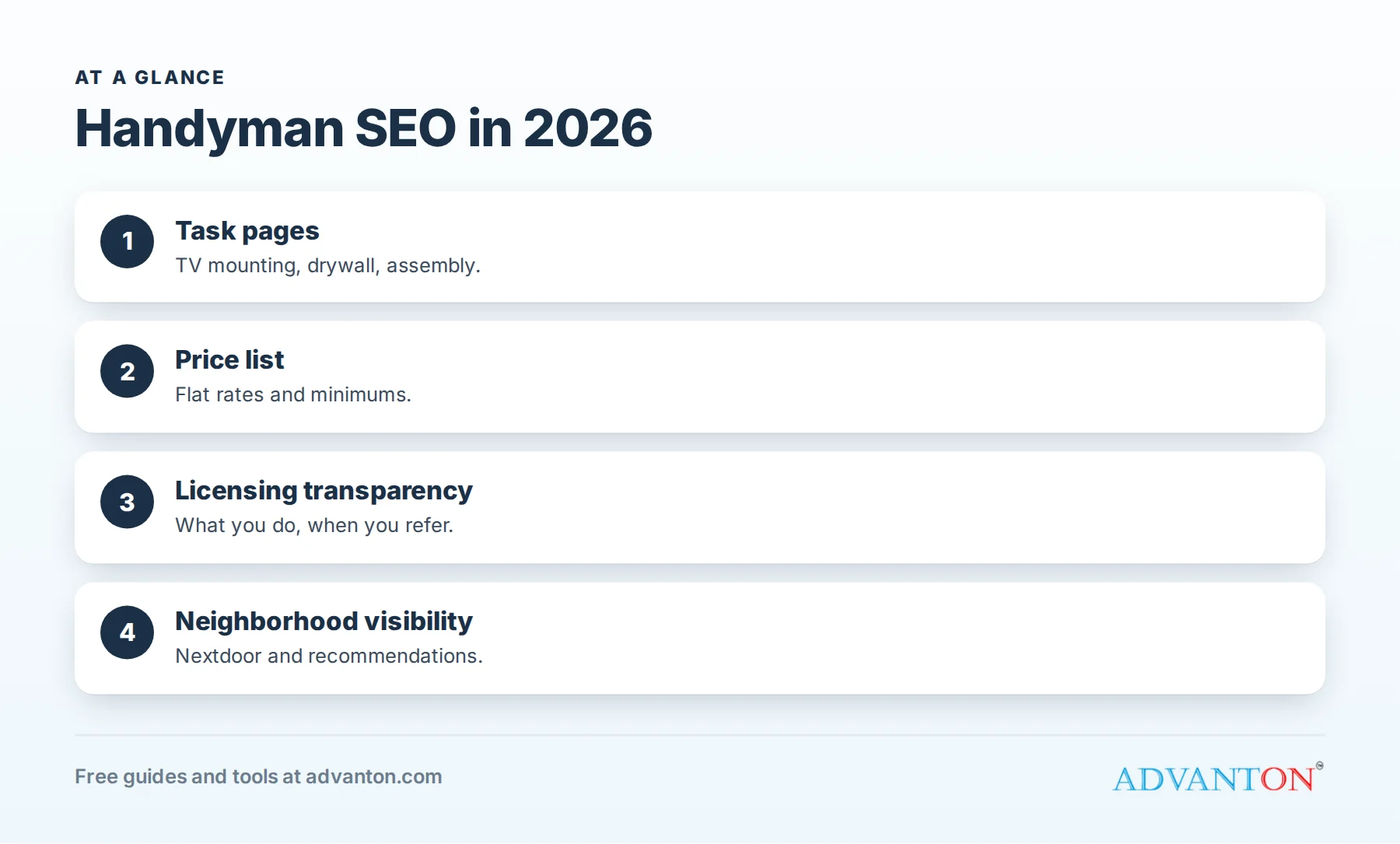
The searches that bring handyman jobs
Table of Contents
| Search type | Examples | What wins |
|---|---|---|
| Task | TV mounting, drywall repair, furniture assembly | Task pages with prices and photos |
| Near me | handyman near me, handyman [town] | Business Profile, reviews, service area |
| Problem | door won’t close, leaky faucet, squeaky floor | Helpful articles linked to task pages |
| List | honey-do list service, small home repairs | "Half-day visit" or "list" page |
| Specialty | grab bar installation, aging in place modifications | Specialty pages for older homeowners |
Step 1: Set up your Business Profile as a handyman
- Primary category: "Handyman," with secondary categories only for services you truly offer.
- Services: list every common task: TV mounting, drywall repair, painting touch-ups, furniture assembly, door and lock repair, fixture replacement, caulking, shelving, gutter cleaning and others.
- Service area: the towns and neighborhoods you serve.
- Photos: finished tasks, your van and you; homeowners want to see who is coming.
See Google Business Profile for contractors.
Step 2: Build task pages
Each common task can have its own short page: what’s included, typical time, starting price or price range, photos and FAQs. "TV Mounting in Springfield" or "Drywall Patch and Repair in Springfield" match how customers search. Group related tasks under hub pages, such as "Home repairs" and "Installation services."
Step 3: Publish a price list
Homeowners worry about surprise bills from handymen. A clear price list (flat rates for common tasks, a minimum charge and half-day or full-day rates for lists of jobs) attracts searchers, builds trust and pre-qualifies callers.
| Task | Example pricing approach |
|---|---|
| TV mounting | Flat rate by TV size and wall type |
| Drywall patch | Flat rate by patch size |
| Furniture assembly | Per item or hourly |
| Fixture replacement | Flat rate plus parts |
| Honey-do visit | Half-day or full-day rate |
Step 4: Be transparent about licensing
Many states limit what handymen can do without a contractor license. In California, since January 1, 2025, unlicensed work is limited to jobs under $1,000 in labor and materials, with no permit needed and no workers hired. A short page explaining what you do (and when you refer licensed electricians, plumbers or contractors) builds trust and keeps you within the rules.
Step 5: Win neighborhood visibility
Handymen thrive on neighborhood recommendations. Claim your Nextdoor business page and Facebook page, ask happy customers to recommend you when neighbors ask, and keep your details identical everywhere. Add your business to the free Advanton directory.
Step 6: Earn reviews that mention tasks
Reviews mentioning "TV mounting," "drywall" or "assembled our furniture" help customers searching for those tasks. Ask right after each job, by text, with our free review request kit, and reply to every review.
Step 7: Create a page for property managers and landlords
Rental turnovers and maintenance requests bring steady work. A page explaining turnover services, response times, photo reports and invoicing by property attracts property managers searching for reliable help.
Step 8: Publish helpful problem articles
- How to fix a door that won’t latch.
- When to repair vs replace a leaky faucet.
- How to patch small drywall holes (and when to call a pro).
Homeowners who try the fix themselves often call when it’s more than they expected. Link each article to the matching task page.
Step 9: Technical basics
Fast mobile pages, click-to-call, a short booking form, clear titles with task and town, consistent business details and HTTPS. Our free handyman website builder covers these.
Page titles that earn clicks
| Page | Title example | ||
|---|---|---|---|
| Homepage | Handyman in Springfield | Small Repairs Done Right | [Business] |
| TV mounting | TV Mounting in Springfield, Same-Week Appointments | ||
| Price list | Handyman Prices in Springfield |
Aging-in-place pages
Grab bars, railings, lever handles, brighter lighting and safer steps are small jobs that matter to older homeowners and their families. A dedicated page attracts these searches and builds long-term customers.
Answer questions where customers ask
Neighborhood groups are full of "Does anyone know a good handyman?" posts. Helpful answers and customer recommendations build visibility; turn common questions into FAQ sections on your task pages.
Keep your site and profile fresh
Post photos of finished tasks weekly, add new reviews and update your price list when prices change. An active profile signals an active business.
Track what brings jobs
Use Business Profile insights, Search Console and "How did you hear about us?" on every call. Our free lead source tracker compares channels.
Seasonal task pages
Handyman searches change with the seasons: gutter cleaning and weatherstripping in fall, holiday lighting in winter, deck and screen repairs in spring, and ceiling fans and furniture assembly in summer. Publishing seasonal task pages a few weeks before each season gives them time to be found, and seasonal posts on your Business Profile remind past customers to book.
Make booking easy
Many handyman customers prefer to book without calling. An online booking or request form that asks for the task, address, photos and preferred times lets you quote small jobs quickly. Confirm every booking by text and send a reminder the day before.
Photos for small jobs
Even small tasks make good photos: a neatly mounted TV with hidden cables, an invisible drywall patch, a perfectly aligned shelf. Before-and-after photos show care and quality, and they give your profile fresh content every week. Ask permission before photographing inside customers’ homes.
Pages for small businesses
Shops, offices and restaurants need small repairs and maintenance too, often with flexible timing. A page for commercial maintenance (shelving, signage, fixtures, touch-ups and after-hours visits) brings steady weekday work.
Explain your minimum charge
A short explanation of your minimum charge (covering travel and setup) prevents surprises and encourages customers to bundle several tasks into one visit, which is better for both of you.
Reviews beyond Google
Customers also check Nextdoor, Yelp, Facebook and Angi. Claim those profiles, keep your details consistent and reply to reviews there too. Nextdoor recommendations are especially valuable for handymen because neighbors trust neighbors.
Use short videos
Fifteen-second clips of a tidy TV mount, a shelf install or a quick repair show your skill and care. Post them on your profile and social pages; they make a small business feel personal and trustworthy.
Keep hours and response times realistic
Handyman customers often book small jobs on short notice. List accurate hours, reply to messages the same day, and use missed-call text-back when you’re on a job. Fast, friendly replies turn search visibility into booked visits. See speed to lead.
Link your task pages together
Link related tasks (TV mounting to shelving and cable hiding, drywall repair to painting touch-ups) so customers discover other jobs you can do in the same visit.
Handyman SEO mistakes
- One generic page instead of task pages.
- No prices, sending cautious customers elsewhere.
- Advertising work beyond your license.
- Keywords in your business name.
- Ignoring Nextdoor and neighborhood groups.
A 90-day handyman SEO plan
| Month | Focus |
|---|---|
| 1 | Business Profile services and photos; review requests; Nextdoor page |
| 2 | Task pages for your ten most common jobs; price list page |
| 3 | Property manager page, aging-in-place page, problem articles and listings cleanup |
Frequently asked questions
What’s the best SEO strategy for a handyman?
Task pages with clear prices, a complete Business Profile, steady reviews and neighborhood visibility.
Should handymen list prices online?
Yes, flat rates or ranges for common tasks build trust and attract more calls.
Can handymen advertise electrical or plumbing work?
Only within your state’s rules; most electrical, plumbing and HVAC work requires licensed trades.
How long does handyman SEO take?
Profile improvements help within weeks; strong rankings take a few months of reviews and pages.
Do handymen need a website?
A simple site with task pages, a price list and a booking form helps customers trust you and supports your Google ranking.
How do handymen get repeat customers from search?
Task pages bring the first job; tidy work, fair prices and a quick follow-up text bring the next ones.
What pages should a handyman website have?
A homepage, task pages, a price list, service areas, reviews and a booking form.
How Advanton helps
Advanton is a free resource for small businesses. Free tools that help handymen: the handyman website builder, the review request kit, the quote and invoice generator and yard signs and door hangers. You can also add your business to the Advanton directory for free. Advanton earns money when you buy a domain or hosting through our store, which helps keep everything else free.
Keep learning
Sources
- Google Business Profile Help, Tips to improve your local ranking on Google
- CSLB, Handyperson exemption increases to $1,000 (AB 2622)
Last reviewed October 30, 2026. Startup costs are estimates; check local prices, licensing and tax rules before you commit money.


Leave a Reply