
Search engine optimization (SEO) helps customers find your business when they search for what you sell. For small businesses, especially local ones, it’s one of the best long-term sources of customers, because people searching “plumber near me” or “birthday cakes in Austin” are ready to buy.
You don’t need expensive software to do SEO well. A handful of free tools, most of them made by the search engines themselves, cover what most small businesses need. This guide reviews them, explains what each one does, and gives you a simple monthly routine.
Quick picks
Table of Contents
| Tool | What it does | Free plan in brief |
|---|---|---|
| Google Search Console | How your site performs in Google search | Free |
| Google Business Profile | Your listing in Google Maps and local results | Free |
| Bing Webmaster Tools | How your site performs in Bing and Microsoft’s AI search | Free |
| Ahrefs Webmaster Tools | Site audit and backlinks for your own site | Free for sites you verify |
| Screaming Frog SEO Spider | Technical crawl of your site | Free for up to 500 URLs |
| Google Keyword Planner | Keyword ideas and search volume ranges | Free with a Google Ads account |
| PageSpeed Insights | Page speed and Core Web Vitals | Free |
How we evaluated
We looked at what each tool measures, whether it’s truly free or a limited trial, how useful it is for small and local businesses, and how hard it is to use without SEO experience. Free-plan details come from current 2026 sources; check each tool before relying on a specific limit.
The best free SEO tools, reviewed
1. Google Search Console: the essential one
Search Console shows the searches where your pages appear, how many people click, your average position, and any problems Google has indexing your site. It’s free, comes straight from Google, and every business website should use it.
Use it to: find “almost ranking” searches, fix indexing problems, submit your sitemap and see which pages bring traffic.
2. Google Business Profile: essential for local businesses
For local businesses, your Business Profile often matters as much as your website: it’s what appears in Google Maps and the local results. Keep categories, hours, photos, services and contact details accurate, post updates, and respond to reviews. See our Marketing Hub and online presence checkup.
3. Bing Webmaster Tools: underrated
Bing’s free tool shows your performance in Bing search, which also powers some AI search experiences, and includes site scans, keyword research and backlink data. Setup takes minutes, and you can import your site from Search Console.
4. Ahrefs Webmaster Tools: free audits and backlinks
Ahrefs, a major paid SEO platform, offers a free version for sites you own and verify. It includes a site audit that finds technical issues, plus data on the backlinks (links from other sites) pointing to your website.
The catch: it only analyzes sites you can verify, not competitors’ sites in depth.
5. Screaming Frog SEO Spider: technical crawling
Screaming Frog is a desktop app that crawls your site like a search engine, finding broken links, missing page titles, duplicate content and redirect problems. The free version crawls up to 500 URLs, enough for most small business websites.
The catch: it’s technical; start with the issues it highlights as most important.
6. Google Keyword Planner: keyword ideas
Keyword Planner, inside Google Ads, suggests keywords and shows search volume ranges. It’s free with a Google Ads account, though Google may ask you to complete account and billing setup; you don’t have to run ads to use it.
Also useful: Google’s own search suggestions and the “People also ask” boxes show what real people search, and some tools, such as Ubersuggest, offer a few free searches a day.
7. PageSpeed Insights: speed and Core Web Vitals
Google’s PageSpeed Insights tests your pages on mobile and desktop and suggests fixes. Fast, stable pages help both rankings and conversions, especially on phones.
Comparison at a glance
| Search Console | Bing Webmaster | Ahrefs Webmaster | Screaming Frog | Keyword Planner | PageSpeed | |
|---|---|---|---|---|---|---|
| Main job | Search performance | Bing performance | Audit and backlinks | Technical crawl | Keyword ideas | Speed |
| Free limit | Free | Free | Your verified sites | 500 URLs | Ads account needed | Free |
| Difficulty | Easy | Easy | Moderate | Harder | Moderate | Easy |
Set up Search Console, step by step
- Sign in to Google Search Console with your Google account.
- Add your website as a property (a domain property covers all versions of your site).
- Verify ownership, usually by adding a DNS record through your domain provider or a tag through your website builder.
- Submit your sitemap (often yoursite.com/sitemap.xml).
- Wait a few days for data, then check the Performance and Pages reports.
- Add Bing Webmaster Tools by importing your site from Search Console.
Keyword research for a local business
- List your services the way customers describe them, not industry jargon.
- Add locations: your town, nearby towns and neighborhoods you serve.
- Check Google’s suggestions as you type each phrase, and the “People also ask” questions.
- Use Keyword Planner for rough search volumes.
- Check Search Console for searches already showing your site.
- Map one main phrase to each page: a service page, a town page or a FAQ.
Specific searches like “emergency plumber [town]” bring fewer visitors than broad terms, but far more customers.
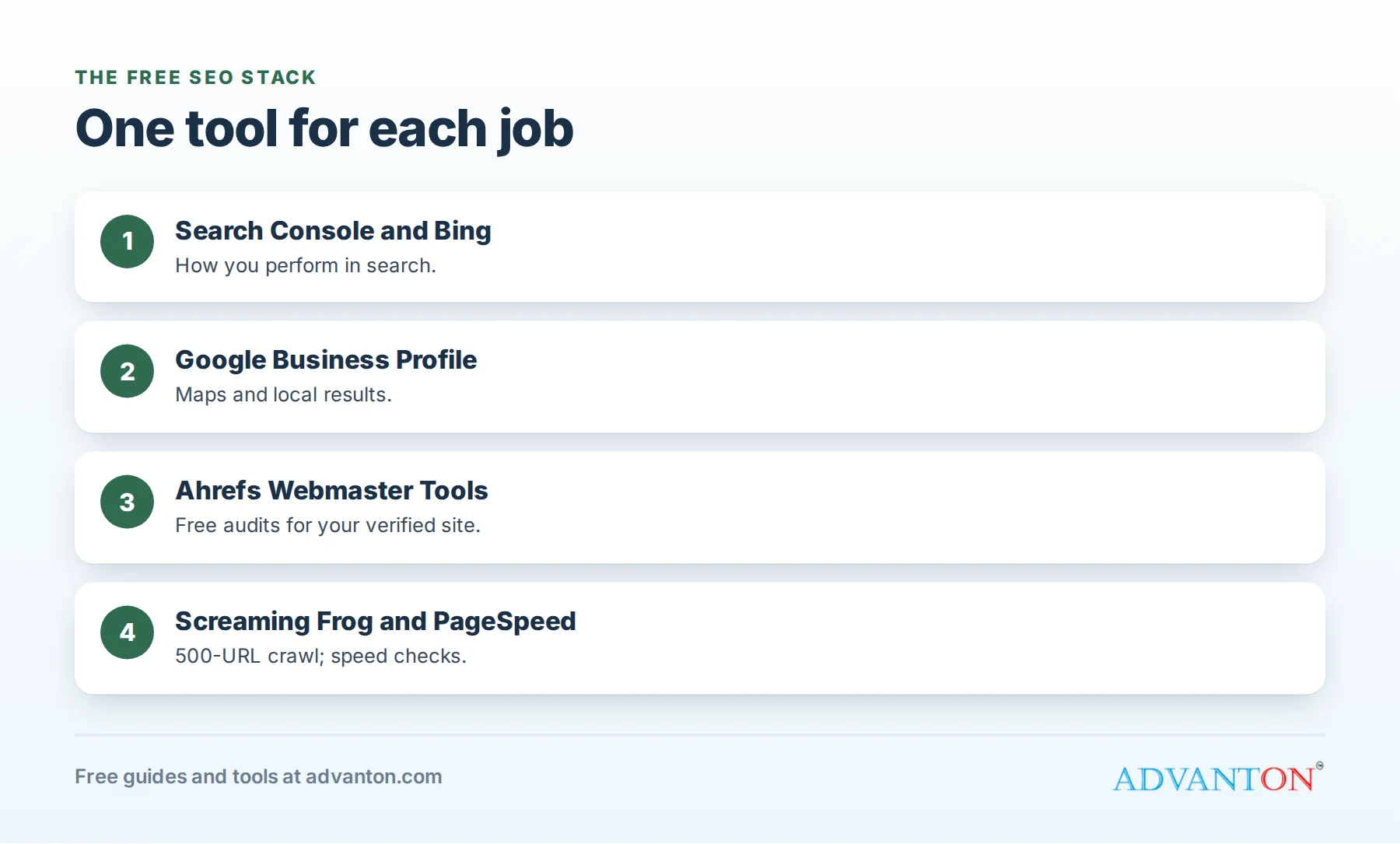
A free SEO stack for small businesses
- Google Search Console and Bing Webmaster Tools for search performance.
- Google Business Profile for local visibility.
- Ahrefs Webmaster Tools for a monthly site audit.
- PageSpeed Insights for speed checks on key pages.
- Google Keyword Planner when planning new pages.
- Google Analytics 4 to see what visitors do; see our free website analytics tools roundup.
A 30-minute monthly SEO routine
- Search Console (10 minutes): check clicks and impressions, find searches where you rank on page two, and note pages to improve.
- Business Profile (5 minutes): reply to reviews, add photos and post an update.
- Site audit (10 minutes): fix the top issues from Ahrefs Webmaster Tools or Screaming Frog.
- One improvement (5 minutes to plan): choose one page to improve or one new page to write this month.
A technical checklist
- HTTPS enabled on every page.
- Mobile-friendly design that’s easy to tap and read.
- Fast loading, with compressed images.
- A sitemap submitted to Google and Bing.
- No broken links or error pages on important routes.
- Unique titles and descriptions for each page.
- Clear navigation so visitors, and search engines, find every service page.
Local citations
Citations are listings of your business name, address and phone on other sites: directories, review sites and industry associations. Consistent details across these listings help search engines trust your information. Claim your main listings (Google, Apple Maps, Bing, Yelp and relevant industry directories), and make sure every one matches your website exactly.
Structured data
Structured data (schema markup) tells search engines facts about your business, such as your name, address, hours, reviews and services, in a standard format. Many website builders add it automatically. Google’s free Rich Results Test checks whether your pages include it correctly.
On-page basics that matter most
- One clear page per service, and per town you serve if relevant.
- Titles and headings that use the words customers search, such as the service and location.
- Helpful content that answers customers’ real questions.
- Fast, mobile-friendly pages with clear calls to action.
- Consistent name, address and phone across your website and listings.
- Reviews and photos that build trust.
Sites built with Advanton’s free website builder include service pages and mobile-friendly design.
A worked example: an “almost there” opportunity
A dog groomer’s Search Console shows the search “mobile dog grooming [town]” with 900 impressions a month, an average position of 11, and only 9 clicks. The page ranks just off the first page.
The groomer improves the mobile grooming page: a clearer title with the town name, prices, photos, a short FAQ and reviews. If the page moves onto the first page and earns a typical share of clicks, those 900 monthly impressions can turn into many more visits, and booking requests, without any advertising.
A simple content plan
| Page type | Example | Why it helps |
|---|---|---|
| Service pages | “Drain cleaning” | Matches searches for each service |
| Area pages | “Plumber in [town]” | Matches local searches (with genuinely useful local detail) |
| FAQ pages | “How much does a water heater cost?” | Answers questions people search |
| Project stories | “Bathroom remodel in [neighborhood]” | Shows real work and builds trust |
Add one useful page a month, and improve one existing page a month.
Earn backlinks the right way
Links from other reputable websites help search engines trust your site. For small businesses, good sources include local chambers of commerce, business associations, suppliers and partners, local news coverage, sponsorships of community events, and helpful guides that others want to reference. Avoid buying links or joining link schemes, which can harm your rankings.
Reviews help search, too
Reviews on your Google Business Profile influence local rankings and, just as importantly, whether people choose you. Ask every happy customer for a review, reply to all reviews, and mention your services and town naturally in replies. Our free review request kit makes asking easy.
Service-area businesses
If you serve customers at their locations (plumbers, cleaners, mobile services) without a public storefront, you can still rank locally. Set your Google Business Profile as a service-area business, list the towns you serve, hide your home address if you work from home, and create helpful pages for your main service areas.
AI search and SEO
AI-powered search features increasingly summarize answers at the top of results. The same fundamentals help you appear in them: accurate business information, clear answers to customers’ real questions, strong reviews, and pages that clearly explain your services, prices and areas. Bing Webmaster Tools now reports some AI search visibility, too.
Measuring SEO success
Track, monthly: clicks and impressions in Search Console, your positions for your main service and town searches, calls and direction requests from your Business Profile, and, most important, leads and customers who found you through search. Rankings matter only if they bring customers.
Common mistakes to avoid
- Ignoring Search Console after setting it up.
- Chasing generic keywords instead of specific local and service searches.
- Thin pages with little useful content.
- Neglecting your Business Profile and reviews.
- Expecting instant results: SEO usually takes months.
Make your website easy to act on
Rankings only matter if visitors become customers. Put your phone number and a clear “request a quote” or “book now” button near the top of every page, show reviews and real photos, list prices or price ranges where you can, and make forms short. Small improvements here often bring more customers than climbing one more spot in search, so test and improve them alongside your SEO work every month.
When to upgrade
Paid SEO tools make sense when you need detailed competitor research, rank tracking for many keywords, or audits for large sites, or when you hire an SEO professional who uses them. Most small businesses get far with free tools and consistent effort.
Frequently asked questions about free SEO tools
Do I need to pay for SEO tools?
Not to start. Google’s and Bing’s free tools, plus free versions of Ahrefs and Screaming Frog, cover most small business needs.
How long does SEO take to work?
Often several months, depending on competition and how much you improve your site.
Is Ahrefs free?
Ahrefs Webmaster Tools is free for sites you own and verify; the full Ahrefs platform is paid.
What matters most for local SEO?
Your Google Business Profile, reviews, consistent business details and helpful service pages for the areas you serve.
Should I write blog posts for SEO?
Yes, if they answer real customer questions. Helpful articles about costs, how-tos and comparisons can attract customers early in their research.
Should I hire an SEO professional?
Consider it when you’ve done the basics and want faster progress in a competitive market. Ask for clear monthly reports tied to leads, and avoid anyone promising guaranteed first-page rankings.
Keep learning
Sources
- Search Engine Watch, Best free SEO tools in 2026
- Hurra, Best free SEO tools in 2026
- Experte, Best free SEO tools in 2026
Last reviewed October 28, 2026. Startup costs are estimates; check local prices, licensing and tax rules before you commit money.
This article is general information, not financial, legal or tax advice. Check the rules that apply to you or talk to a qualified professional before making decisions. See our disclaimer.
Leave a Reply