
AI writing assistants can draft emails, website copy, social posts, product descriptions, job ads and replies to reviews in seconds. For small businesses without a marketing team, they’re a genuine time-saver, and the major ones have useful free tiers. Below, we compare the best free AI writing tools for small businesses and explain how to choose.
But they’re tools, not experts. AI can be confidently wrong, sound generic, and handle your data in ways you should understand. This guide reviews the best free AI writing tools in 2026, explains how to get good results, and covers the cautions every business should know.
A note on fairness: this guide was written with AI assistance from Claude, one of the tools reviewed here. We’ve applied the same criteria to every tool, and we recommend trying more than one, since each has different strengths and free-tier limits.
Quick picks
Table of Contents
| Tool | Free tier in brief | Best for |
|---|---|---|
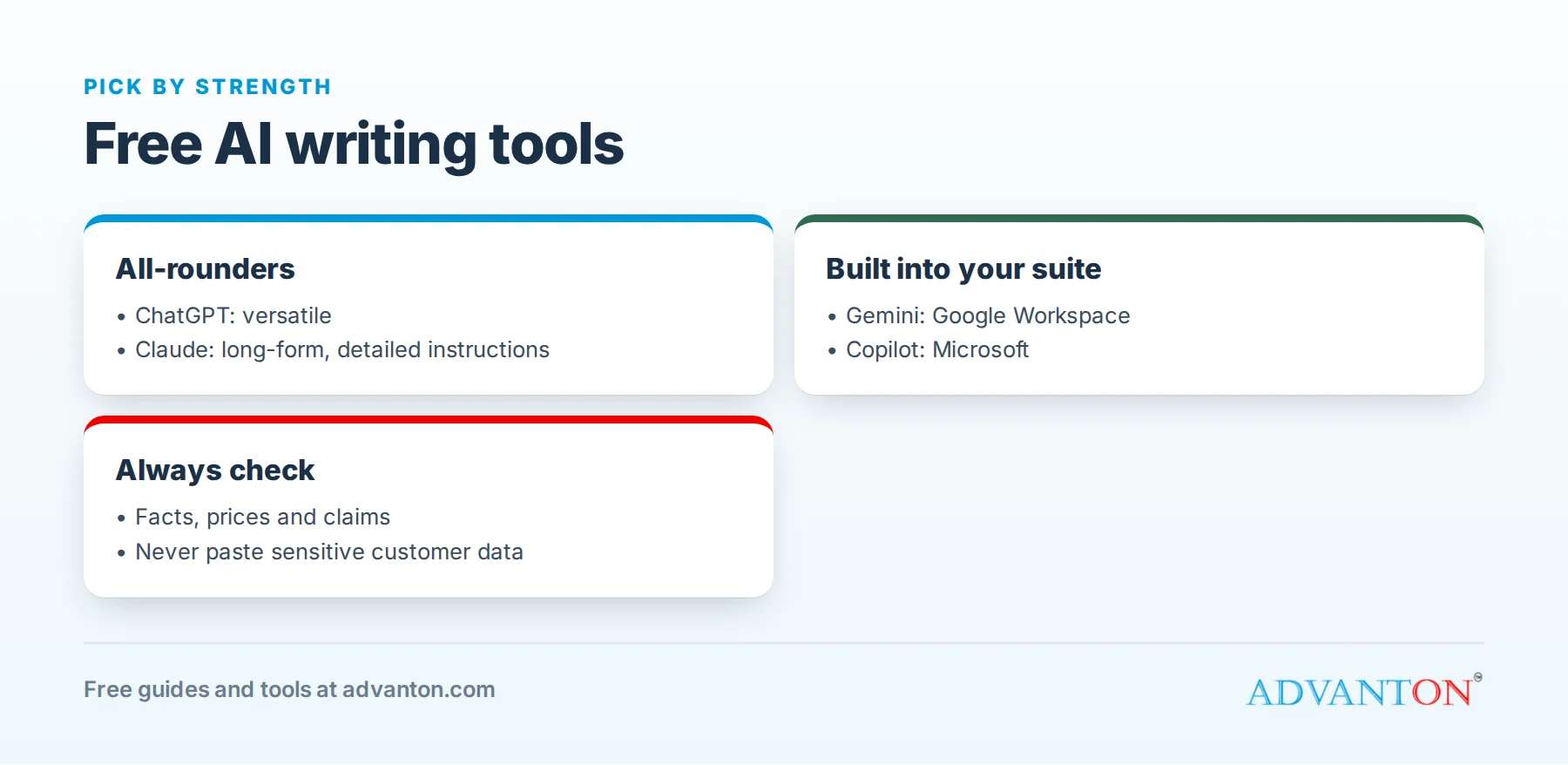
| ChatGPT | Free tier with usage limits | Broad, all-purpose writing and brainstorming |
| Claude | Free tier with usage limits | Long-form writing and following detailed instructions |
| Google Gemini | Free with a Google account | Google Workspace users |
| Microsoft Copilot | Free with a Microsoft account | Microsoft and Windows users |
| Grammarly | Free grammar and spelling, plus limited AI prompts | Polishing writing everywhere you type |
The main paid plans for ChatGPT and Claude cost about $20 a month; you don’t need them to start.
How we evaluated
We looked at writing quality, how well each tool follows instructions, free-tier limits, integrations with tools small businesses use, ease of use, and privacy controls. Free tiers and the AI models behind them change frequently; check each tool’s current terms.
The best free AI writing tools, reviewed
1. ChatGPT: the all-rounder
ChatGPT’s free tier handles a wide range of writing tasks, brainstorming, rewriting and summarizing, with file uploads and web search. It’s the most widely used AI assistant.
The catch: free usage is rate-limited, with tighter limits on some features.
Choose it if: you want a versatile assistant for many kinds of tasks.
2. Claude: long-form writing and detailed instructions
Claude’s free tier is strong at longer documents, careful rewriting and following detailed formatting or style instructions, with file uploads.
The catch: the free tier has usage limits that reset over time.
Choose it if: you write longer content, such as website pages, guides or proposals, or need precise edits to a specific style.
3. Google Gemini: built into Google
Gemini is free with a Google account and is closely connected to Gmail, Docs and Drive, depending on your account and plan.
The catch: some advanced features require paid plans, and what’s available in Workspace depends on your organization’s settings.
Choose it if: you work mostly in Google’s tools.
4. Microsoft Copilot: built into Microsoft
Microsoft’s free Copilot is easy to access in the browser, Windows and Edge, and can help with drafts in free web versions of Office apps.
The catch: the free version is different from paid Microsoft 365 Copilot, which works with your business data.
Choose it if: you work mostly in Microsoft’s tools.
5. Grammarly: polish everywhere
Grammarly’s free plan checks grammar, spelling and clarity as you type in your browser and many apps, with a limited number of AI prompts.
The catch: it’s an editor more than a writer; advanced suggestions are paid.
Choose it if: you want every email and post to be error-free.
Comparison at a glance
| ChatGPT | Claude | Gemini | Copilot | Grammarly | |
|---|---|---|---|---|---|
| Free tier | Yes, limits | Yes, limits | Yes | Yes | Yes |
| Strength | Versatility | Long-form, instructions | Google integration | Microsoft integration | Editing |
| File uploads | Yes | Yes | Yes | Yes | No |
| Works where you type | Apps and browser | Apps and browser | Google apps | Microsoft apps | Most apps and browsers |
Which free AI writing tools should you choose?
- One tool for everything: ChatGPT or Claude; try both with the same task.
- Longer pages and careful edits: Claude.
- Google Workspace business: Gemini.
- Microsoft business: Copilot.
- Error-free everyday writing: Grammarly, alongside any of the above.
A common free setup is one AI assistant for drafting plus Grammarly for polishing.
How to get better results: the prompt formula
Good prompts give the AI context, task, audience, tone and format:
"I run a family-owned plumbing business in Springfield. Write a friendly 120-word email to past customers reminding them to schedule a water heater checkup before winter. Include a 10% discount for booking by November 30 and end with our phone number, (555) 012-3456. Plain language, no jargon."
Then refine: "Make it shorter," "Sound more personal," "Give me three subject lines."
Ready-to-use prompts for small businesses
| Task | Prompt starter |
|---|---|
| Website service page | "Write a service page for [service] in [town] for [customer type]. Include what’s included, typical price range, process, and FAQs." |
| Review reply | "Write a warm, brief reply to this review, thanking the customer by first name and mentioning [detail]: [review]" |
| Negative review reply | "Write a calm, professional reply to this complaint that apologizes, avoids arguing and offers to resolve it offline: [review]" |
| Social posts | "Write five short social posts about [topic] for [business], each with one practical tip." |
| Job ad | "Write a clear job ad for a part-time [role] in [town], with duties, pay range [range], schedule and how to apply." |
| Quote follow-up | "Write a polite follow-up email for a quote sent a week ago, without being pushy." |
An editing checklist for AI drafts
- Facts: are all prices, dates, names and claims correct?
- Fit: does it answer exactly what the reader needs?
- Voice: does it sound like your business?
- Specifics: have you added real details only you know?
- Length: can you cut a third without losing meaning?
- Promises: does it promise anything you can’t deliver?
- Compliance: any legal, medical, financial or safety claims checked by the right person?
Accuracy: always check
AI tools can state wrong facts, prices, laws or dates with confidence. Check every fact, number, claim and legal or tax statement before publishing or sending. Never let AI invent customer reviews, testimonials or credentials, which is misleading and may break consumer protection rules.
Privacy: be careful what you paste
- Don’t paste sensitive customer data, such as full names with addresses, health or financial details, or passwords.
- Check data settings: many tools let you control whether your conversations are used to train models.
- Use business plans with stronger privacy terms if you handle sensitive information regularly.
- Follow any client confidentiality agreements.
Prompts by industry
| Business | Useful prompt |
|---|---|
| Contractor | "Explain in plain language why a [repair] costs [range], for a homeowner’s quote email." |
| Restaurant | "Write three short, mouth-watering descriptions for [dishes], under 25 words each." |
| Retail | "Write a product description for [product] highlighting [benefits], with care instructions." |
| Salon | "Write a friendly reminder text for appointments, under 160 characters." |
| Consultant | "Turn these notes into a one-page proposal with goals, approach, timeline and price: [notes]" |
Customer service drafts
AI can draft replies to common questions and complaints, adapting your policies to each situation. Paste your policy and the customer’s message (without sensitive details), ask for a friendly, clear reply, then check it carefully. Over time, save the best versions as templates in your help desk.
Internal documents
AI is useful for turning rough notes into clear procedures, checklists, training materials and policies. Describe how you do a task, then ask: "Turn this into a step-by-step procedure with a checklist." Have the person who does the task review it for accuracy.
Translation
AI can translate marketing and customer messages quickly, helpful for serving customers in other languages. For important documents, contracts or safety information, have a fluent speaker review the translation.
A simple team AI policy
If your team uses AI, agree on a few rules: which tools are approved, what information must never be pasted in (customer personal data, passwords, confidential documents), that every AI draft is reviewed before it’s sent or published, and that facts are checked. Write it on one page and share it.
Make it sound like you
AI drafts often sound generic. Fix that by:
- Giving examples of your past writing and asking the AI to match the style.
- Adding real details: names, places, numbers, stories and customer results.
- Editing out filler phrases and clichés.
- Reading it aloud before you send it.
Newsletters and email marketing
AI can turn a few bullet points into a friendly newsletter: share this month’s news, a helpful tip, an offer and a customer story, and ask for a short, warm email with a clear subject line. Ask for three subject line options and test them. Always include an easy unsubscribe and follow email marketing rules.
Ad copy and its limits
AI is fast at drafting ad headlines and descriptions to test. Keep claims accurate and provable: avoid "best", "guaranteed" or specific results you can’t support, follow each ad platform’s rules, and check industry rules if you’re in a regulated field like health, finance or law.
When not to use AI
Write it yourself, or with professional help, when the stakes are high: legal documents and contracts, tax or financial advice, medical or safety instructions, apologies after a serious mistake, and personal messages to valued customers. AI can help you organize your thoughts, but the final words should be yours and checked by the right expert.
Create a reusable style guide prompt
Write a short description of your business voice once and paste it at the start of every request:
"We’re a family-owned garden center in Springfield. Our voice is warm, practical and down-to-earth. We avoid jargon and hype, use short sentences, and always include one useful gardening tip. We never use exclamation marks more than once."
Saved in a note, it makes every AI draft sound more like you from the first try.
A worked example: a week of marketing in an hour
A bakery owner spends one hour on a Monday with a free AI assistant: she drafts five social posts about the week’s specials, a short newsletter, replies to three new reviews, and a description for a new cake on her website. She edits each one to add details only she knows (the family recipe, the farm that supplies the berries) and checks every price. What used to take most of a weekend now takes an hour.
Common mistakes to avoid
- Publishing without checking facts.
- Pasting sensitive information.
- Using generic AI text without adding your own details.
- Fake reviews or testimonials.
- Relying on one tool without comparing results.
Keep a prompt library
Save prompts that work well in a shared note: your style guide, review replies, social posts, quote follow-ups and job ads. Reusing proven prompts gives consistent results and saves time for everyone on your team, and it’s easy to improve a prompt each time you use it. Note which tool each prompt works best in, and when you last used it.
When to upgrade
Consider paid plans when you hit free limits regularly, need stronger privacy terms, want team workspaces, or use AI for many hours a week. Compare the cost with the time saved.
Frequently asked questions about free AI writing tools
Which free AI writing tool is best?
It depends on your work. ChatGPT and Claude are strong all-rounders; Gemini and Copilot fit Google and Microsoft users; Grammarly polishes writing. Try the same task in two tools and compare.
Is AI-written content bad for SEO?
Helpful, accurate content that serves readers is what matters. Edit AI drafts to add real expertise and details.
Can I use AI to reply to customer reviews?
Yes, as a starting point. Personalize each reply and never let AI make promises you can’t keep.
Do I need to disclose AI use?
It depends on context and platform rules. Be honest whenever it matters to customers, and never present AI-generated content as a real customer’s words.
Can AI write my whole website?
It can draft pages quickly, but your site should reflect your real services, prices, experience and customer stories. Use AI for structure and first drafts, then add the specifics that make customers trust you.
Is it okay to use AI for social media posts?
Yes, as a drafting tool. Add your own photos, real details and replies to comments, so your accounts stay personal and genuine.
Keep learning
Sources
Last reviewed October 28, 2026. Startup costs are estimates; check local prices, licensing and tax rules before you commit money.
This article is general information, not financial, legal or tax advice. Check the rules that apply to you or talk to a qualified professional before making decisions. See our disclaimer.
Leave a Reply