
Small businesses are frequent targets for listing scams: invoices for directory listings they never ordered, robocalls warning that their Google listing will be removed, offers to guarantee first place in search results, and fake renewal notices designed to look like bills. These scams rely on busy owners paying without checking. A few simple habits protect your business.
This guide explains the most common business listing scams, how to spot them and what to do.
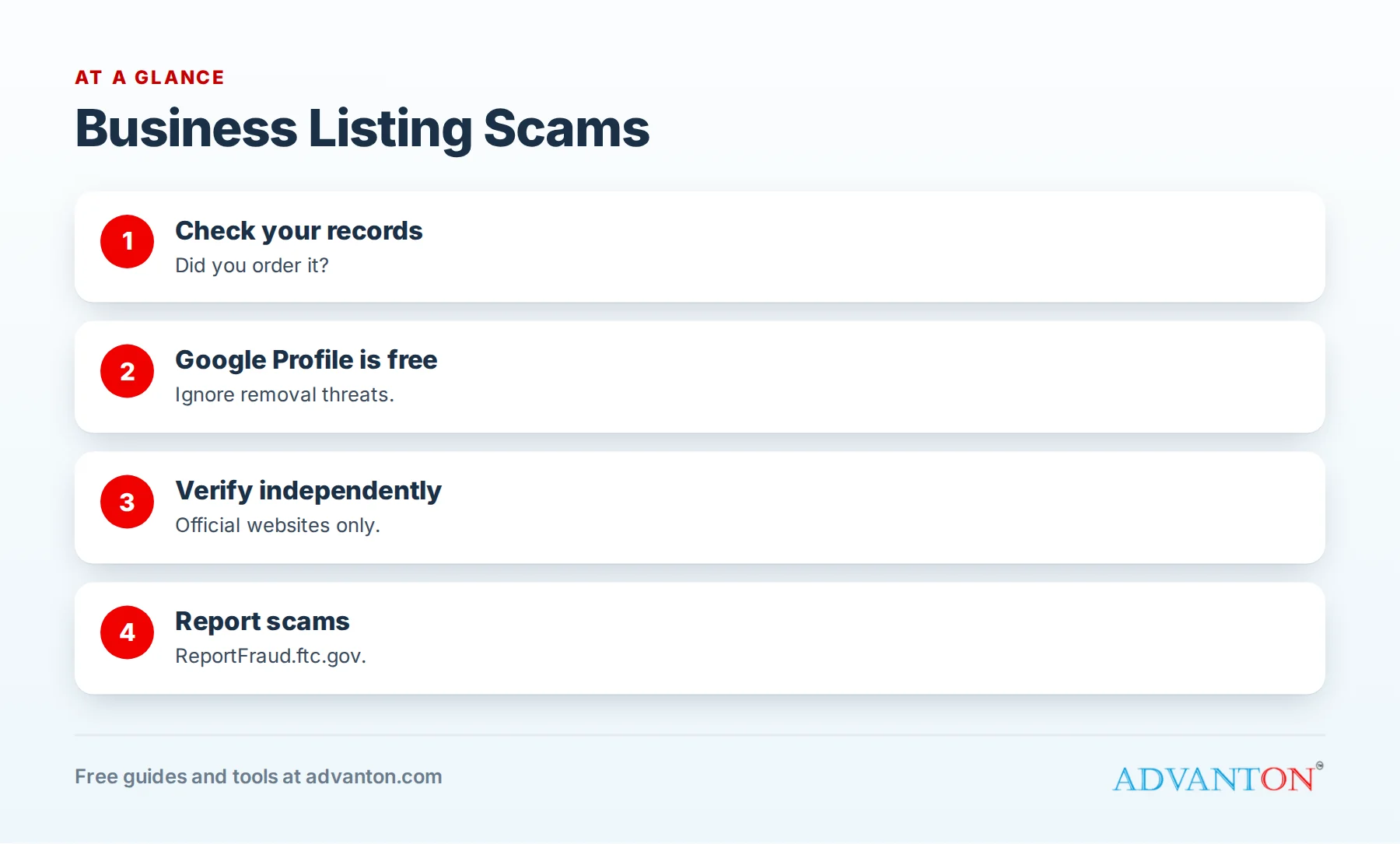
Common listing scams
Table of Contents
| Scam | What it looks like | Reality |
|---|---|---|
| Fake directory invoice | A bill for a "listing" or "directory renewal" you never ordered | You don’t owe money for services you didn’t order |
| Google impersonation calls | "Your Google listing will be removed unless you verify now" | Google Business Profile is free to create and manage |
| Guaranteed first place | "We guarantee you’ll be #1 on Google" | No one can guarantee Google rankings |
| Fake renewal notices | Official-looking letters about domain or listing renewals | Often from unrelated companies seeking new orders |
| Review removal schemes | "Pay us and we’ll remove your negative reviews" | Legitimate platforms don’t sell review removal |
| Unsolicited "free trial" | A call that turns into a paid subscription | Verbal agreements can be twisted into contracts |
Fake directory invoices
These look like real bills, often with official-sounding names, account numbers and due dates. Some include tiny print saying the document is a "solicitation," not an invoice. Before paying any invoice:
- Check whether you actually ordered the service.
- Compare with your records of directories you’ve joined.
- Look up the company independently, not through contact details on the invoice.
- Don’t pay for services you didn’t order.
Calls claiming to be from Google
Robocalls and callers sometimes claim your Google listing will be removed or "unverified" unless you pay or act immediately. Google Business Profile is free. Manage your profile directly at Google’s official website, and never give account access or payment details to unsolicited callers.
"Guaranteed" ranking offers
Some sellers promise first-page or first-place rankings. Legitimate marketing professionals don’t guarantee rankings, because no one controls search engines’ results. Treat guarantees as a warning sign.
Fake renewal notices
Letters about "expiring" domain names or listings may come from companies other than your provider, hoping you’ll transfer services or pay inflated prices. Check renewals directly with your current provider. Keep a record of where your domain, hosting and listings are managed.
Review removal and reputation schemes
Scammers may post negative reviews, then offer to remove them for a fee, or sell guaranteed review removal. Don’t pay. Report fake reviews through each platform’s official process. See fake and unfair reviews.
How to verify any listing charge
- Pause: don’t pay or agree on the first call.
- Check your records: did you order this?
- Contact the company independently, using details from their official website.
- Ask for a signed agreement showing what you ordered.
- Talk to your bank if you’ve already paid something suspicious.
Protect your accounts
- Use strong, unique passwords and two-factor authentication for Google, directories, domains and hosting.
- Keep a list of every listing and who has access.
- Limit access to staff who need it, and remove former employees and agencies.
- Watch for unexpected ownership requests on your listings.
Train your team
Scammers often target whoever answers the phone or opens the mail. Teach staff to never confirm payment details, never agree to "verifications" by phone, and to forward suspicious invoices and calls to one person who checks them.
Report scams
Report suspected scams to the Federal Trade Commission at ReportFraud.ftc.gov, and to your state attorney general. Reports help authorities spot patterns and warn other businesses.
Legitimate paid listings exist
Not every paid listing is a scam. Reputable directories offer paid upgrades with clear terms, real reporting and easy cancellation. See free vs paid directory listings for how to judge them.
A listing records checklist
| Item | Keep a record of |
|---|---|
| Directories joined | Platform, link, date, cost, renewal date |
| Domain and hosting | Provider, renewal date, account owner |
| Logins | Stored securely, with two-factor authentication |
| Contracts | Signed copies of any paid services |
| Access | Who manages each account |
Phishing emails pretending to be directories
Some emails imitate directories or platforms, asking you to "verify," "update" or "reclaim" your listing through a link. These may steal logins. Don’t click links in unexpected emails; go directly to the platform’s official website and sign in there.
Domain and SEO spam emails
Businesses receive emails warning that their domain is expiring (from companies that aren’t their registrar) or offering instant SEO results. Check domain renewals only with your actual registrar, and ignore unsolicited SEO guarantees.
Government-style mailings
Some businesses receive official-looking mailings offering to file annual reports, provide certificates of good standing or prepare corporate minutes for a fee far above the real government cost. Many states warn businesses about these solicitations. Check deadlines and fees directly with your state’s business filing office.
If you’ve already paid
- Contact your bank or card issuer right away about disputing the charge.
- Change passwords for any accounts you shared.
- Collect evidence: invoices, emails, call notes.
- Report the scam to the FTC and your state attorney general.
- Warn your team so it doesn’t happen again.
A worked example
A landscaping company receives an invoice for "Annual Business Directory Listing Renewal," with a due date and account number. The office manager checks the listing tracker, finds no record of the directory, looks up the company independently and discovers complaints from other businesses. She doesn’t pay, reports it to the FTC and adds a note to the team’s checklist. This example is illustrative.
Build a simple approval rule
Make one rule for your business: no listing, advertising or renewal charge gets paid without being checked against your records and approved by one designated person. That single habit stops most listing scams.
Scams by phone: a simple script
Give whoever answers the phone a script:
"Thanks for calling. We don’t make purchasing decisions by phone. Please email the details, and the owner will review them."
Legitimate companies will send written information; scammers usually won’t. Never confirm card numbers, bank details or account logins to unsolicited callers.
Keep your own listings well managed
Scams are less effective when you clearly know what you’ve signed up for. Keep your listing tracker current, review it twice a year and claim your important listings so no one else controls them. See how to update or remove an old listing.
Share warnings with other businesses
Local business groups, chambers of commerce and industry associations often share scam warnings. Joining these groups helps you hear about new schemes quickly, and sharing your own experiences protects other owners in your community.
Watch for fake "verification" texts
Text messages claiming your business listing needs urgent verification, with a link, are another common tactic. Treat them like suspicious emails: don’t tap the link, and check your account directly through the platform’s official app or website.
Know what real platforms ask for
Legitimate platforms verify businesses through their own systems, such as codes sent through the platform, video verification or official account checks, and they don’t ask for payment to keep a free listing active. When a request doesn’t match how a platform normally works, stop and verify.
Common mistakes
- Paying invoices without checking records.
- Trusting caller ID or official-sounding names.
- Giving account access to unsolicited callers.
- Agreeing verbally to "free trials."
- Not training staff to recognize scams.
Frequently asked questions
Is Google Business Profile free?
Yes. Google Business Profile is free to create and manage.
What should I do with a directory invoice I didn’t order?
Don’t pay. Check your records, contact the company independently and report suspected scams.
Can anyone guarantee first place on Google?
No. Treat ranking guarantees as a warning sign.
Where do I report a business listing scam?
To the FTC at ReportFraud.ftc.gov and your state attorney general.
Is the Advanton directory free?
Yes. Listings are free and reviewed before publishing; Advanton won’t invoice you for a free listing.
How can I tell a real invoice from a fake one?
Check whether you ordered the service, compare with your records and contact the company through its official website, not the invoice.
Does Advanton ever call to sell listings?
Advanton listings are free and reviewed online; if someone claims to be from Advanton and asks for payment for a free listing, contact us through our website.
Should I report scam calls even if I didn’t pay?
Yes. Reports help authorities identify patterns and protect other businesses.
Are domain renewal letters scams?
Some are solicitations from other companies; check renewals only with your actual registrar.
How Advanton helps
Advanton is a free resource that helps small businesses start, get online, find customers and grow. Add your business to the Advanton directory for free, keep track of your listings with our business listing checklist and review your online presence with the online presence checkup. Advanton earns money when you buy a domain or hosting through our store, which helps keep everything else free.
Keep learning
Sources
Last reviewed October 30, 2026. Startup costs are estimates; check local prices, licensing and tax rules before you commit money.


Leave a Reply