
Businesses change: they move, switch phone numbers, rebrand, change hours, change hands and sometimes close. Each change creates a risk that old information lingers online, sending customers to the wrong place or the wrong number. Updating your listings promptly, in the right order, keeps customers finding you and protects the reputation you’ve built.
This guide covers what to do for each common change, how to regain access to listings you’ve lost, and a checklist you can follow every time.
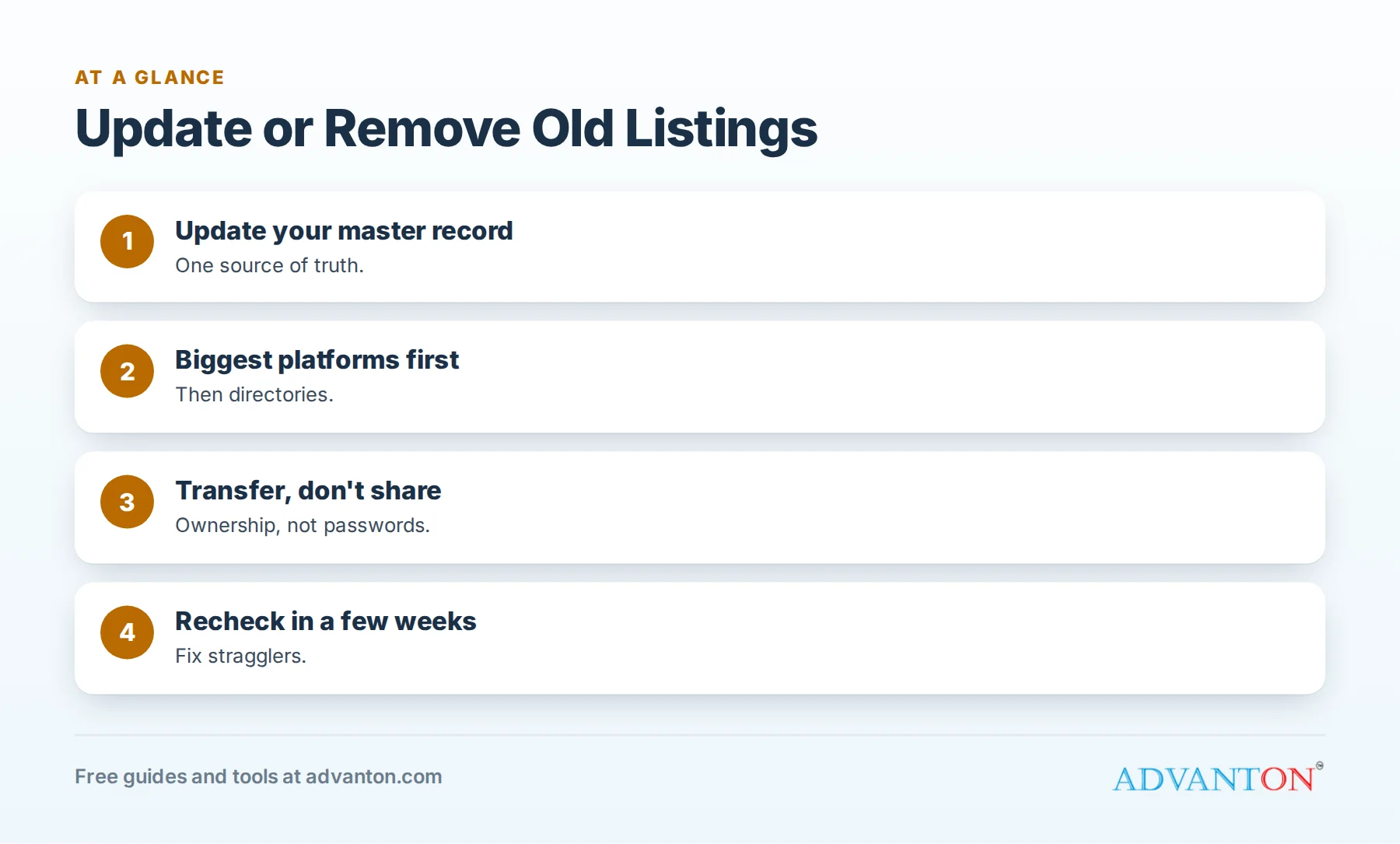
Start with your master record
Table of Contents
Before updating anything, write your new official details in one document: business name, address or service area, phone, website, hours and categories. Every update should match it exactly. See NAP consistency.
The order to update
- Your website (footer, contact page and any location pages).
- Google Business Profile.
- Apple Business Connect and Bing Places.
- Yelp, Facebook and Nextdoor.
- Directories, including the Advanton directory.
- Industry directories, associations and partner sites.
- Offline materials: invoices, vehicles, signs and cards.
Starting with the largest platforms matters because many smaller sites draw information from them and from data providers.
When you move
- Update your existing listings to the new address rather than creating new ones; new listings often become duplicates.
- Expect verification on some platforms after an address change.
- Update your service area if it changes.
- Search for your old address a few weeks later and fix stragglers.
- Watch for duplicates created from the new address. See how to find and fix duplicate listings.
When your phone number changes
- Forward the old number to the new one for as long as you can.
- Update every listing, your website, invoices, vehicles and email signatures.
- Search your old number periodically until it disappears from listings.
When your hours change
- Update regular hours everywhere at once.
- Use special hours on platforms that support them for holidays and events.
- For temporary closures, mark the listing temporarily closed where available, rather than deleting it, and reopen it when you’re back.
When you rebrand
- Make the new name official first: registration, signage and documents.
- Update your name on each platform, following its rules; some require verification or proof.
- Update your logo, photos and description.
- Tell customers about the change on your website and social pages so reviews and recommendations still connect.
When ownership changes or you sell the business
- Transfer listing ownership to the new owner through each platform’s user and ownership settings, rather than sharing passwords.
- Remove former owners and employees from listing access.
- Update contact emails connected to each listing.
- Keep the listings if the business continues; reviews and history are valuable assets in a sale.
When you close permanently
- Mark listings as permanently closed on platforms that offer it, so customers aren’t misled.
- Update your website with a closing notice if you keep it running.
- Remove or close directory listings where platforms allow it.
Regaining access to listings you’ve lost
Many owners discover listings created by former staff, agencies or themselves years ago, with lost logins. To regain control:
- Try account recovery with emails you may have used.
- Request ownership or access through the platform’s process; Google, for example, lets you request access to a profile someone else manages.
- Provide proof of business if asked: license, utility bill or signage photos.
- Contact former agencies or employees and ask them to transfer ownership.
- Record new logins in a secure listing tracker.
Updating the Advanton directory
If your business is listed in the Advanton Business Directory, contact us with your listing and the updated details, or to request closure. Your owner dashboard shows how your listing is performing.
An update checklist
| Item | Done |
|---|---|
| Master record updated | |
| Website footer and contact page | |
| Google Business Profile | |
| Apple Business Connect | |
| Bing Places | |
| Yelp, Facebook, Nextdoor | |
| Advanton and other directories | |
| Industry and association listings | |
| Invoices, vehicles, signs, cards | |
| Follow-up search in 2 to 4 weeks |
How long updates take
Some platforms update within minutes or days; others review changes, and data providers can take weeks to spread new details to smaller sites. Keep a log of each change and recheck after a few weeks.
A worked example: a move and a rebrand
A landscaping company moves to a larger yard across town and changes its name from "Green Lawn Care" to "Green Lawn Landscaping" as it adds design services. The owner registers the new name, updates the website, then edits the existing Google Business Profile (name, address, categories and services), completing verification when asked. Apple, Bing, Yelp, Facebook and Nextdoor follow the same day. Directories and the local chamber listing are updated within a week. A note on the website and Facebook explains the change. Three weeks later, a search for the old name and address finds two directory listings still outdated; the owner corrects them and logs the changes.
Adding services or categories
When you add services, update your service lists, descriptions and categories on every platform, and add photos of the new work. Customers searching for the new service can only find you if your listings say you offer it.
Seasonal businesses
Seasonal businesses should update hours before each season, mark temporary closures during off-seasons where platforms allow it, and post updates when they reopen. Customers searching in the off-season then know you’re coming back rather than closed for good.
Opening a second location
A genuine new location with its own staffed address needs its own listings, with its own phone number where possible, and its own page on your website. Keep the business name consistent across locations, and don’t create listings for addresses where you don’t serve customers.
Tell customers about changes
Post a short update on your website, social pages and Google Business Profile when you move, rebrand or change hours. Mention the change in emails and on invoices for a few months. Customers who hear about a change from you are less likely to be confused by outdated information elsewhere.
Agencies and data providers
If an agency manages your listings, give them the new details in writing and ask for a list of every listing they update. For business data providers that feed smaller sites, updating your major listings usually helps corrections spread over time.
Keep a change log
Each time you update listings, record the date, the change, each platform updated and anything still pending. A simple log makes follow-up easy, helps new staff understand your listings and gives you proof of ownership history if a platform ever asks.
Responding to reviews after a change
When reviews mention an old location, name or phone number, reply with a short, friendly note about the change: "Thanks for the kind words! Just a reminder that we’ve moved to Main Street." Replies like this help future customers find you and show your business is active.
Check the apps customers use
After major changes, search for your business in navigation apps, voice assistants and booking or delivery apps your customers use. Report outdated details where those apps allow it, so customers aren’t guided to an old address.
Common mistakes
- Creating new listings instead of updating old ones.
- Deleting a listing during a temporary closure.
- Sharing passwords instead of transferring ownership.
- Forgetting smaller directories and offline materials.
- Not rechecking a few weeks later.
Frequently asked questions
How do I change my address on Google?
Edit your Business Profile and update the address; Google may ask you to verify the change.
Should I delete my old listing after moving?
Usually not. Update the existing listing to keep your reviews and history, and fix any duplicates.
How do I update a listing I don’t control?
Request ownership or access through the platform, or use its suggest-an-edit or support options.
What should I do if I close temporarily?
Mark listings as temporarily closed where available and reopen them when you’re back.
How do I update my Advanton directory listing?
Contact us with the listing and your new details.
Will I lose my reviews if I change my business name?
Updating your existing listing usually keeps your reviews; creating a new listing would not.
Do I need to update listings for small changes?
Yes, even small changes such as hours or website addresses matter to customers, so update them everywhere.
Who should manage listing updates?
One person, with a tracker of every platform and login, works best.
How do I mark a business temporarily closed?
Use each platform’s temporary closure option where available, and reopen your listings when you’re back.
What if my old listing has outdated reviews?
Keep the listing, update its details and reply to reviews mentioning old information with a friendly note about the change.
How Advanton helps
Advanton is a free resource that helps small businesses start, get online, find customers and grow. Run our free online presence checkup after any change, keep details consistent with our business listing checklist, and add your business to the Advanton directory for free. Advanton earns money when you buy a domain or hosting through our store, which helps keep everything else free.
Keep learning
Sources
Last reviewed October 30, 2026. Startup costs are estimates; check local prices, licensing and tax rules before you commit money.
This article is general information, not financial, legal or tax advice. Check the rules that apply to you or talk to a qualified professional before making decisions. See our disclaimer.
Leave a Reply