
Duplicate listings are two or more listings for the same business on the same platform: two Google profiles, two Yelp pages, an old and a new Apple Maps place card. They’re more common than most owners realize, and they cause real problems. Customers find the wrong phone number or address, reviews get split between listings, and search engines get mixed signals about which information is correct.
This guide shows how duplicates happen, how to find them and how to fix them platform by platform.
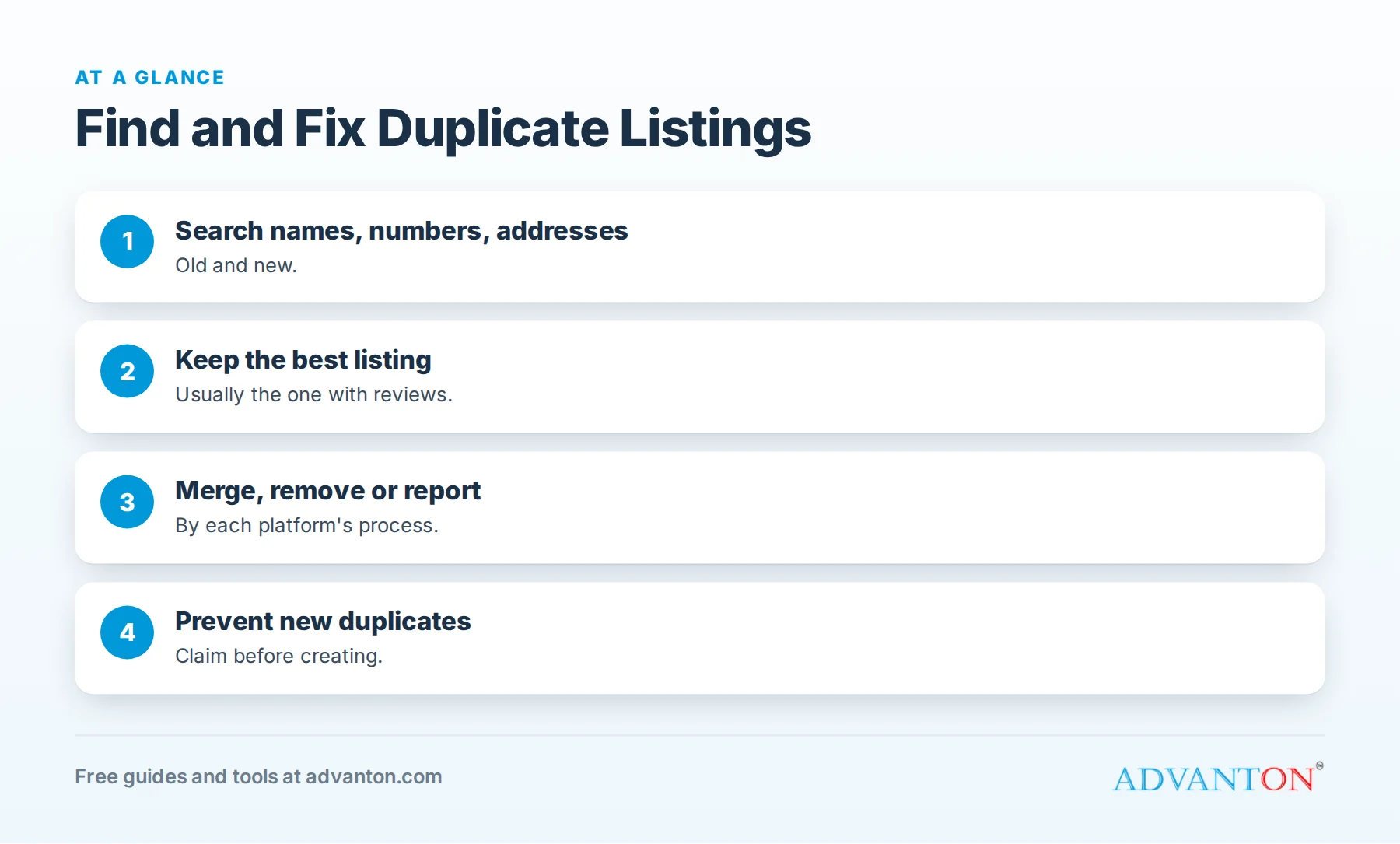
Why duplicates happen
Table of Contents
| Cause | How it creates a duplicate |
|---|---|
| Moving | A platform treats the new address as a new business |
| New phone number | Data providers create a new record |
| Rebranding | The new name appears alongside the old one |
| Multiple people creating listings | Owners, staff and agencies each create their own |
| Customer-suggested places | Platforms create listings from user suggestions |
| Data providers | Old records spread to apps and directories |
| Practitioners | Individual professionals listed separately from the practice |
Problems duplicates cause
- Lost customers who call old numbers or visit old addresses.
- Split reviews, so neither listing looks as strong as it should.
- Confused search engines unsure which details are correct.
- Suspension risk on platforms that prohibit duplicate listings for the same business.
How to find duplicates
- Search your business name on Google and Google Maps, plus your town.
- Search your current and old phone numbers.
- Search your current and old addresses.
- Search your old business names if you’ve rebranded.
- Check each major platform directly: Google, Apple Maps, Bing, Yelp, Facebook, Nextdoor and BBB.
- Check directories where you’ve listed before, including the Advanton directory.
- Record every duplicate with its link, details and whether you can access it.
How to fix duplicates, platform by platform
| Platform | How to fix |
|---|---|
| Google Business Profile | If you own both, keep the correct one and remove the other; if you don’t, suggest an edit or report the duplicate through Google’s support options |
| Apple Maps | Claim the correct place card in Apple Business Connect and report the duplicate through Apple’s reporting tools |
| Bing Places | Claim and manage the correct listing; report or remove duplicates through Bing Places |
| Yelp | Claim your page and contact Yelp support to request a merge or closure of the duplicate |
| Use Facebook’s tools to merge pages you manage with similar names, or report duplicates you don’t control | |
| Directories | Claim and update, or contact the site to remove the duplicate |
| Advanton directory | Contact us with both listings and which one to keep |
Platform tools change, so follow each platform’s current help pages. Keep proof of your business (license, utility bill or signage photos) ready in case a platform asks.
What about reviews on duplicates?
Reviews may or may not transfer when listings are merged or removed, depending on the platform and situation. Before removing a duplicate with many reviews, check the platform’s current policy; in some cases, merging (rather than deleting) is the better path. Either way, keep asking customers for reviews on your correct listing.
Duplicates after a move
When you move:
- Update your existing listing to the new address rather than creating a new one.
- Check a few weeks later for listings created from the new address.
- Mark the old location as moved or closed where the platform requires it.
- Update directories and your website with the new address.
Multi-location businesses
Each genuine location with its own staffed address can have its own listing. Problems arise when the same location has several listings, or when businesses create listings for addresses where they don’t operate. Never create listings at virtual offices or addresses you don’t serve customers from; it violates many platforms’ guidelines.
Practitioner and department listings
Doctors, lawyers, real estate agents and other professionals sometimes have individual listings in addition to the practice listing. Platforms have specific rules for these; check them before removing or creating practitioner listings, and keep the practice listing as the main record.
Prevent future duplicates
- One owner of listings, with a tracker of every platform and login.
- Claim before creating: always search first.
- Update instead of replacing when details change.
- Review listings twice a year.
- Ask agencies for access lists and keep ownership of your accounts.
See our business listing checklist for a full routine.
A worked example
A dental practice moved across town and changed its phone number. Its audit found two Google listings (old and new addresses), an Apple Maps card with the old number, two Yelp pages and a directory listing under a former partner’s name. The owner kept the Google profile with the most reviews and updated it to the new address, removed the other through Google’s tools, corrected Apple Maps, asked Yelp support to merge the pages and updated the directory. Within weeks, searches showed one accurate listing per platform, and reviews were concentrated where new patients could see them.
Listings created by customers
Platforms sometimes create listings from customer suggestions or check-ins, often with slightly different names or incomplete details. Search for variations of your name (with and without "LLC," abbreviations and misspellings) and claim or report these listings.
Proving ownership
Platforms may ask for proof before merging or removing listings. Keep a business license, utility bill, signage photos or a business bank statement ready, and use your official business email where possible.
Be patient
Some platforms update within days; others take weeks, and changes to data providers can take longer to reach smaller sites. Keep a record of each request and follow up if nothing changes.
Duplicates on small directories
Smaller directories often copy data from larger sources. Fixing your core listings helps correct them over time. For directories that matter to your industry, claim and correct the listing directly; for abandoned sites, focus elsewhere.
Set a team policy
Write a simple rule: only one person creates or edits listings, always searches before creating, and records every change in the tracker. Share it with staff and agencies.
Merged practices and partnerships
When businesses merge or partners split, listings for both names may remain. Decide which name and details are official, update the main listing, and close or redirect the others following each platform’s rules. Tell customers about the change on your website and social pages to reduce confusion.
Check apps and navigation systems
Customers also find businesses through car navigation, voice assistants and map apps that draw on business data providers. After fixing your core listings, search for your business in the apps your customers use, and report outdated information where those apps allow it.
Keep your website as the source of truth
Your website should always show your current name, address, phone and hours in the footer and on your contact page. When platforms or data providers check details, your website is often the reference they use.
Common mistakes
- Creating a new listing after moving instead of updating.
- Deleting a duplicate with many reviews without checking merge options.
- Ignoring duplicates you don’t own.
- Fixing Google but not other platforms.
- Creating listings for fake locations.
Frequently asked questions
Why does my business have two Google listings?
Usually because of a move, a new phone number, a rebrand or someone else creating a listing. Keep the correct one and remove or report the other through Google’s tools.
Will I lose reviews if I remove a duplicate?
It depends on the platform and situation; check current policies, and consider merging rather than deleting.
How do I fix a duplicate I don’t control?
Use the platform’s suggest-an-edit or report options, or contact support with proof of your business.
Can duplicates get my listing suspended?
Many platforms prohibit duplicate listings for the same business, so fixing them protects your main listing.
How often should I check for duplicates?
At least twice a year, and a few weeks after any move, number change or rebrand.
Should I merge or delete duplicates?
Merge where the platform allows it and the duplicate has reviews you’d like to keep; otherwise remove or report it following the platform’s process.
Can a duplicate listing hurt my reviews?
Yes. Reviews split across duplicates make each listing look weaker; consolidating helps customers see your full reputation.
What if a platform won’t remove a duplicate?
Keep your proof of business ready, follow up through the platform’s support options, and focus on making your correct listing as complete and active as possible.
How do I stop agencies creating duplicates?
Give agencies manager access to your existing listings, keep ownership yourself and require them to search before creating anything.
Do duplicates affect AI search results?
They can lead to conflicting details in summaries; consistent, single listings help keep information accurate.
How Advanton helps
Advanton is a free resource that helps small businesses start, get online, find customers and grow. Run our free online presence checkup to review your listings, and add your business to the Advanton directory with consistent details. Advanton earns money when you buy a domain or hosting through our store, which helps keep everything else free.
Keep learning
Sources
Last reviewed October 30, 2026. Startup costs are estimates; check local prices, licensing and tax rules before you commit money.
This article is general information, not financial, legal or tax advice. Check the rules that apply to you or talk to a qualified professional before making decisions. See our disclaimer.
Leave a Reply