• Skip to primary navigation
  • Skip to main content
  • Skip to footer
advanton usa logo

Advanton USA

  • Start
    • How to start a business, A to Z
    • Business ideas
    • Test your business ideaTest your idea with real industry data
    • Choosing a business structure
    • Get an EIN
    • SBA loans
    • Small business grants
    • Business banking
    • Franchises
  • Grow
    • Hiring your first employee
    • Taxes and bookkeeping
    • Keeping customers
    • Financing growth
    • Using AI
    • Industry data
    • Services owners use
      • USPS for small business
      • Every Door Direct Mail
      • USPS vs UPS vs FedEx
      • Yelp for Business
      • Apple Maps listing
  • Free Tools
    • Start
      • Business Idea Reality CheckTest your idea with real industry data
      • Business PlannerName, costs, pricing and a one-page plan
    • Launch
      • Launch your business onlineDomain, website and hosting, step by step
      • Brand & Print StudioCards, flyers, postcards, signs and more
      • Website builderA free website in about 10 minutes
    • Market
      • Marketing HubOnline presence, reviews and lead tracking
      • Local SEO checkerScan your site and fix local rankings
    • Grow
      • Quotes and invoicesProfessional quotes and invoices
      • Cash & Payroll PlannerCash flow, hiring costs and unpaid invoices
      • Mileage logBusiness miles at the 2026 IRS rate
      • Rewards programStamp cards that bring customers back
      • Word to PDFConvert Word documents to PDF
  • Contractors
    • Contractor website builderWebsites for 8 trades, 5 designs each
    • Websites by trade
      • Roofing
      • Remodeling
      • Painting
      • Plumbing
      • Flooring and tile
      • Electrical
      • HVAC
      • Handyman
    • Yard signs and door hangersYard signs and door hangers with a QR code
    • Marketing for contractors
    • Angi vs Thumbtack
  • Local SEO Check
    • Scan your websiteScan your site and fix local rankings
    • Plan service and town pagesScan your site and fix local rankings
    • Generate LocalBusiness schemaScan your site and fix local rankings
    • Business Profile checklistScan your site and fix local rankings
    • Compare with competitorsScan your site and fix local rankings
    • Learn the ranking factorsScan your site and fix local rankings
  • Directory
    • Browse the directoryFind local small businesses
    • Add your businessA free listing in the directory
  • Get Online
    • Launch your business onlineDomain, website and hosting, step by step
    • Free website builderA free website in about 10 minutes
    • Contractor website builderWebsites for 8 trades, 5 designs each
    • Domains and hosting
    • After you buy: help guides
      • Verify your new domain
      • Upload your website
      • Connect your domain
      • Turn on free SSL
      • Set up business email
      • Renewals
Home ยป WordPress Website Development: Costs and How to Build Your Own (2026)

WordPress Website Development: Costs and How to Build Your Own (2026)

Updated October 2026

WordPress powers a large share of the web, and for good reason: the software is free, flexible and owned by no single company. But "free" software still needs hosting, a domain, a theme and your time. This guide explains what WordPress really costs, how to build your own site, and when hiring help makes sense.
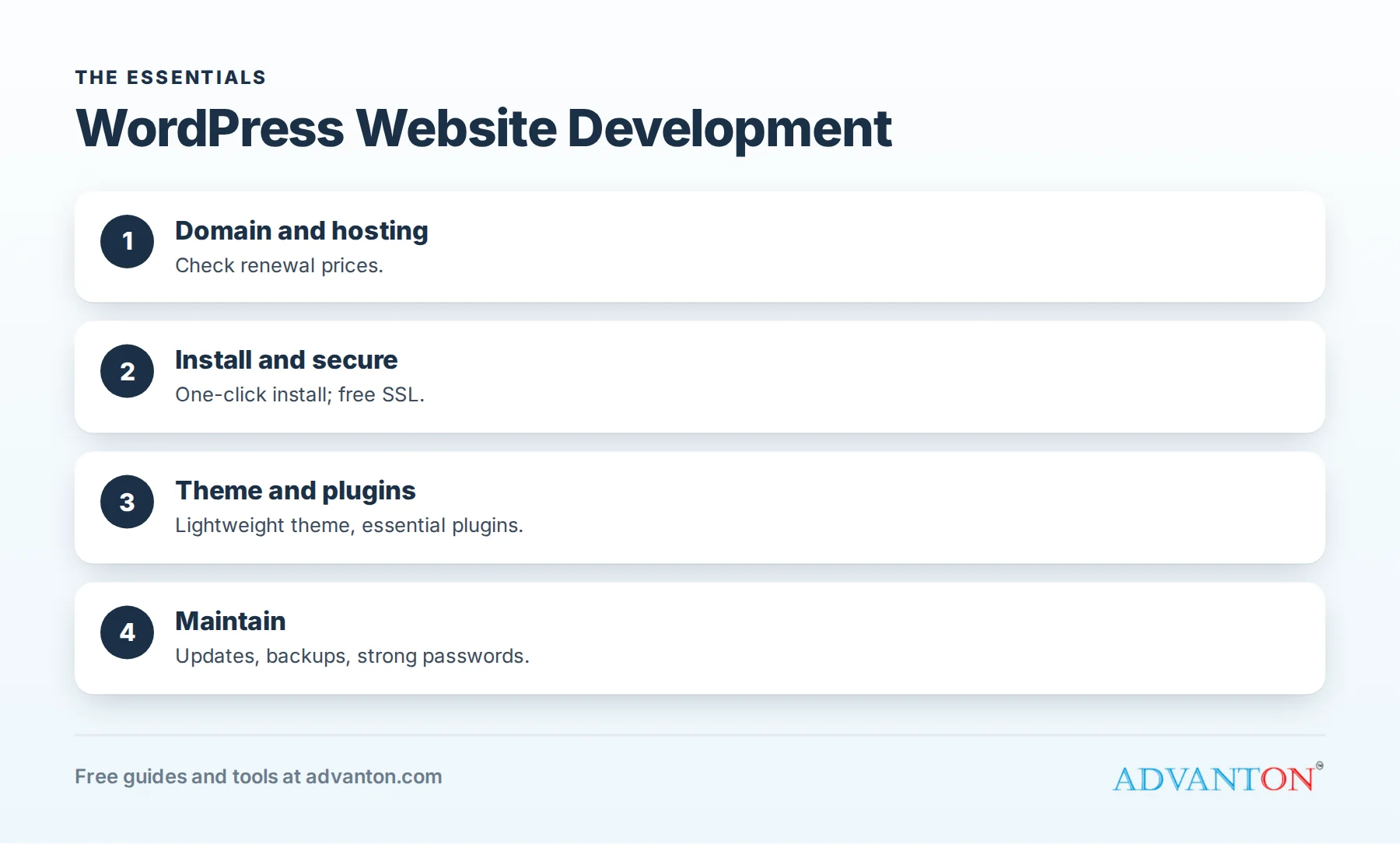
WordPress Website Development

WordPress.org vs WordPress.com

WordPress.org (self-hosted) WordPress.com
What it is Free software you install on your own hosting A hosted service run by one company
Costs Hosting, domain, optional premium themes and plugins Free and paid plans
Control Full: any theme or plugin Depends on plan
Best for Owners who want flexibility and ownership Owners who want hosting handled for them

What a self-hosted WordPress site costs

Cost Notes
Domain Yearly
Hosting Monthly or yearly; check renewal prices
Theme Free themes, or a one-time or yearly premium theme
Plugins Many are free; premium plugins often bill yearly
Business email Often included with hosting, or separate
Maintenance Updates, backups and security: your time or a paid plan

Build your own WordPress site, step by step

  1. Register a domain and choose hosting. Launch your business online walks you through it.
  2. Install WordPress, often one click in your hosting control panel.
  3. Turn on SSL so your site loads securely. See turn on free SSL.
  4. Choose a lightweight theme that looks good on phones.
  5. Install only essential plugins: security, backups, forms and SEO.
  6. Create your core pages: home, services, about, reviews and contact.
  7. Set up business email. See set up business email.
  8. Connect your Google Business Profile and analytics.

When to hire a developer

Hire help when you need a custom design, ecommerce, integrations or migration from another platform, or when your time is better spent running your business. Agree in writing on ownership, admin access and maintenance. See small business website design.

Keep WordPress secure and fast

  • Update WordPress, themes and plugins regularly.
  • Use strong passwords and two-factor login.
  • Back up automatically, and test restoring.
  • Remove unused plugins and themes.
  • Compress images and use caching.

Prefer something simpler?

Our free website builder creates a site in about 10 minutes, with no plugins to manage. Compare options in WordPress alternatives.

Frequently asked questions

Is WordPress free?
The software is free; you pay for hosting, a domain and any premium themes or plugins.

Can I build a WordPress site myself?
Yes. Many owners do, using a simple theme and a few essential plugins.

Is WordPress secure?
It can be, with regular updates, strong passwords, backups and careful plugin choices.

How Advanton helps

Advanton is a free resource that helps small businesses start, get online, find customers and grow. Free tools that help here: the website builder, launch your business online, a step-by-step guide to your domain, hosting and email, the online presence checkup. You can also list your business in the Advanton business directory for free.

There’s no contract and nothing to sign up for to read our guides or use the tools. Advanton earns money when you buy a domain or hosting through our store, which helps keep everything else free.

Keep learning

  • Launch your business online
  • Small business website guide
  • How to build a strong online presence

Last reviewed October 29, 2026. Startup costs are estimates; check local prices, licensing and tax rules before you commit money.

Local SEO Check Free: scan your website and see what to fix to rank in local search →

Start and grow

  • Start a business, A to Z
  • Industry data
  • Services owners use
  • Grow your business

Free tools

  • Website builder
  • Local SEO Check
  • Business Planner
  • Quotes and invoices
  • Rewards program
  • Brand & Print Studio
  • All free tools

Get online

  • Launch your business online
  • Domains and hosting
  • Verify your new domain
  • Upload your website
  • Set up business email
  • For contractors

Advanton

  • About
  • Contact
  • Business directory
  • Add your business
  • Back up your work
  • Privacy policy

Advanton Free guides and tools for US small businesses.

Advanton earns money when you buy a domain or hosting through our store. It helps keep our guides and tools free.

Footer

About ADVANTON

Free guides and tools that help small businesses start, launch online, find customers and grow.

Follow us

  • facebook
  • twitter
  • yelp

Our Associations

Contact Us

Email: info[at]advanton.com

From rest of the world, email us: info[at]advanton.com

Copyright © 2026 — ADVANTON • All rights reserved. • Privacy Policy

  • Start
  • Grow
  • Free Tools
  • Contractors
  • Local SEO Check
  • Directory
  • Get Online